The Checkout & Payment process in GolfGuiders is designed to be secure, smooth, and flexible so you can complete your purchases with confidence. This section will guide you through each step, ensuring you know what to expect and how to proceed effectively.
Make a Purchase
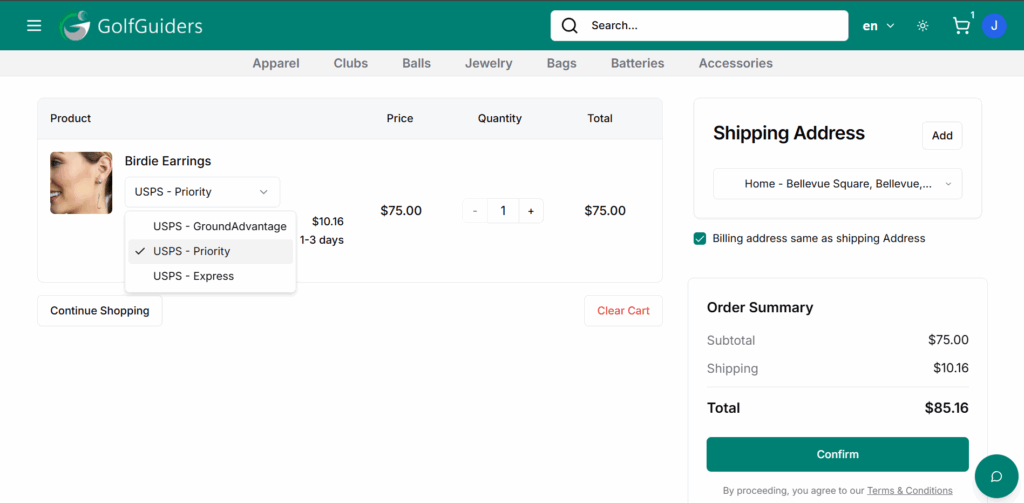
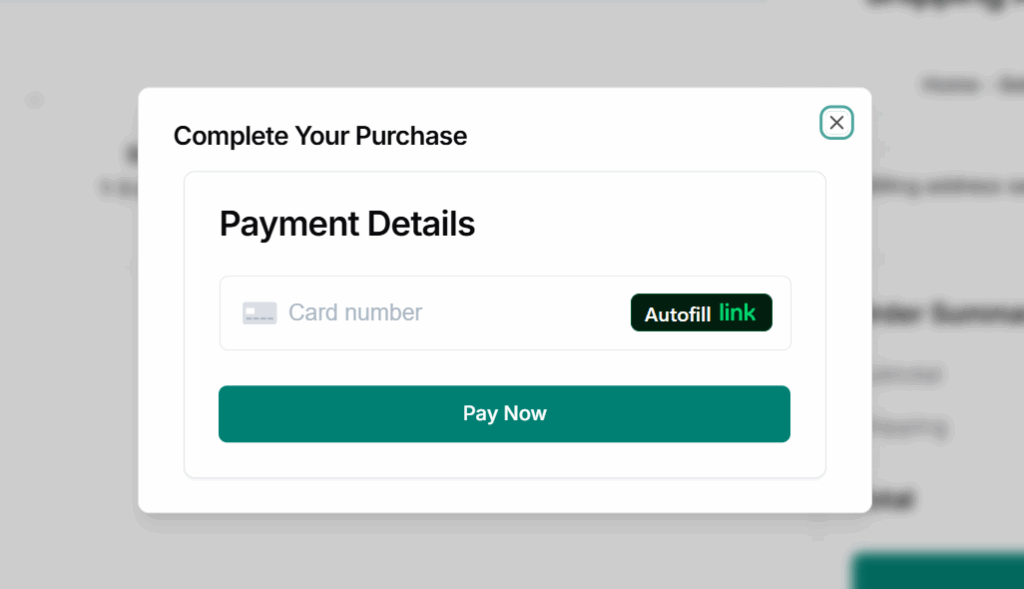
Click on “Confirm” button to open Complete your purchase Dialog modal and fill in your payment details
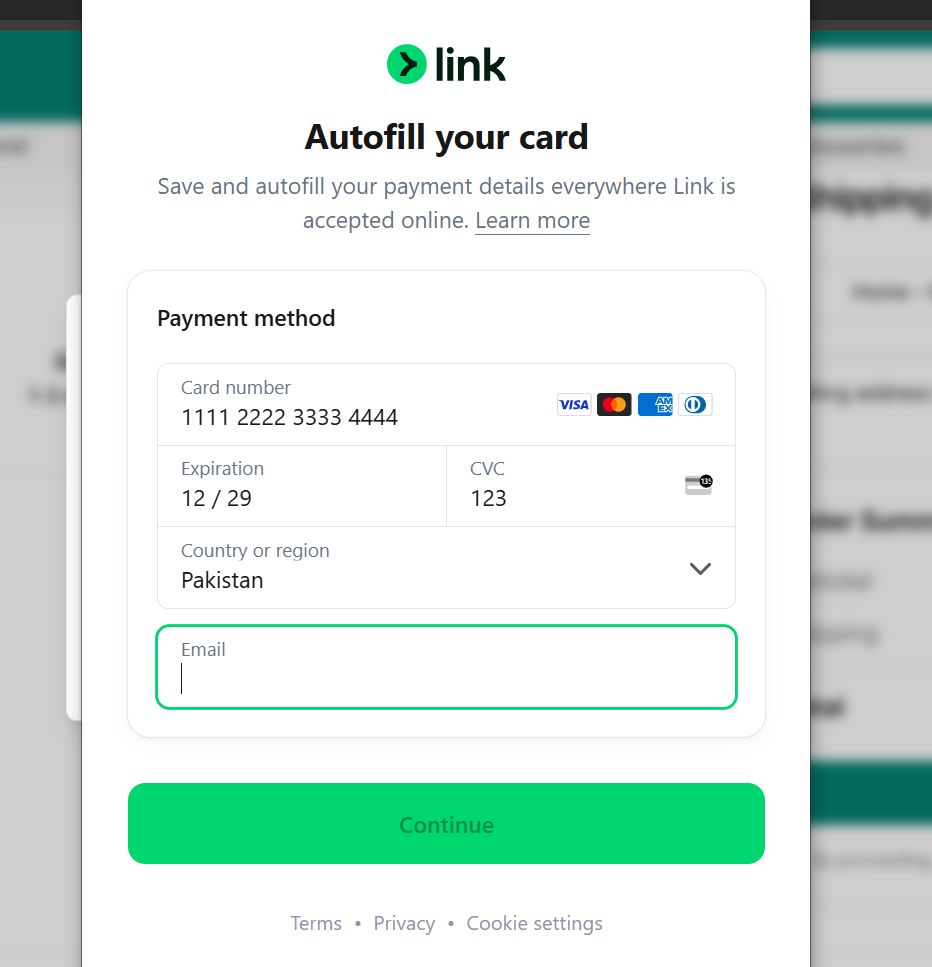
Autofill link will open a form so that you can link to your email address to use it for future purchases
Fill in information
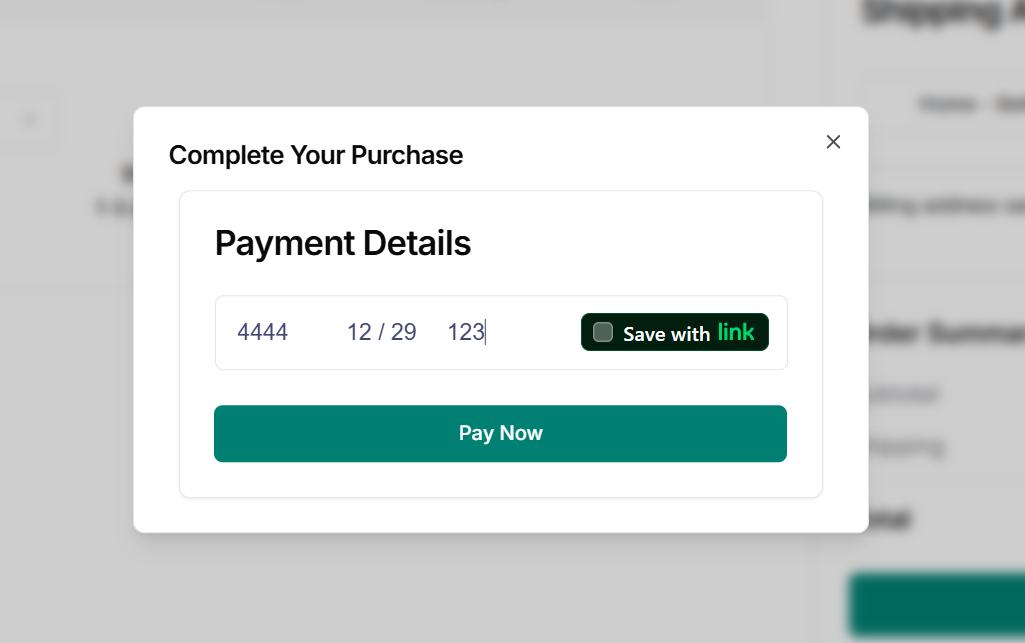
Details and Save
fill in your details and click “Pay Now” to complete the payment process
you can also check Save with link – to save your current card details for future purchases just by clicking “Autofill link” button in the feild