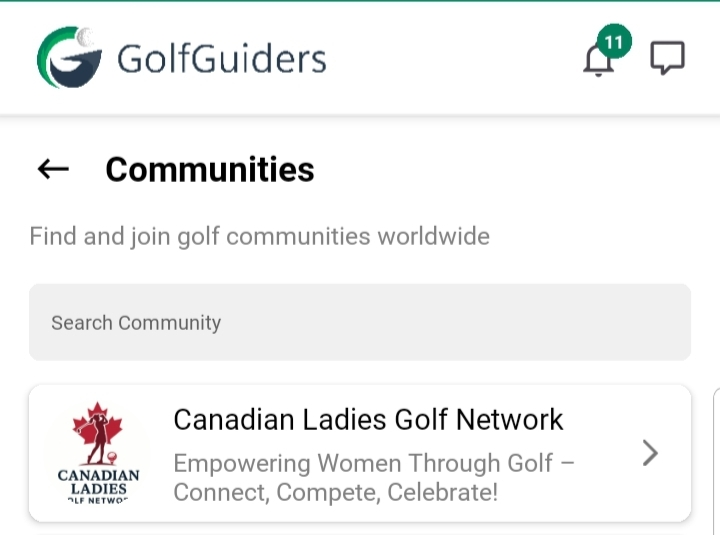
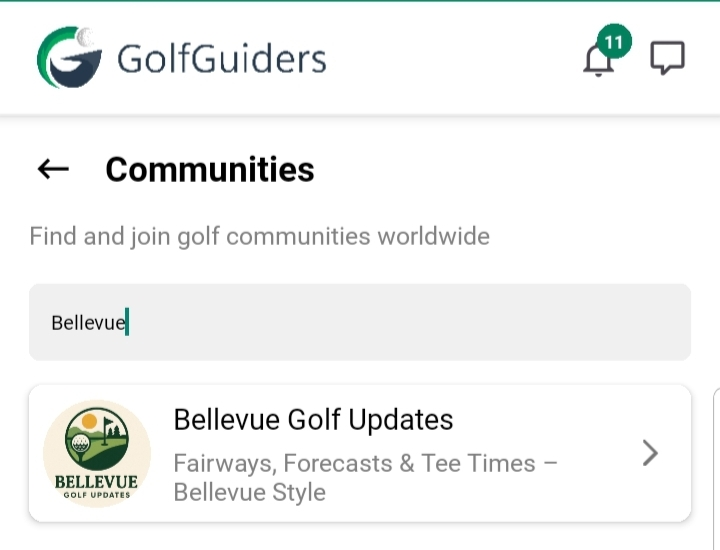
The Communities screen is your gateway to discovering and exploring a wide range of user-driven communities. It offers an intuitive interface with key features designed to help users connect, engage, and dive deeper into shared interests
Access
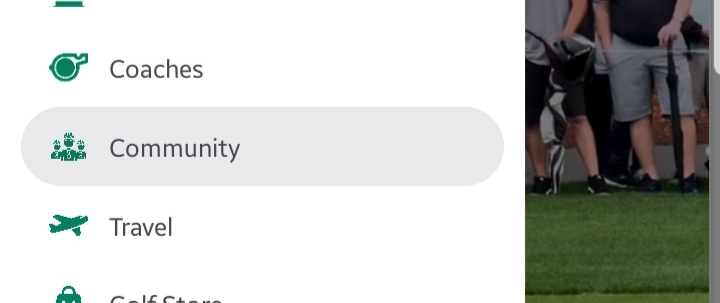
You can view communities by tapping
Menu from bottom navigation > Community from sidebar navigation
- Search Bar: Positioned at the top, the search bar enables users to search for communities based on keywords or interests.
- Community Cards: A scrollable list of community cards is displayed below the search bar. Each card presents brief information about a community.
- Navigation: Tapping on a community card navigates the user to the Community Detail screen, where more in-depth information about the selected community is available.