
Once your account has been successfully created, you can log in to GolfGuiders at any time using your registered email and password, or by signing in through Google. Your login credentials determine your access to features such as social tools, coaching modules, or store management — depending on the role selected during registration.
How to Log In
To log in to your account:
- Launch the GolfGuiders app on your mobile device.
- On the welcome screen, tap the “Sign In” button.
- You will be presented with two login options:
- Sign in with your email and password
- Sign in using your Google account
Sign In with Email
To log in using email:
Enter your registered email address
Enter your password
Tap the “Sign In” button
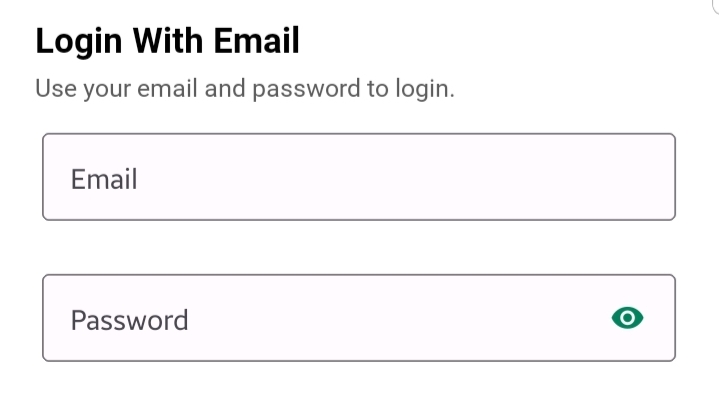
If your credentials are correct, you will be redirected to your personalized dashboard.
🔒 Ensure that the email address and password match those used during account registration. If you have forgotten your password, use the Forgot Password link to reset it.
Sign In with Google
To log in using Google:
- Tap “Continue with Google”
- Select your preferred Google account
- Grant necessary permissions
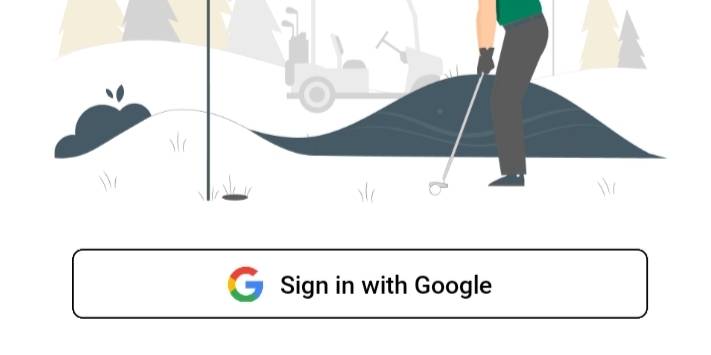
You will be signed in and redirected to home screen automatically. If this is your first time logging in with Google, a new account will be created using your Google details and your selected account type.
⚠️ You can only use Google login if the same method was used during your initial registration. Otherwise, you must log in with your email and password.
If you have not yet completed your profile setup, the app will prompt you to do so. Completing your profile helps personalize your experience.
📌 If you’ve signed up with Google and skipped profile setup, you’ll still be required to complete it before proceeding.
Additional Notes
- You can remain logged in for future sessions unless you explicitly log out
- Your credentials are securely stored and encrypted
- Switching accounts will require logging out and signing in with different credentials