
In GolfGuiders, the Posts feature is your voice — it’s how you share your game, your wins, your thoughts, and even your mood with the golf community. Whether you’re celebrating a hole-in-one, sharing a golf meme, or just dropping in with a quick update — the post is your space to connect and express.
Create
To start a post:
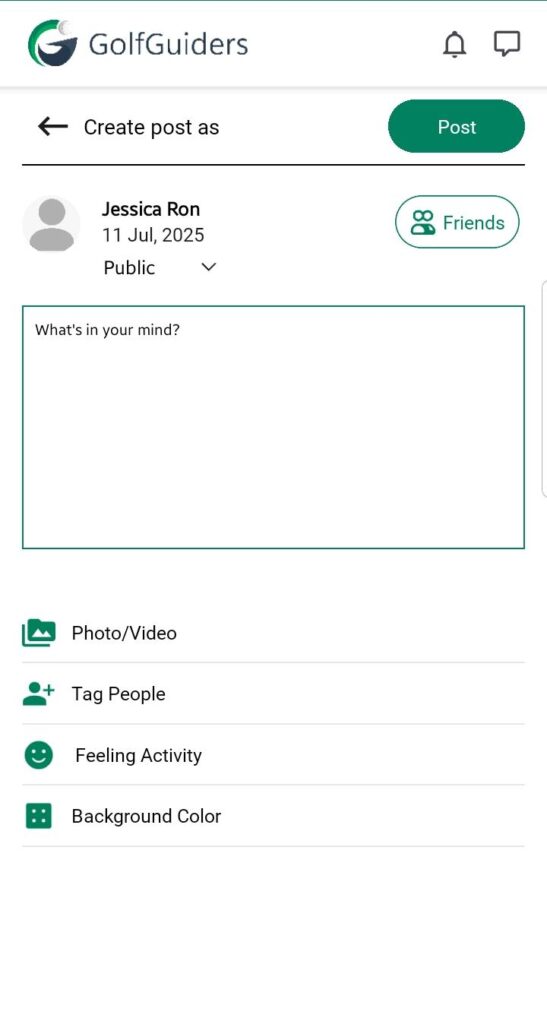
- On the Home Screen, tap “What’s on your mind?”
- The post composer opens — a smart, interactive canvas where you build your story
What You Can Add
| Option | Purpose |
|---|---|
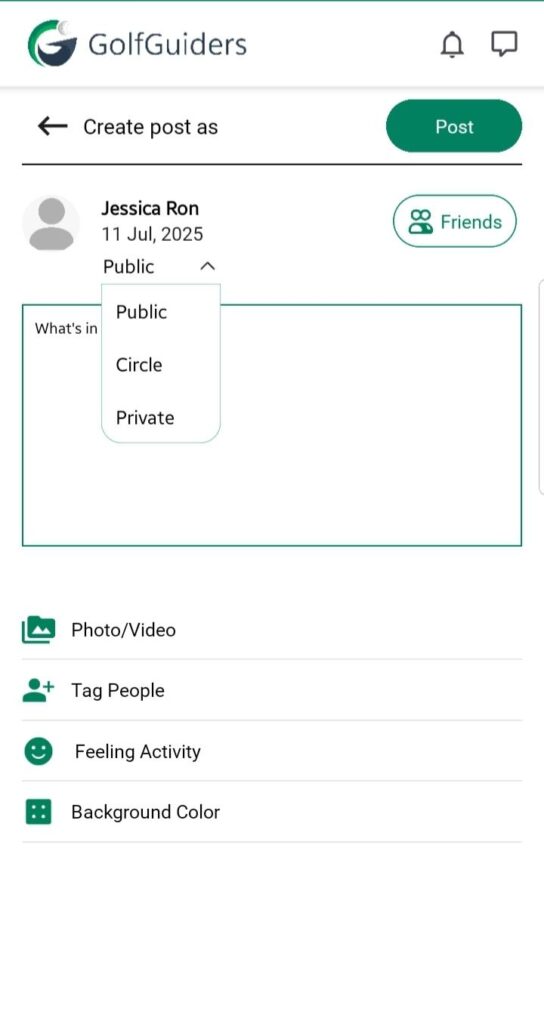
| Post Visibility | Decide who can see your post: 🌐 Public – For everyone 👥 Circle – Only friends 🔒 Private – Only you (and tagged users) |
| Text Content | Share updates, opinions, golf experiences, tips, or shoutouts |
| Photos/Videos | Upload moments from your recent match or golf trip (single or multiple files) |
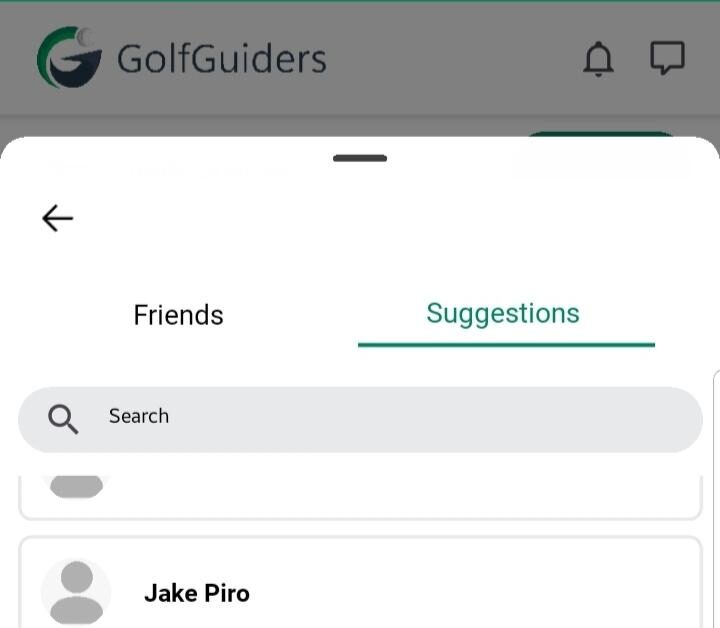
| Tag Friends | Mention buddies — they’ll be notified and included in the post |
| Mood/Activity | Share how you’re feeling or what you’re doing, golf style |
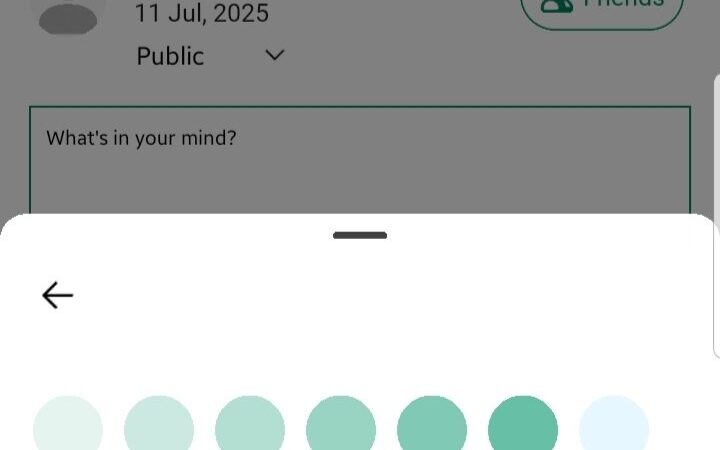
| Background Color | Use vibrant backgrounds to highlight quotes, questions, or short bursts of thought |
| Music | Add audio to set the vibe — especially for visuals or mood-based posts |
Publish
Once done, hit Post and:
- It shows up in your profile & your audience’s feed
- Friends can like, comment, and reply
- You can always edit or delete your post later
Managing Your Post
After publishing, you retain full control over your content:
- Edit – Tap the three-dot menu on your post to update text, media, visibility, or tags anytime.
- Delete – Remove a post permanently if it’s no longer relevant.
🔒 Only the post creator can edit or delete their post.
Interact
Your post is more than just content — it’s a conversation. Users can:
- ❤️ Like it
- 💬 Comment or reply
- 👀 See who liked or commented
- 📥 Save for later
- 📤 Share privately or publicly
- 🚫 Block/Report if something violates community guidelines
you can view your saved post from the sidebar menu labelled “Saved“
Pro Tips
- Short on time? Use background + text for a quick visual post
- Posting a highlight? Add video + tags + location for max reach
- Want privacy? Use the private setting and tag specific people