
The Suggested Friends feature is an intelligent networking utility designed to help users build meaningful connections on GolfGuiders. Based on various data points such as profile type, user activity, location, and mutual associations, the system presents a personalized list of potential friends, helping users discover and connect with individuals who share a common interest in golf.
Whether you’re a Golfer looking to expand your circle or a Coach wanting to connect with potential trainees or colleagues, this feature makes the process intuitive and effective.
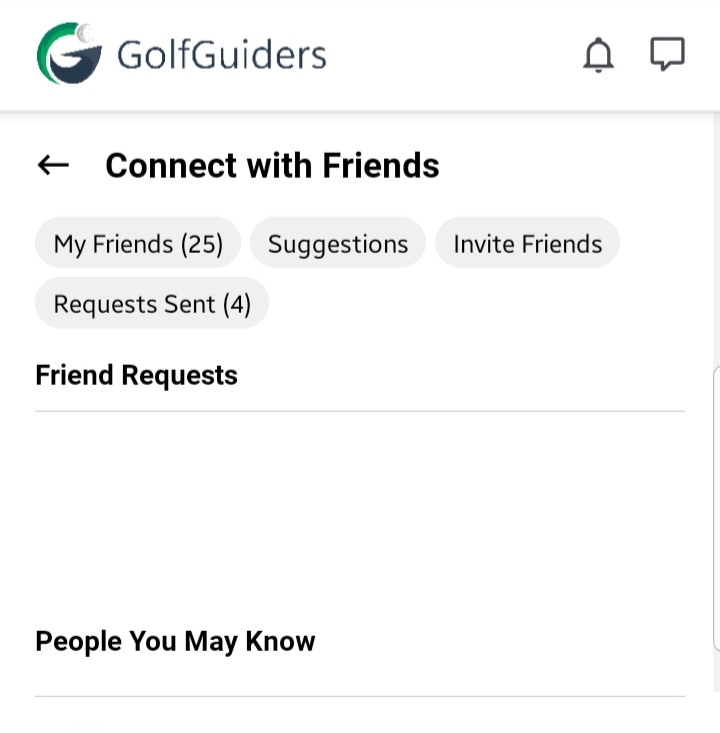
Accessing Suggested Friends
To view your friend suggestions:
Tap the Connect icon located on the bottom navigation ribbon.
Tap on Suggestions or scroll down to people you may know, which showcases users recommended by the GolfGuiders algorithm.
Understanding Friend Suggestions
The suggestion algorithm considers a range of factors to ensure high relevance, such as:
- Your selected account type (Coach or Golfer)
- Geographic proximity (users from similar cities or regions)
- Mutual friends or shared connections
- Golf activity patterns (posts, interactions, common interests)
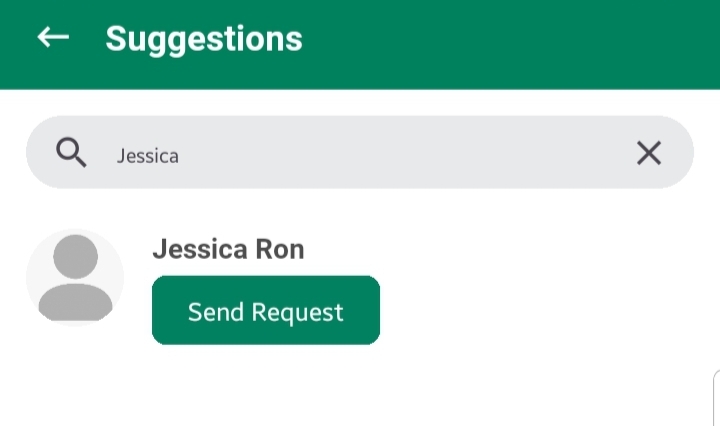
Each user is displayed as a Profile Card, which includes:
- Profile Picture
- Name
- Add Friend button
This clean, card-based layout makes it easy to browse and connect without navigating away from the screen.
Sending a Friend Request
To initiate a connection:
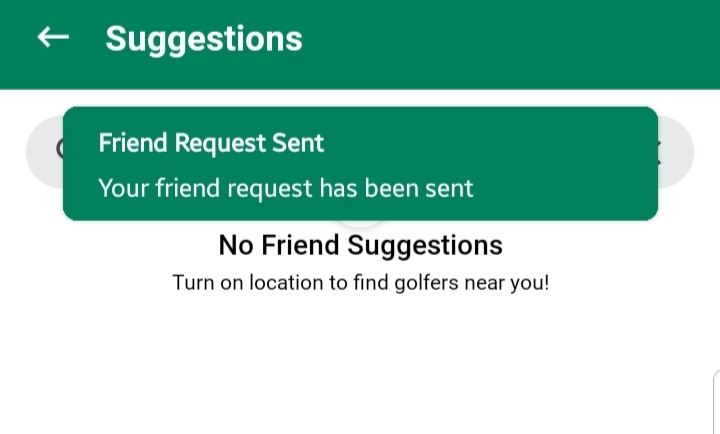
- Tap the Add Friend button located on the user’s profile card.
- Once the request is sent, the user will be disappear from the suggested list.
- You can cancel the request later via the “Friend Requests Sent” section if needed.
📝 Only visible and permitted users are shown in suggestions. Users who sent you request or already in your sent request list will not appear in this list.
Why It Matters
Suggested Friends is a foundational part of the My Circle feature and plays a critical role in shaping your social experience within the app. Establishing connections improves your visibility, allows you to:
- See more personalized content in your feed
- Send and receive private messages
- Join or invite friends to Golf Buddy posts
- Share media and tag friends in your posts
- Strengthen your local golf network
Best Practices
- Review suggestions frequently to stay active in the community.
- Focus on connecting with users who share your goals — such as improving your game, finding new golf courses, or building your brand (as a Coach).
- Remember, friend suggestions are only as relevant as your profile. Keep your profile updated for better matches.