
GolfGuiders offers a dedicated GPS & Course Navigation feature that enhances your on-course experience by helping you explore nearby golf courses, track your rounds, and navigate each hole with precision. Whether you’re planning a new round, resuming a game, or exploring course details, this feature brings powerful tools to your fingertips.
How to Access
You can access the GPS & Course Navigation screen through:
- Bottom Navigation Bar: Tap the Play icon to open the GPS interface.
- Sidebar Menu: Open the sidebar (☰ icon) and select GPS Navigation.
Screen Overview
Once inside, you’ll find:
- Search Bar: Search for nearby golf courses by name or location.
- Filter Badges:
- Near Me: View all golf courses near your current location.
- My Rounds: Access all your previously played or in-progress rounds.
Near Me
The Near Me tab displays a list of nearby golf courses, each shown as a card with:
Course Name
Course Address
Distance from your location (in miles)
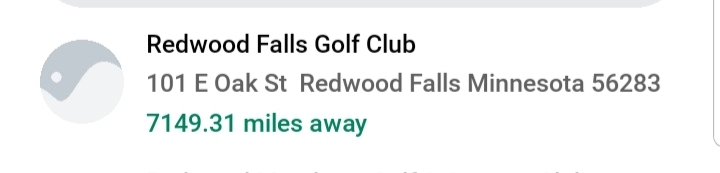
Tap any course card to view options:
1. Start a Round
2. Explore on GPS
3. Open in Google Maps

My Rounds
The My Rounds tab lists all your past and ongoing rounds with details such as:


- Tap “View Score Card” to open the bottom sheet with scores according to game play

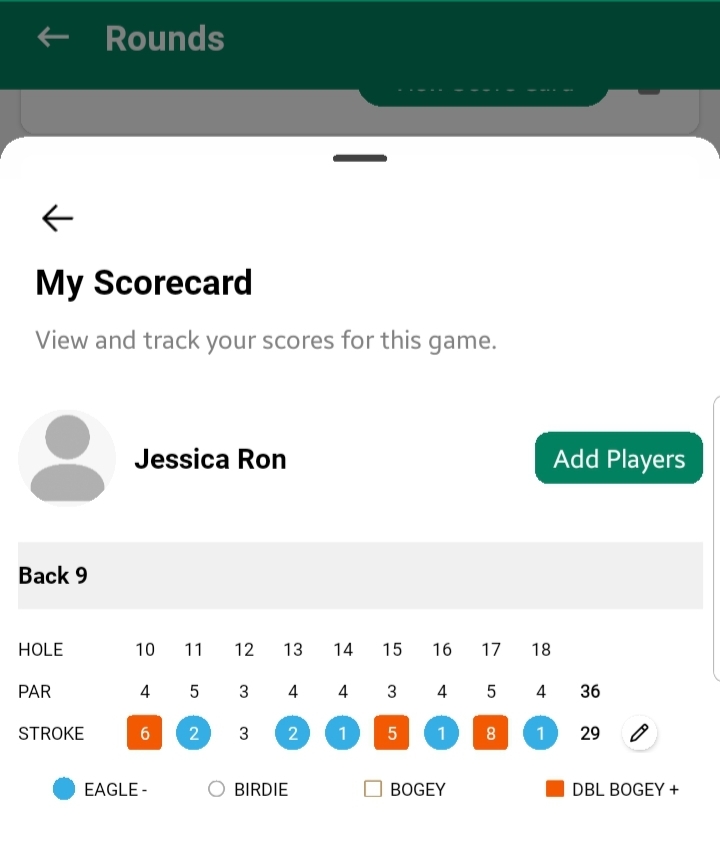
you can also edit or add scores by tapping “pencil” icon