
The Chat History feature in Guiders AI lets you easily revisit and continue your previous conversations with the AI, ensuring continuity in your learning and queries.
How to Access Chat History
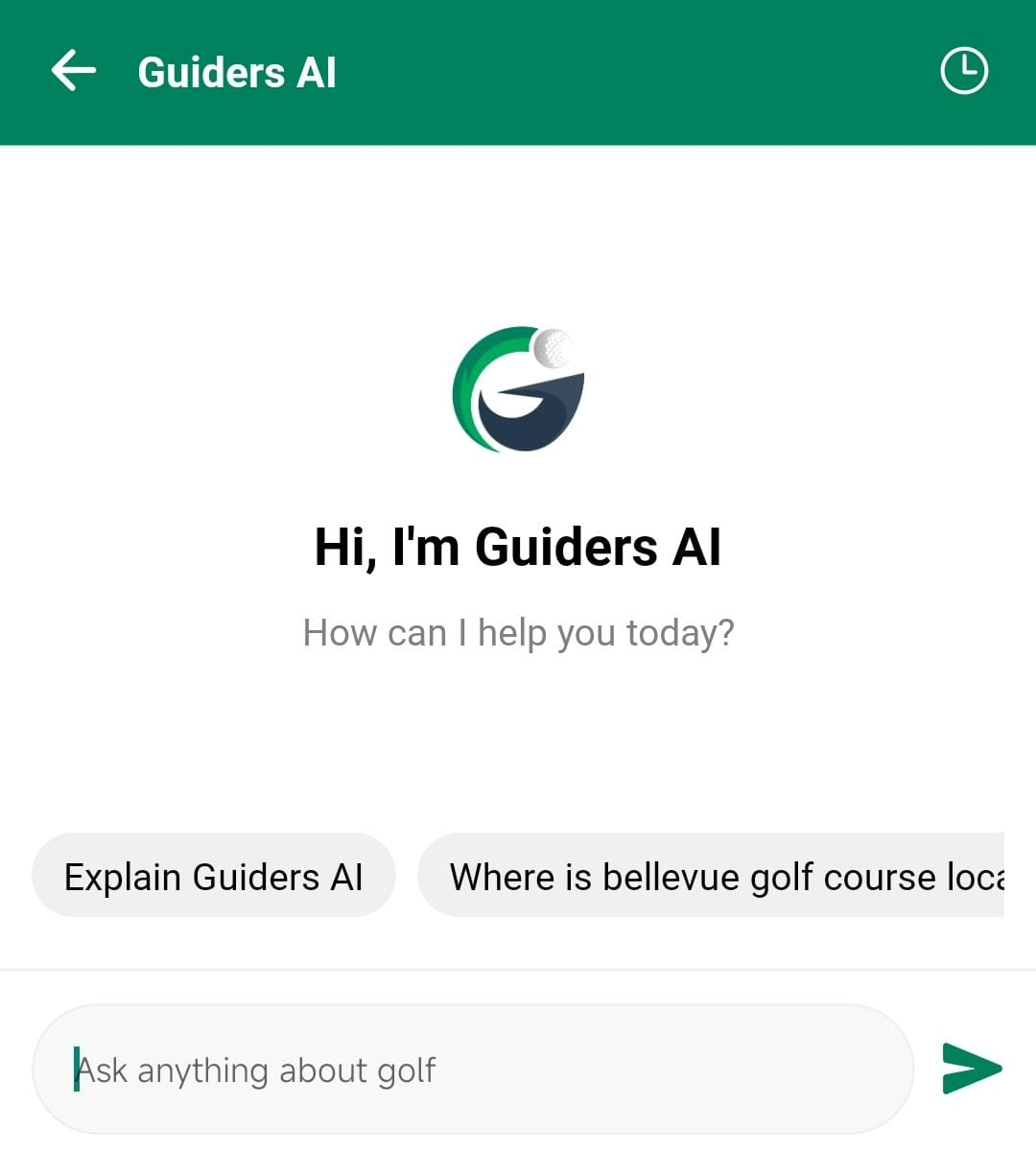
- While on the Guiders AI Chatbot screen, tap the Clock icon located at the top-left corner.
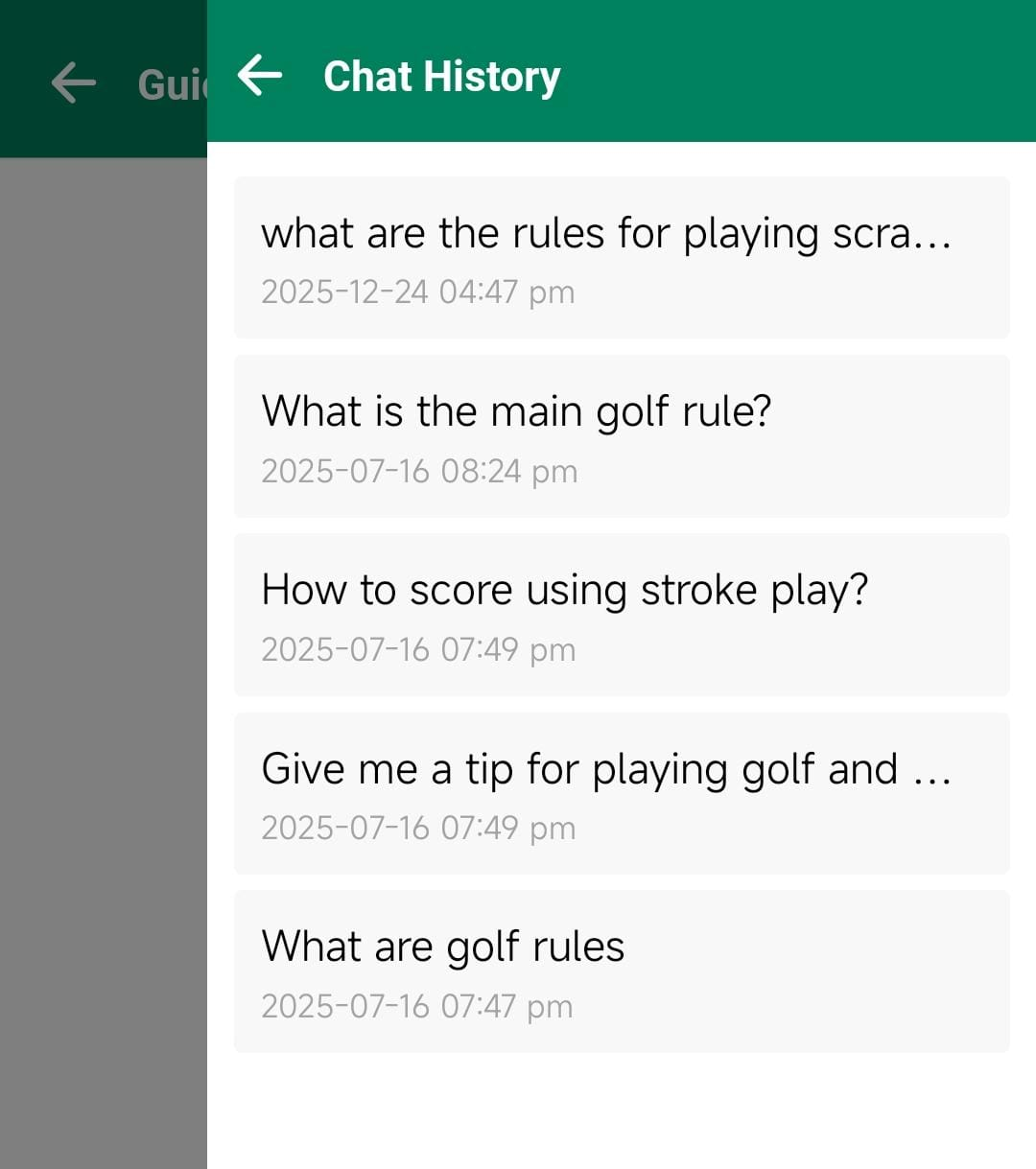
- A slider panel will open, displaying a list of your past chat sessions as cards.
- Tap any chat card to reopen and continue that specific conversation seamlessly.
Key Benefits
- Quickly revisit past discussions and tips.
- Continue from where you left off without losing context.
- Manage and track your golfing knowledge over time.
This feature ensures that your golfing insights and AI interactions are always accessible whenever you need them.