
The Coach Profile provides golfers with comprehensive insights into a coach’s professional background, expertise, and offerings. This detailed view ensures that golfers can make informed decisions when selecting a coach for training sessions.
Accessing a Coach Profile
- From the Coaches listing, tap on any coach’s profile card to open their detailed profile view.
Profile Overview
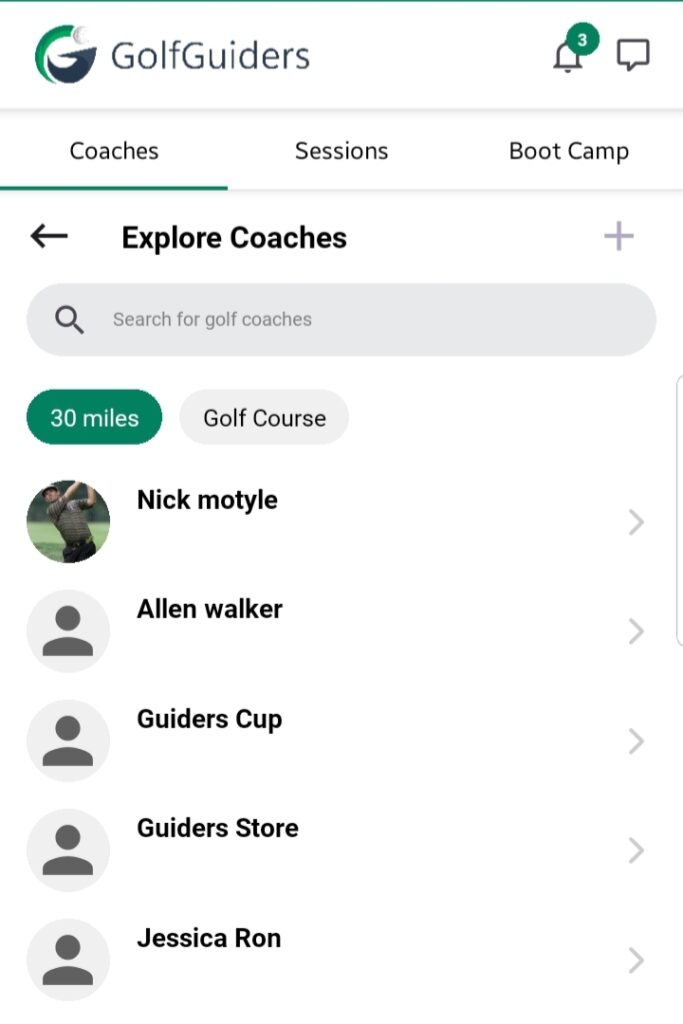
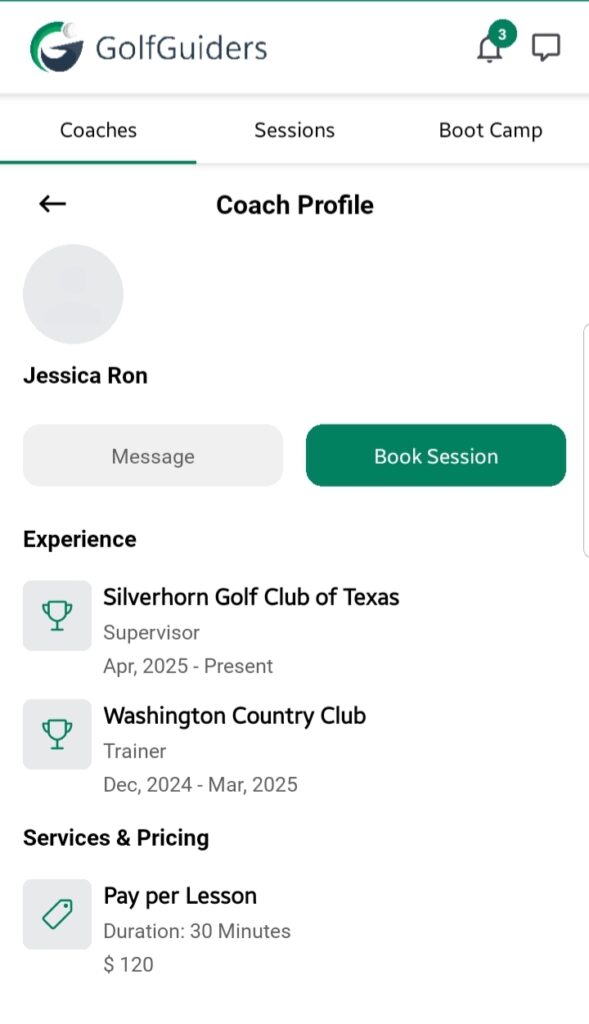
Each coach’s profile is structured to deliver clear and essential information through the following sections:
1. Overview
- A brief introduction covering the coach’s background, coaching philosophy, and areas of specialization.
- Highlights any certifications, recognitions, or unique training methodologies.
2. Experience
- Detailed history of the coach’s professional journey in golf coaching.
- Includes specific achievements, tenure, and notable golf courses they’ve trained at.
- Lists any professional players or significant trainees they’ve coached.
3. Services & Pricing
- A clear breakdown of the services offered such as:
- One-on-One Training
- Group Sessions
- Pricing models are explicitly mentioned:
- Pay Per Hour
- Pay Per Lesson
Available Actions
Two prominent actions are available at the bottom of the coach’s profile:
– Message
- Allows golfers to initiate a direct conversation with the coach.
- Useful for clarifying services, availability, or personalized queries.
– Book Session
- Redirects to the booking interface where the golfer can formally request a training session with the selected coach.
- Requires selection of training details such as course, rate type, training type, and preferred dates.
Notes
- A well-maintained coach profile aids in building credibility and attracting more golfers.
- Golfers are encouraged to review the full profile details before booking to ensure alignment with their training needs.
- The messaging feature can be used to discuss custom training requirements or specific questions prior to booking.