
The Personal Information section is the first and most fundamental step of the Profile Setup. It helps define your identity within the GolfGuiders platform and is visible to other users across profiles, posts, and social interactions.
Completing this section builds trust, enhances visibility, and ensures a more personalized experience across the app.
Access
- Navigate
- to Settings > Profile > Edit Profile.
- to your Public Profile > Edit Profile
- Step 1: Personal Information.
Feilds Required
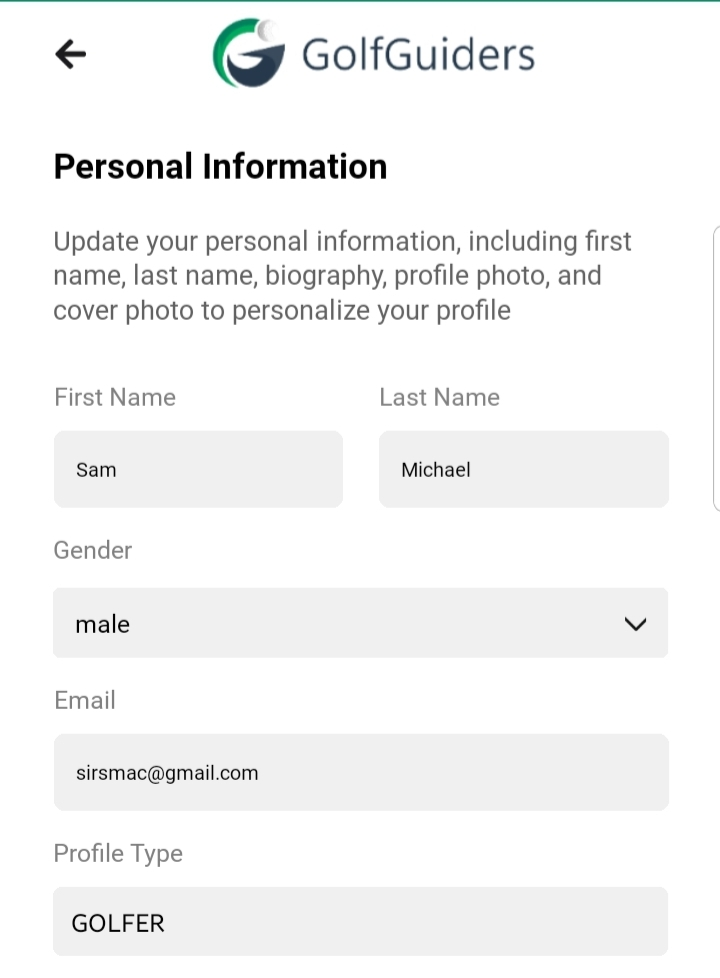
- First Name & Last Name
These are displayed publicly on your profile and in all social and community features. - Gender
Select your gender to help tailor content and interactions. - Email
Your registered email address, displayed for reference. - Bio
A well-written bio helps others understand more about you at a glance.
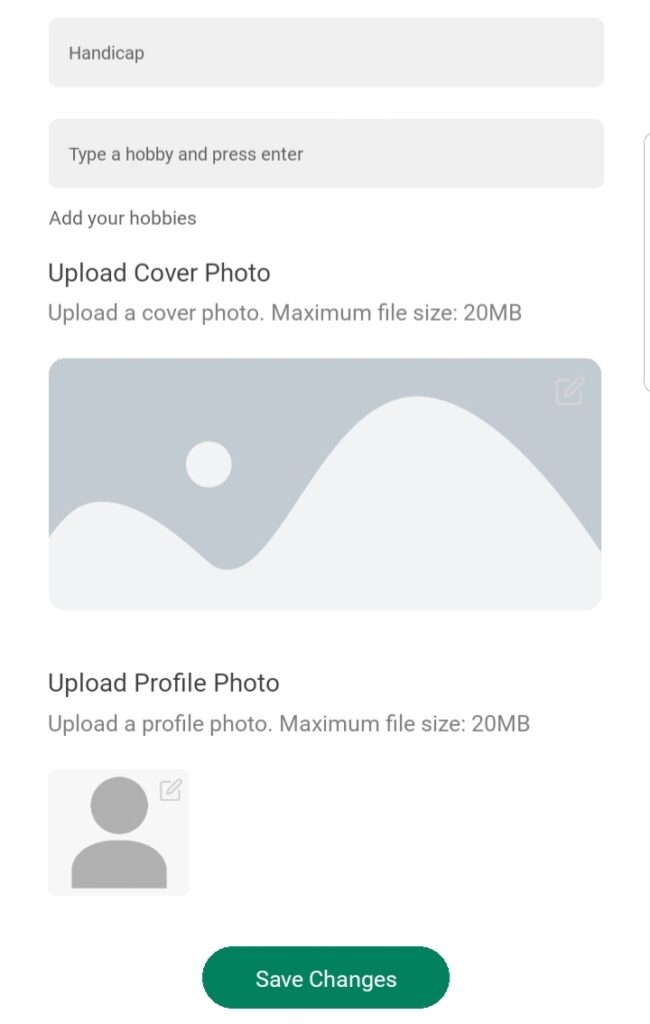
- Handicap
Specify your average performance score if you’re a golfer. - Hobbies
Add personal interests by typing each and pressing enter. - Profile Photo
This is the main image visible on your profile and throughout GolfGuiders. - Cover Photo
It appears at the top of your profile page, giving it a personalized look.
Notes
- A completed Personal Information section enhances credibility and engagement within the community.
- Incomplete fields may restrict access to certain features or visibility in social spaces.
✅ Tip: Uploading a recognizable profile picture and writing a compelling bio significantly improves your profile’s impact and trustworthiness.