
The Report a Problem feature in GolfGuiders allows users to directly report technical issues, bugs, or app malfunctions to the support team. This helps us quickly identify and resolve any disruptions in your experience.
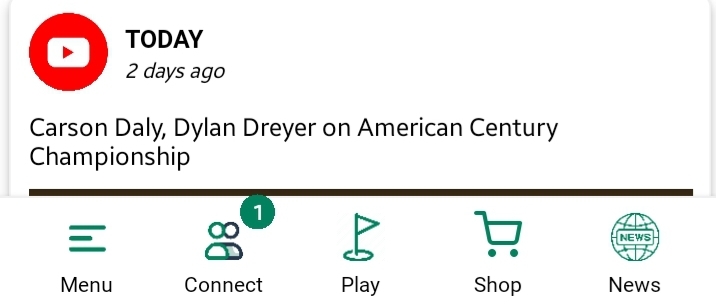

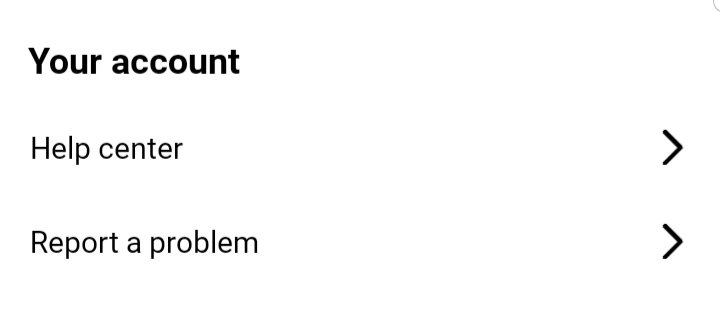
Access
- Navigate to:
Settings > Your Account > Report a Problem
When to Use
Use this option when you encounter:
- App crashes or unresponsiveness.
- Errors during gameplay, booking, or profile updates.
- Incorrect data display or calculation issues.
- Any malfunction affecting core features.
Fields Required
You have to provide all the necessary information in order to address an issue to the GolfGuiders support team
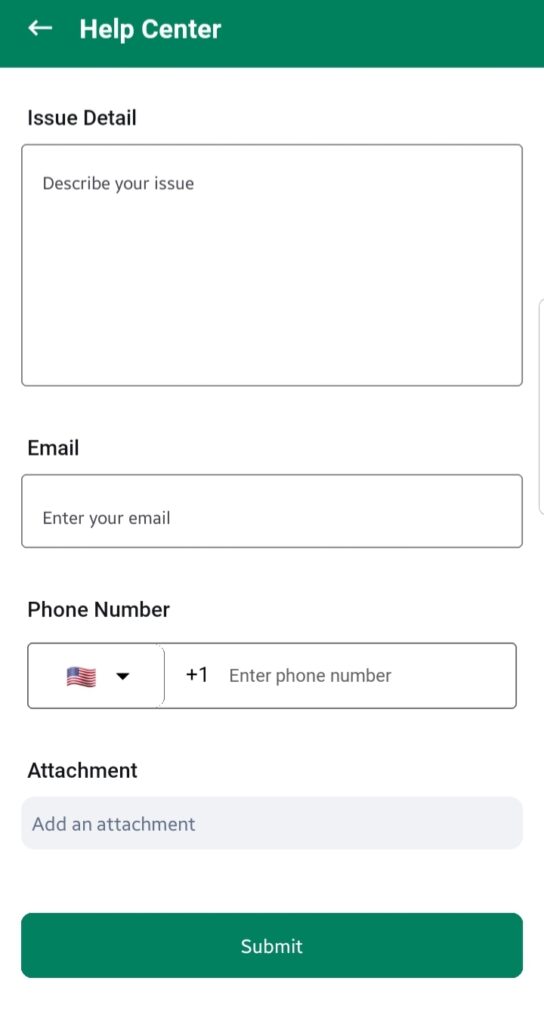
- Issue Details
Describe your question or concern in detail. The clearer your explanation, the faster our team can help you.
Example: “I need guidance on how to set up my coaching availability in the booking calendar.” - Email
Enter your active email address where our team can contact you. - Phone Number
Provide your contact number for follow-ups. This remains private and will not be shared with any third party. - Attachment
Upload any relevant screenshots, documents, or videos that help explain your issue better.
Best Practices
- Be as specific as possible in your description.
- Include any patterns or triggers you’ve noticed with the issue.
- Attach evidence to help the technical team understand the problem better.
- Keep your contact details accurate.
By reporting problems promptly and accurately, you help us improve GolfGuiders for yourself and the entire community.