
The Tickets tab in the Pro Leaderboard allows users to browse and purchase tickets for ongoing and upcoming professional golf tournaments directly from trusted third-party platforms.
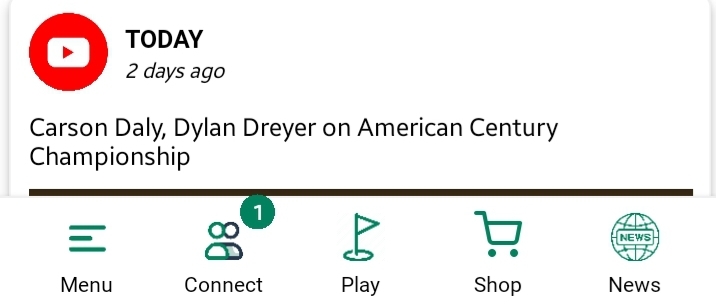
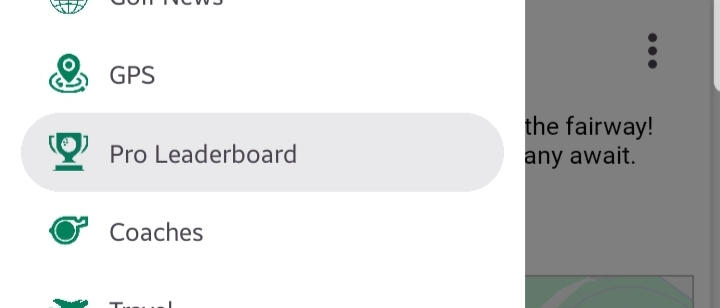
How to Access:
Navigate toSide Menu > Pro Leaderboard > Ticketstab.
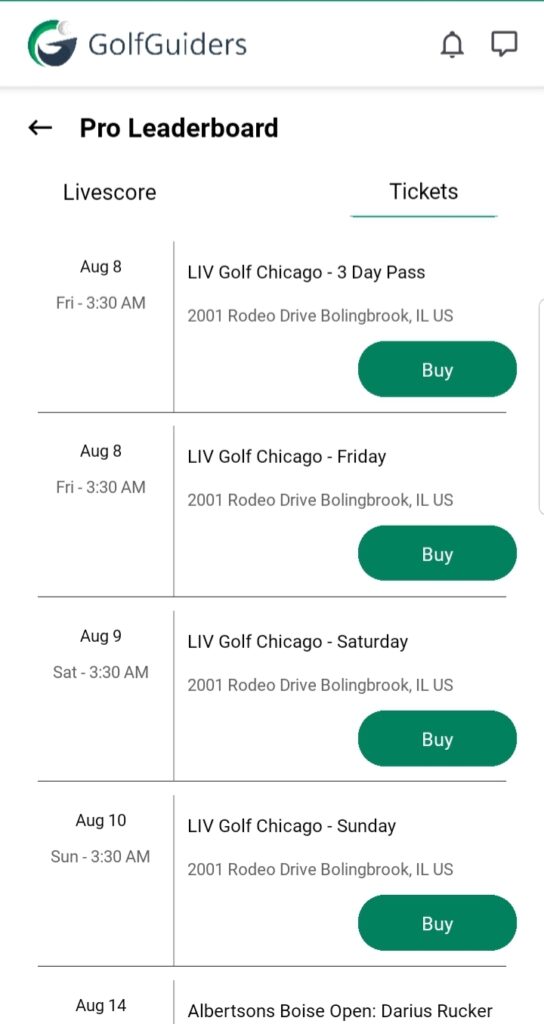
What You’ll See
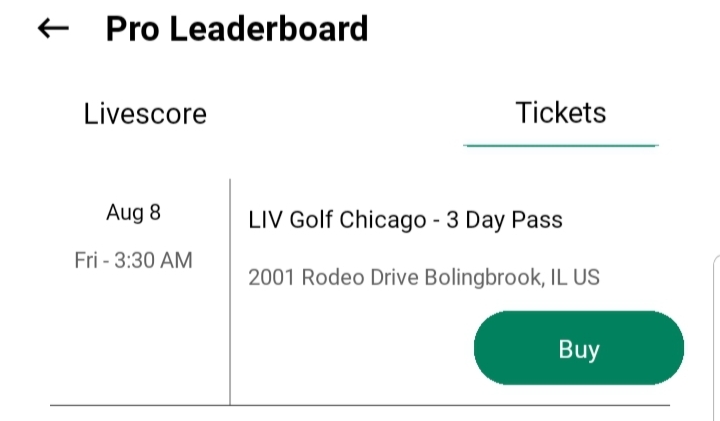
A list of current and future tournaments displayed as cards, each showing:
Tournament Name
Date & Time
Venue/Address
Buy Button
Buying Tickets
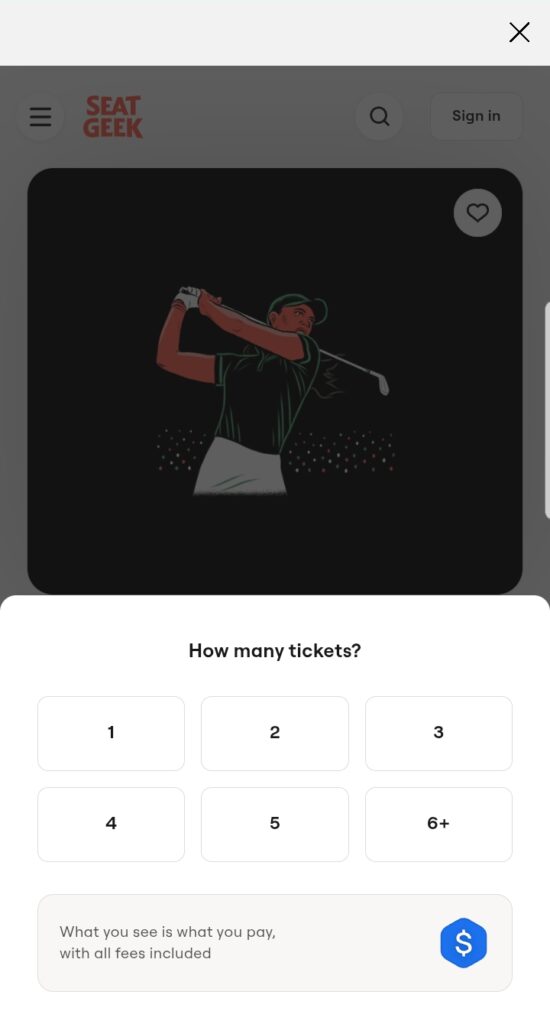
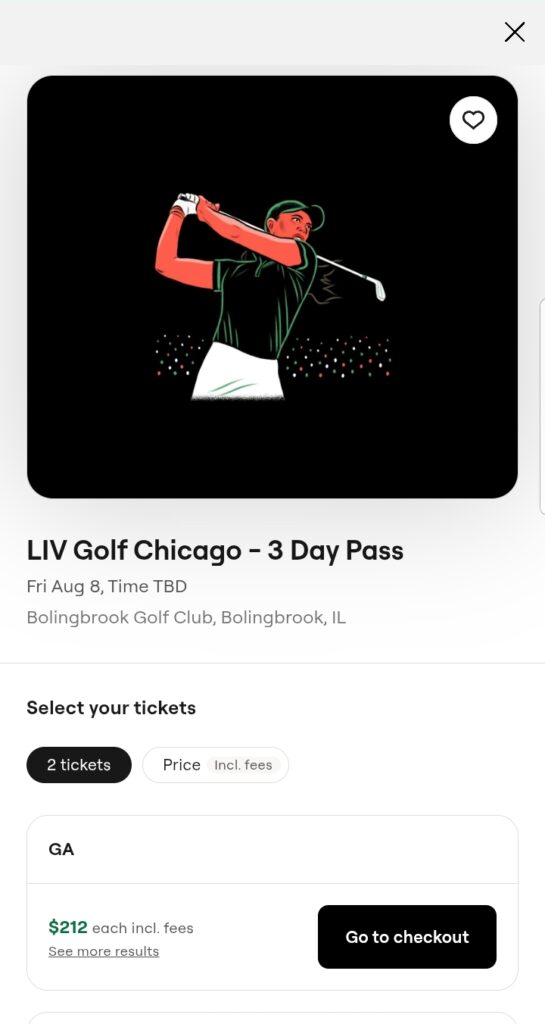
- Tapping the Buy button redirects you to SeatGeek, a secure third-party platform, where you can purchase official tickets for the selected tournament.
Important Notes
- GolfGuiders only facilitates access to tickets via SeatGeek and is not responsible for ticketing issues, cancellations, or pricing disputes.
- Always verify tournament details and seating options on the SeatGeek platform before purchase.
Tip: Purchase your tickets early to avoid last-minute unavailability for popular tournaments.