
The Shopping feature in GolfGuiders provides users with a seamless and engaging online shopping experience directly within the app. Whether you’re looking to upgrade your golf gear, apparel, or accessories, the in-app store connects you with products from trusted sellers and brands, tailored specifically for golf enthusiasts.
You can access the Shop from:
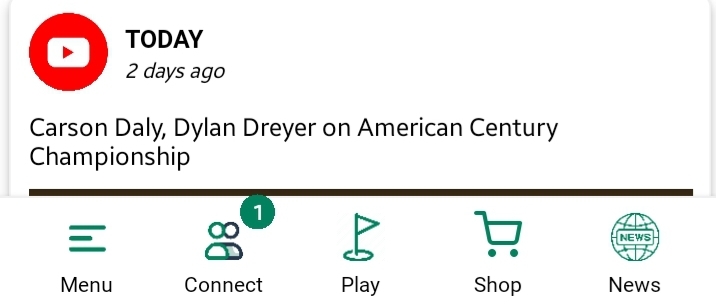
Bottom Navigation Bar: Tap the Shop icon.
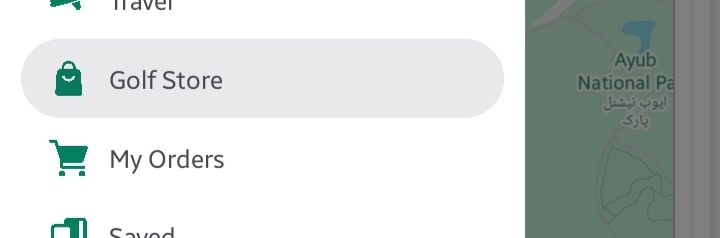
Sidebar Menu: Select Shop from the list.
The GolfGuiders Shop is designed to offer:
- Curated Golf Products: Discover a wide variety of golf equipment, accessories, and apparel.
- Exclusive Discounts: Access time-limited deals and promotions.
- Easy Navigation: Filter products by categories, popular items, or discounts for a smoother browsing experience.
- Detailed Product Information: Explore comprehensive product details before making a purchase.
- Integrated Checkout: A secure and user-friendly checkout process, with flexible shipping and billing options.
Additionally, after completing a purchase, you can conveniently track your orders and manage refunds directly through the app, ensuring transparency and control over your shopping journey.
In the following topics, we’ll guide you through the complete shopping process — from exploring products to placing orders, tracking deliveries, and managing refunds.