Welcome to GolfGuiders Seller Central, the dedicated hub for managing your online golf store with ease and control. Whether you’re updating products, tracking sales, or designing your storefront — it all begins here.
Access Your Store
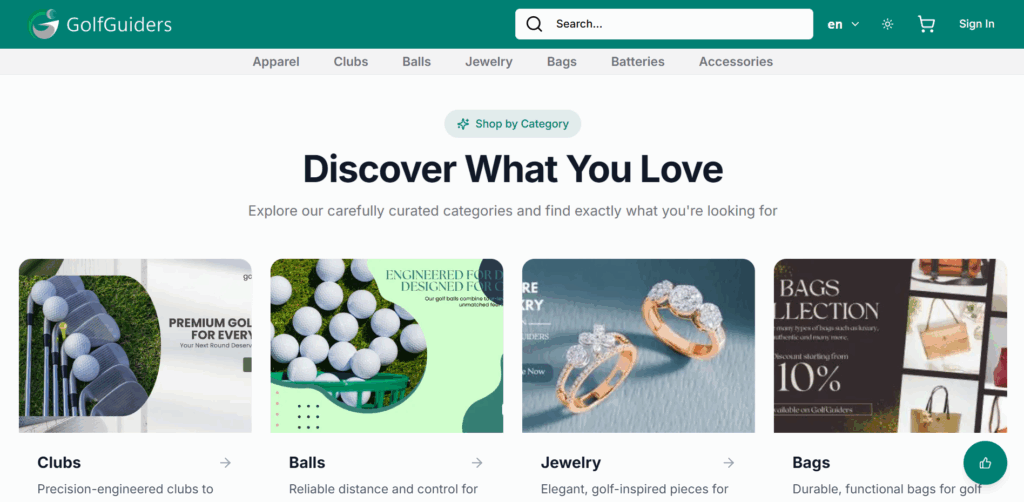
To get started, visit here This link takes you directly to your store’s public page — where both sellers and buyers land.
Signing In
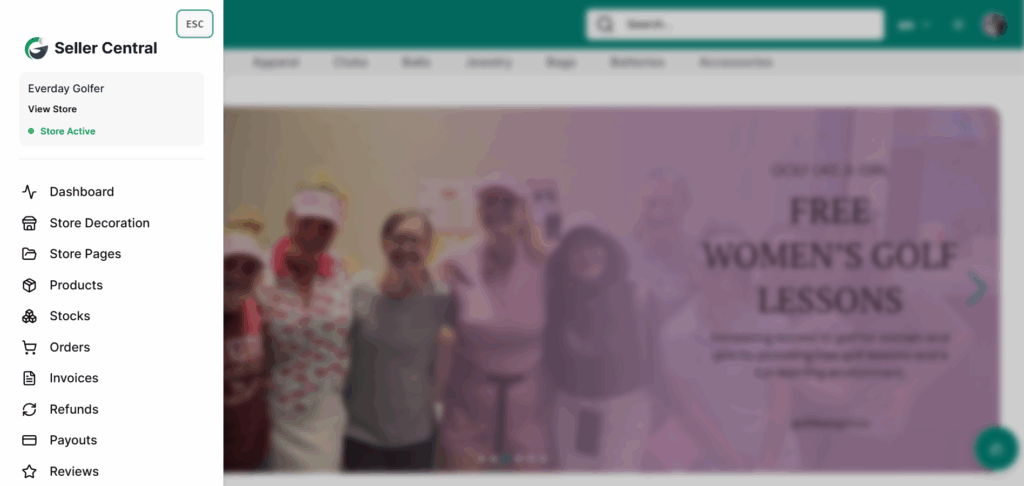
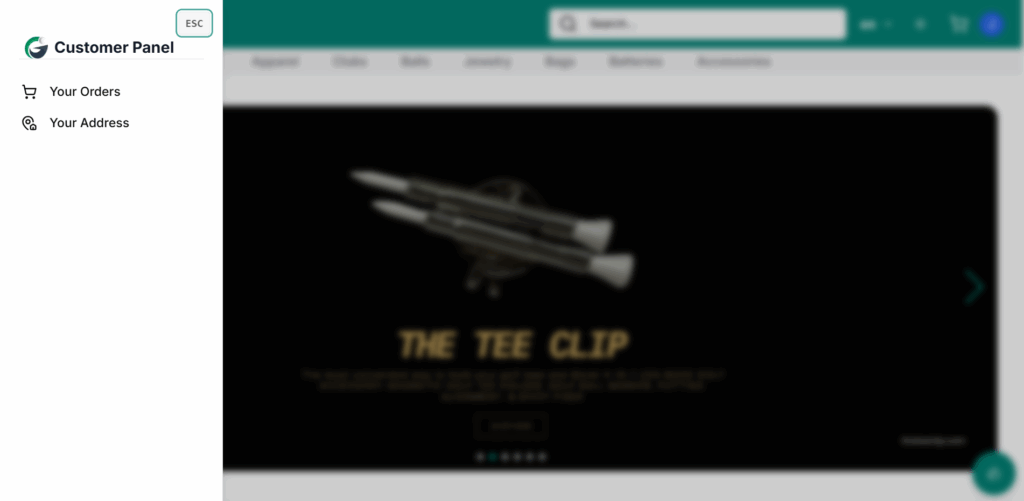
Store Owner Signed inCustomer signed in
On the store’s navigation bar, click Sign In.
Enter your registered email and password.
Upon successful login, you’ll remain on the store’s public page, but you’ll now have exclusive access to the Seller Central or Customer Panel according to your role.
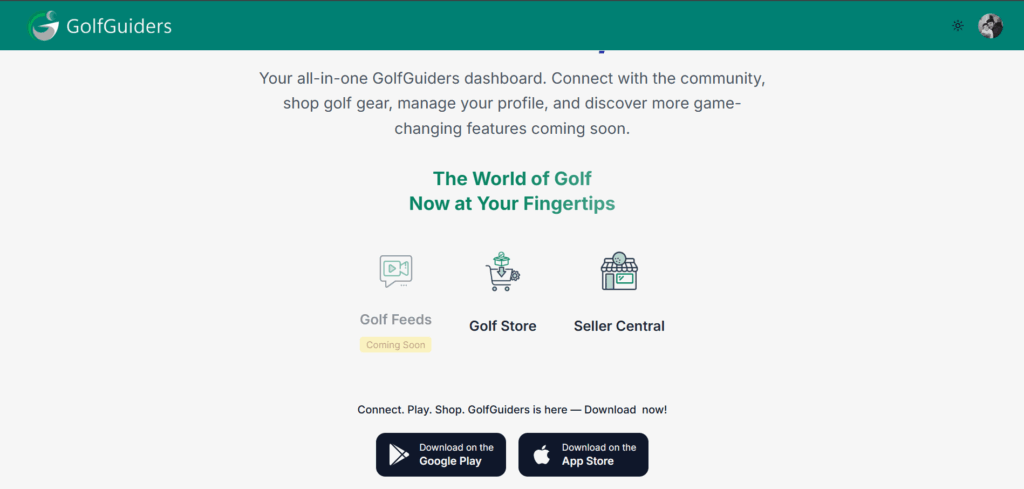
You can also login by clicking here, and tapping Seller Central from your GolfGuiders Dashboard screen, if you’re already onboarded
Unable to access Seller Central?
if you tap on Seller Central from the GolfGuiders Dashboard, and redirected to Customer Panel, or unable to acces side menu, it means your store hasn’t been set up yet. To create your store and unlock Seller Central, follow the steps in our: