
The Help Center in GolfGuiders is designed to assist users in resolving general inquiries, account concerns, or feature-related questions. Whether you’re new to the app, need assistance with a particular function, or want help with your account, the Help Center provides a direct channel to reach our support team.

Access
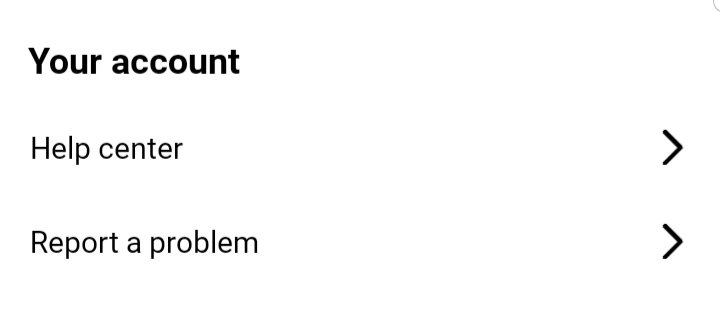
Navigate to:
Settings > Your Account > Help Center
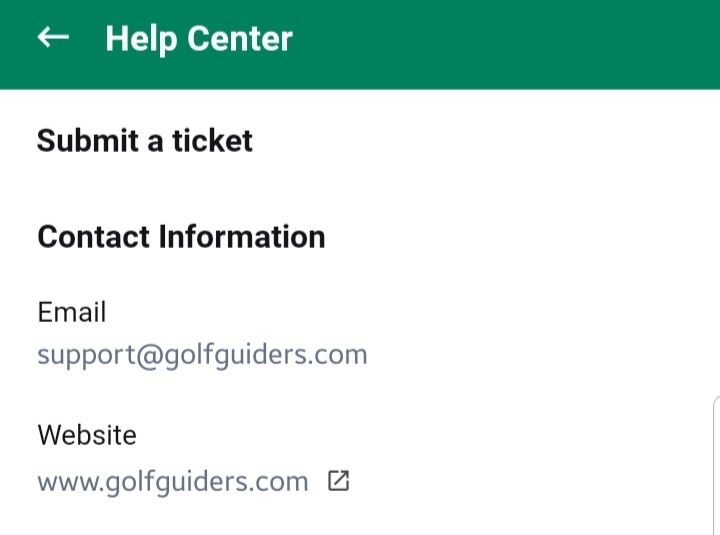
Tap the Submit a Ticket button to open the support form.
When to Use
Use the Help Center if you need:
- Assistance in understanding any GolfGuiders feature.
- Guidance on profile setup, booking, tournaments, or social interactions.
- Help resolving account-related queries like login issues, password recovery, or profile updates.
- Answers to general questions about using the app.
Fields Required
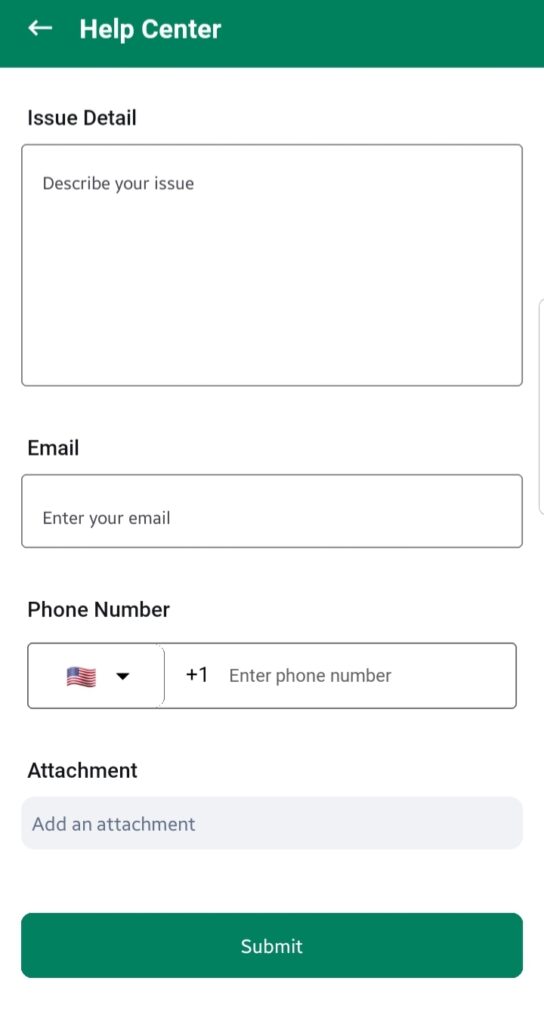
You have to provide all the necessary information in order to address an issue to the GolfGuiders support team
- Issue Details
Describe your question or concern in detail. The clearer your explanation, the faster our team can help you.
Example: “I need guidance on how to set up my coaching availability in the booking calendar.” - Email
Enter your active email address where our team can contact you. - Phone Number
Provide your contact number for follow-ups. This remains private and will not be shared with any third party. - Attachment
Upload any relevant screenshots, documents, or videos that help explain your issue better.
Notes
- Always use a valid email and phone number to ensure smooth communication.
- Adding attachments can help clarify complex issues.
- For technical bugs, consider using the Report a Problem option instead.
By using the Help Center effectively, you ensure faster and more accurate support tailored to your needs.