
The Explore Coaches feature in GolfGuiders is crafted to help golfers easily discover and connect with qualified golf coaches. Whether you seek personal improvement, group training, or specialized skills, this feature ensures you find coaches best suited to your needs based on proximity or golf course experience.
Accessing Explore Coaches
Open the Side Menu.
Tap on Coaches to access the exploration screen.
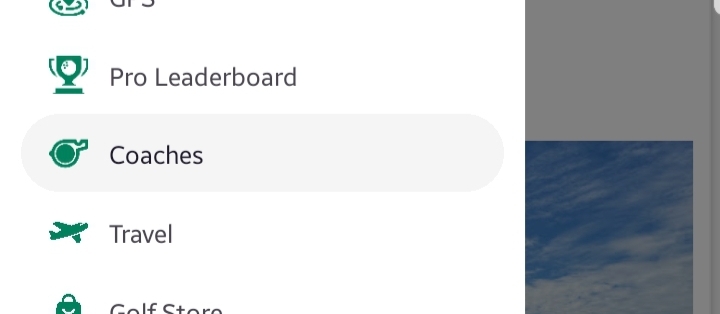
Discover Nearby Coaches
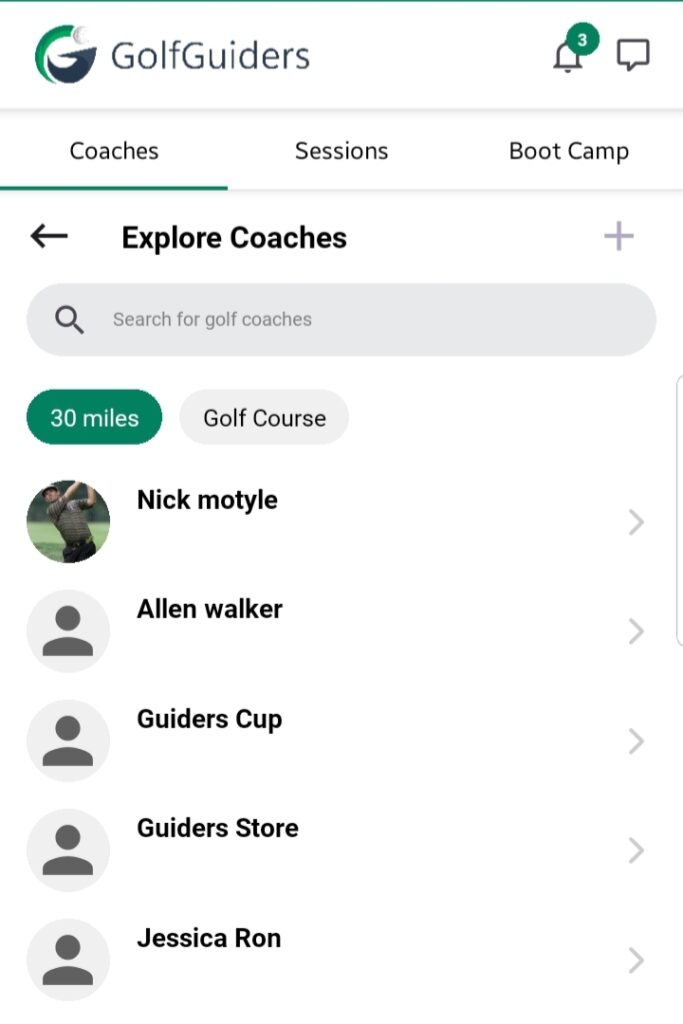
GolfGuiders automatically curates a list of professional coaches operating within a 30-mile radius of your current location. This ensures that you are presented with coaches available within a reasonable travel distance.
Features:
Dynamic Listings: The list updates based on your real-time location.
Relevant Profiles: Only coaches with verified credentials and active training services are displayed view.
Search and Filters
Search Bar
At the top of the screen, a search bar allows you to:
Search coaches by name.
Search using keywords related to coaching expertise, services, or skills.
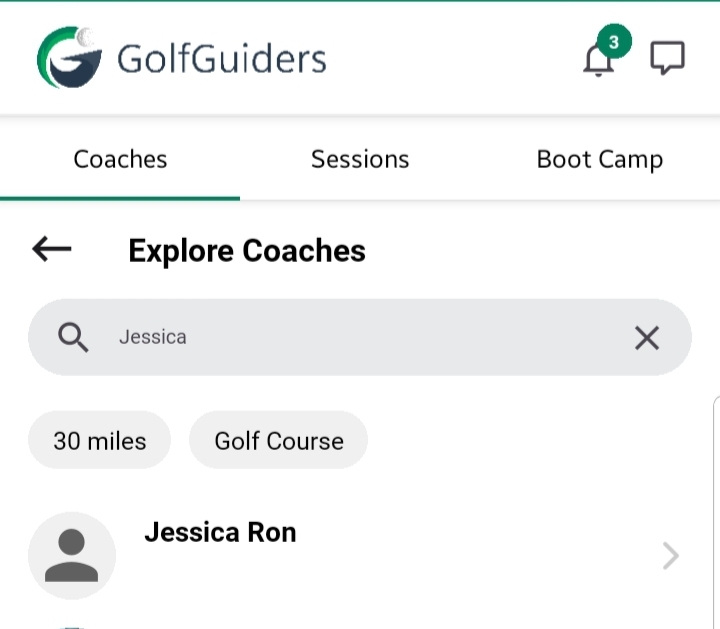
Distance Filter: 30 Miles – Active
- Displays coaches within 30 miles by default.
- Helps golfers who prefer in-person sessions close to their vicinity.
Golf Course Filter
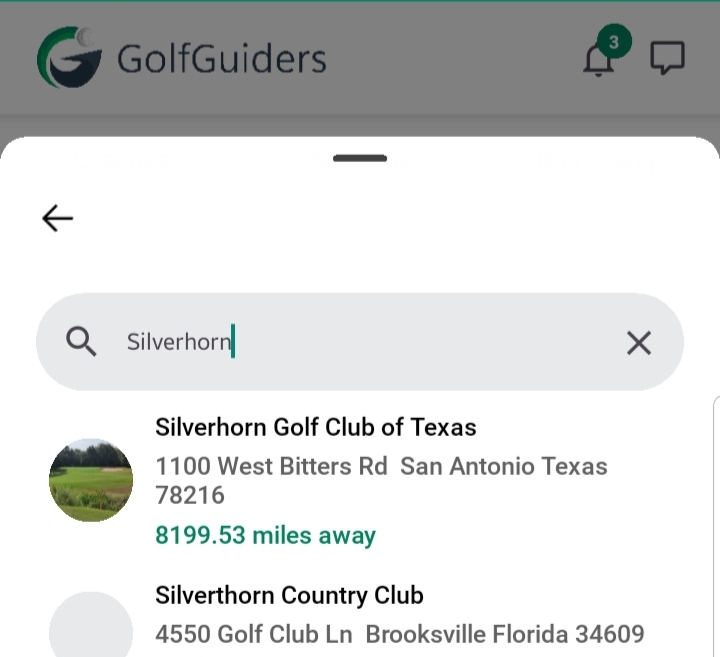
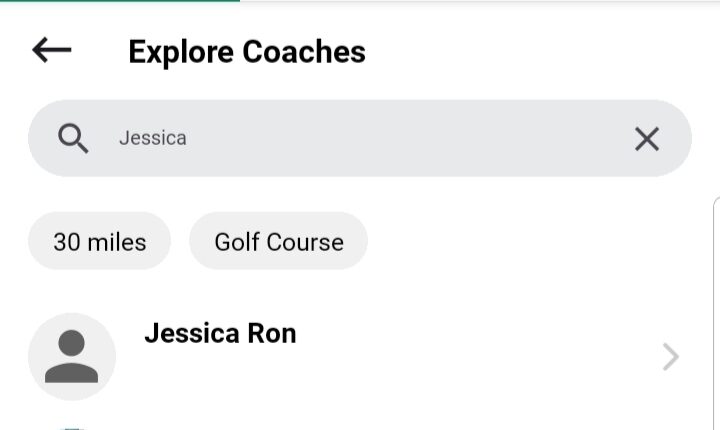
- Tap the Golf Course filter to open a selection sheet listing available golf courses.
- Search and Select: Easily search for a specific golf course and apply the filter.
- Once selected, the coaches list updates to display only those with direct experience or training history at the chosen golf course.
This ensures golfers can find coaches familiar with specific course terrains, conditions, and facilities.
Benefits
- Localized Search: Personalized listings based on your preferences and location.
- Targeted Expertise: Find coaches who have hands-on experience with your favorite golf courses.
- Flexible Discovery: Whether you’re searching broadly or targeting a specific course, the tools provided help refine your search.
Notes
- Coaches’ profiles shown are verified within the platform to maintain quality and trust.
- The search and filter options can be combined for more precise results.
- For best recommendations, ensure location permissions are enabled on your device.