
The Friend List in GolfGuiders is the heart of your social experience. It connects you with golfers, coaches, and enthusiasts around the world, allowing you to build a trusted network, exchange ideas, and stay updated on each other’s golf journey. Friends gain access to each other’s content, enabling a more personal and interactive experience within the app.
What You Can Do With Friends
Once you’re connected, your friends can:
- See Your Posts:
Friends can view posts you’ve marked as “Circle” visibility, which remain hidden from the public. - React & Comment on Your Content:
Friends are encouraged to like, comment on, and share your stories, posts, and achievements, helping you stay socially active in the golf community. - View Your Stories:
Only friends can see and react to your stories unless marked public. - Message Privately:
Start direct, real-time conversations with friends using the built-in messenger. - Join Your Buddy Games:
Friends can view and join your Golf Buddy invites, enhancing collaborative golfing experiences. - Follow Your Progress:
Whether you’re a trainee, golfer, or coach, your friends can track your shared progress, activities, or services (if applicable).
How to Access Your Friend List
Open the GolfGuiders app.
Tap on the “Connect” icon in the bottom navigation.
Go to the “Friends” tab.
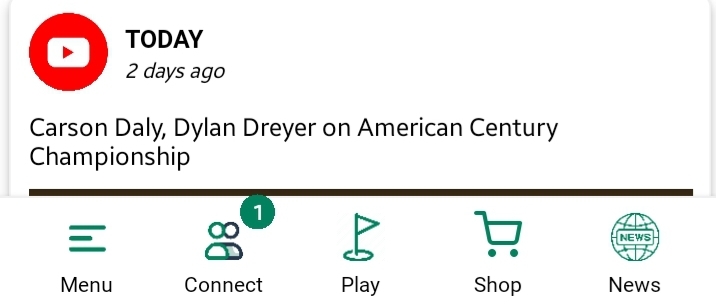
Your friend list will be displayed as cards with names, profile pictures, and quick-action buttons.
Quick Actions Available
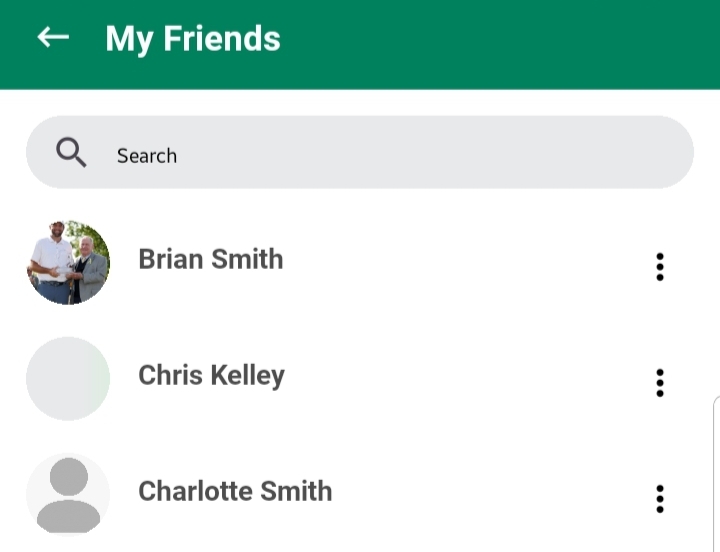
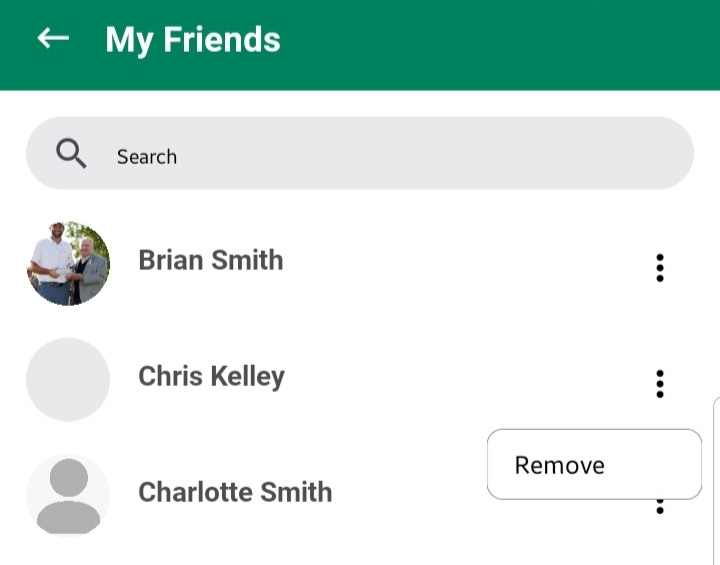
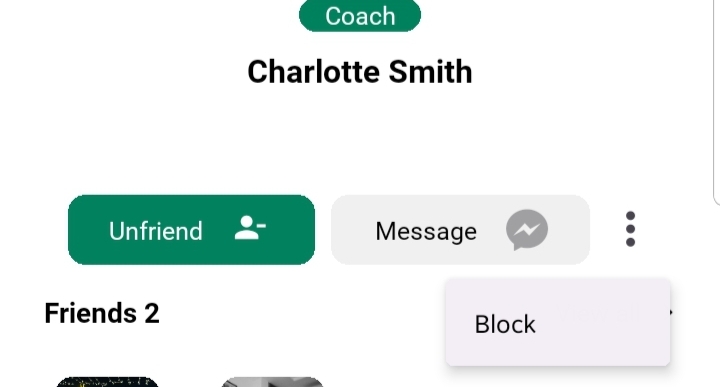
Each friend card includes:
- View Profile:
Visit their public profile to see their posts, bio, services, and mutual activity. - Send Message:
Open the chat interface with a single tap to message them directly. - Unfriend:
Tap the menu (⋮) icon to unfriend a user. This removes them from your list and restricts their access to private content. - Block
Tap the Menu (⋮) icon to block a user. This removes them from your friendlist and restrict them accessing you.
Best Practices & Tips
- Keep your friend list relevant. Engage with those you share common interests or real connections with.
- Use the Unfriend and Block options wisely to maintain a safe and personalized space.
- Encourage friends to complete their profiles for better visibility and meaningful interaction.