
The Friend Requests feature in GolfGuiders enables users to form meaningful connections by sending and accepting requests to build their social circle within the platform. Whether you’re looking to network with golfers, connect with coaches, or simply engage with like-minded individuals, this feature plays a vital role in personalizing your in-app experience.
Sending a Friend Request
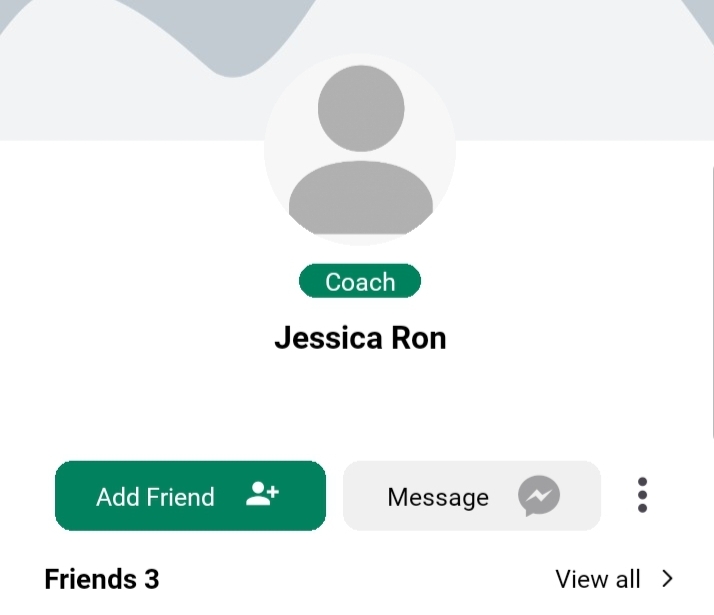
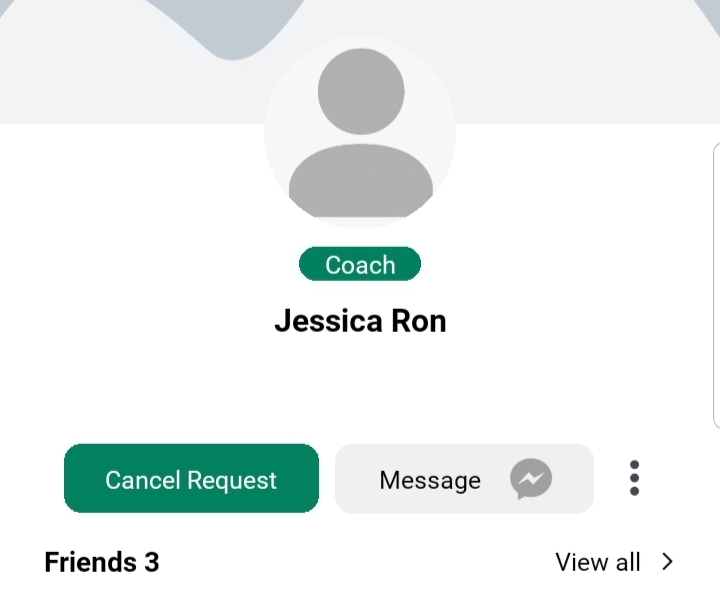
Users can send friend requests directly from any user’s public profile or from the Friends Suggestions. Here’s how the process works:
- Navigate to the user’s Public Profile — this can be accessed from posts, comments, suggested users, or search results.
- Tap the “Add Friend” button located below the user’s profile information.
- Once tapped, the request will be sent and the button will change to a “Request Sent” state to indicate the pending status.
Note: Once a request is sent, you cannot send it again unless the user rejects or cancels it.
Sending a friend request gives the recipient the ability to either accept or decline it. Until the request is accepted, the connection is not active.
Managing Incoming Requests
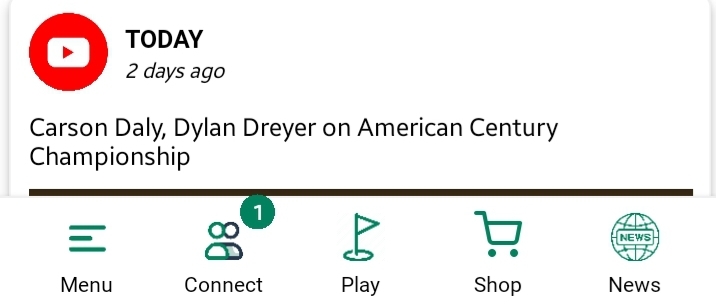
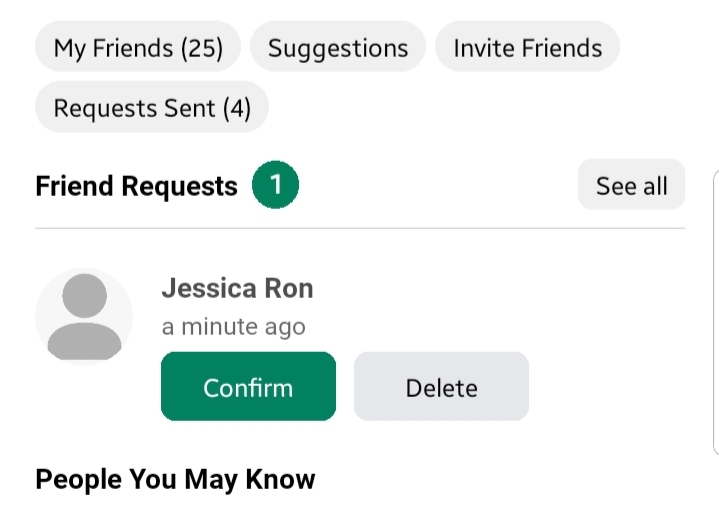
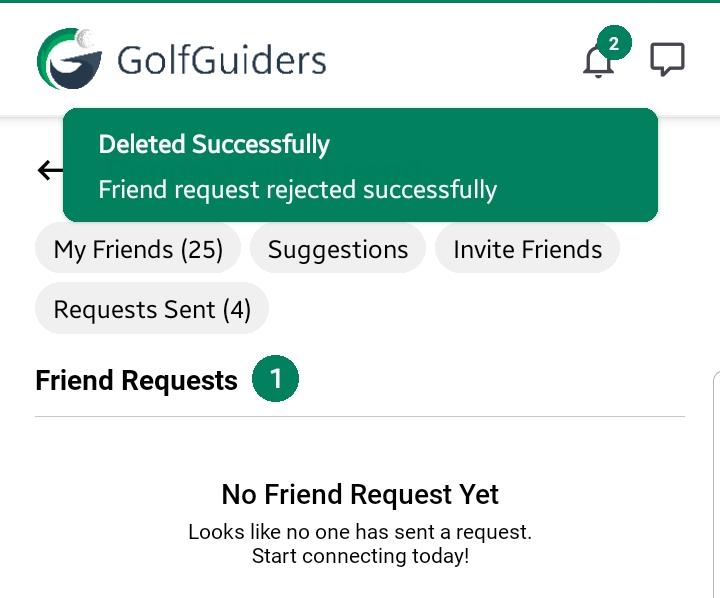
To manage incoming friend requests:
- Tap the Connect icon located in the bottom navigation bar.
- Under the Friend Requests tab, you will see a list of all pending requests sent to you.
For each incoming request, you can take the following actions:
- Tap on Profile: Opens the sender’s full profile so you can review their details before deciding.
- Confirm: Approves the request and adds the sender to your friend list.
- Delete: Declines the request; the sender will receive a rejection notification.
✅ Once accepted, you and the sender will become friends and can interact via messaging, view private posts, and appear in each other’s “My Circle” feed.
Canceling a Sent Request
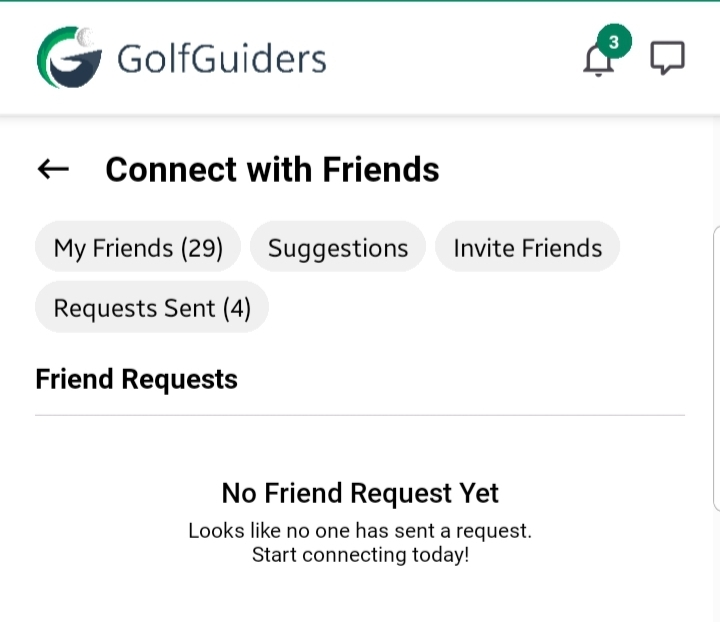
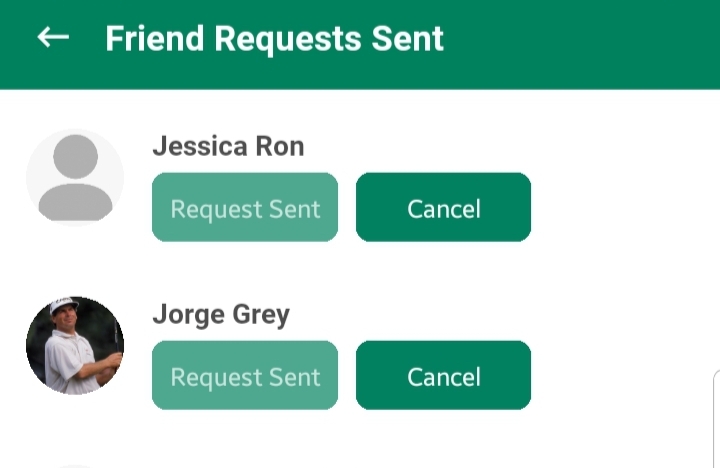
If you change your mind after sending a request, you can cancel it before it’s accepted.
- Go to the Connect screen.
- Tap the Requests Sent tab.
- Locate the user whose request you wish to cancel.
- Tap the Cancel button next to their name.
Important: Once canceled, the request will be completely withdrawn. You may resend it later if needed.
Best Practices & Notes
- Only send requests to users you wish to connect with genuinely.
- Spamming users with repeated requests may impact your account visibility.
- Friend Requests are one-on-one. Group connection options (if introduced) will be managed separately.
- Only accepted friends can view posts with “Circle” visibility, send messages, and appear in your personalized suggestions.