
The Invite Friends feature empowers users to grow their GolfGuiders network by inviting others to join the platform via email, phone number, or directly from their device’s contacts. Whether you’re a Coach looking to connect with potential clients or a Golfer wanting to bring friends into the experience, this tool offers a seamless and flexible invitation process.
Accessing the Invitation Feature
To begin inviting friends:
- Tap the Connect icon from the bottom navigation ribbon.
- Select the Invite Friends tab.
- A bottom sheet will appear with three options to send invitations:
- Contacts
- Phone Number
Invite via Email
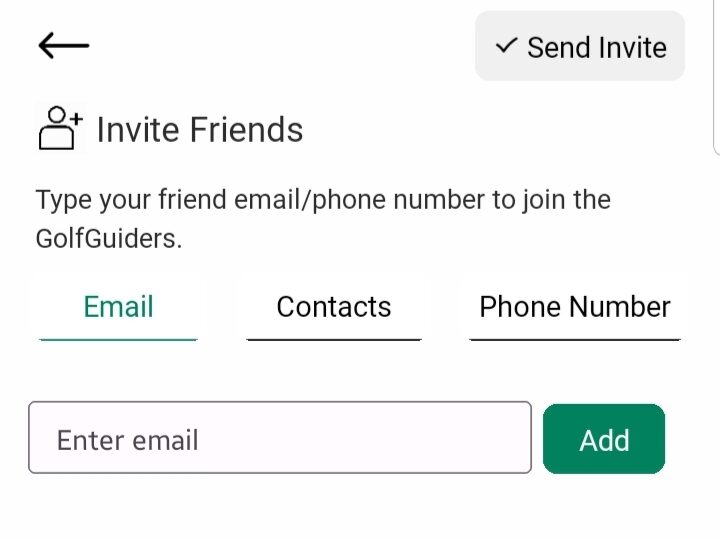
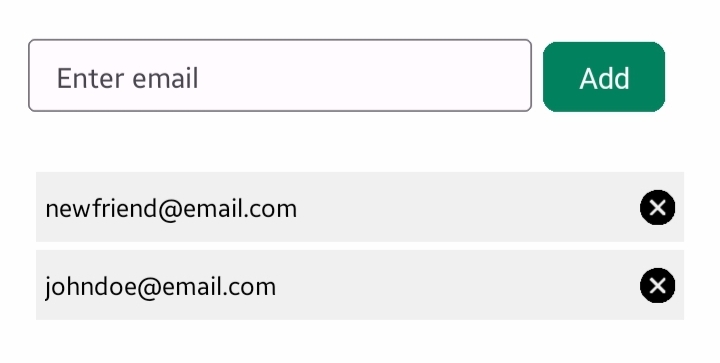
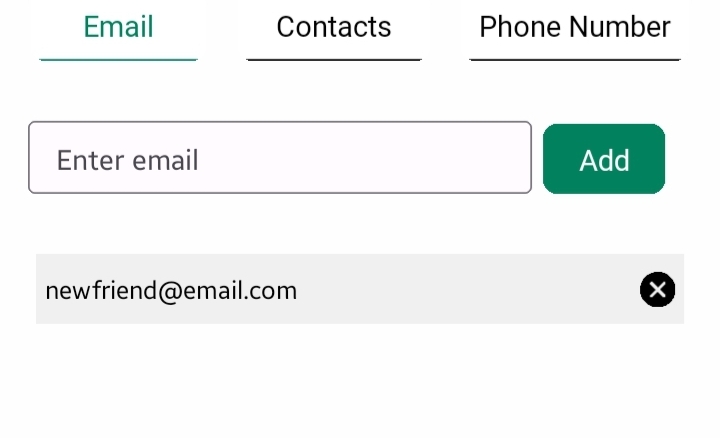
- Type the recipient’s email address in the provided input field.
- Tap Add to include it in your invitation list.
- You can add multiple email addresses before sending the invites.
- You can also remove by tapping ” x ” icon respective to the email
- Or you can finalize if you’re done.
📩 An invitation email will be sent to each added address upon confirmation.
Invite via Contacts
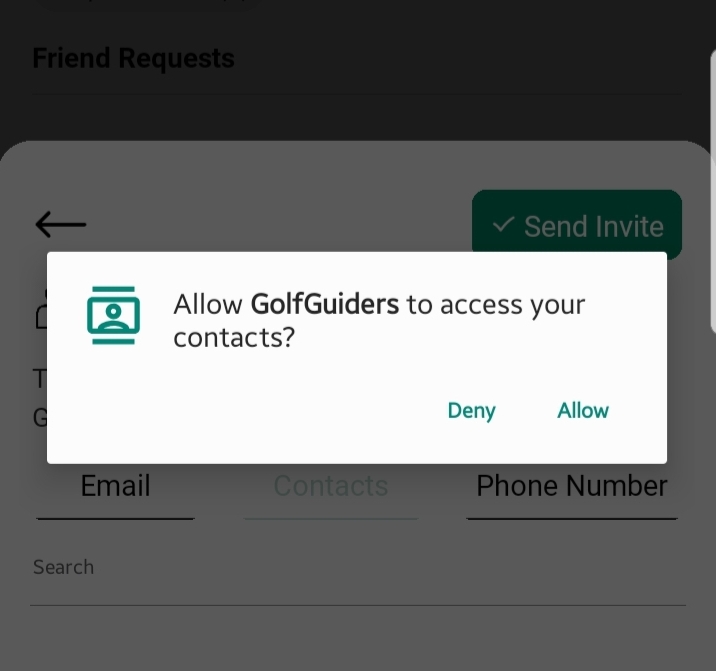
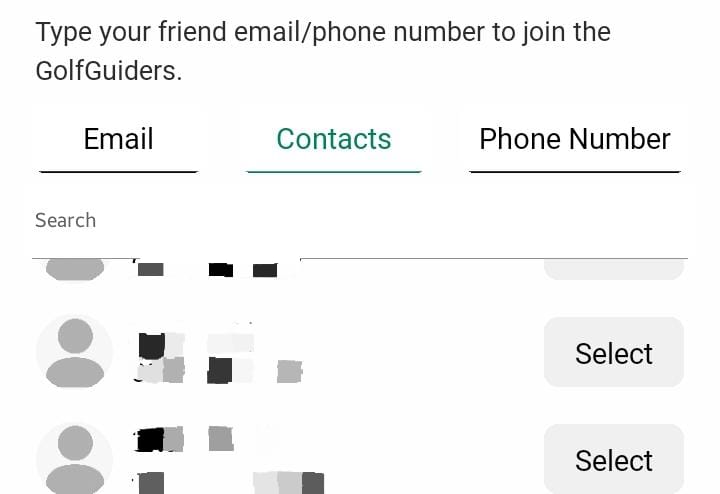
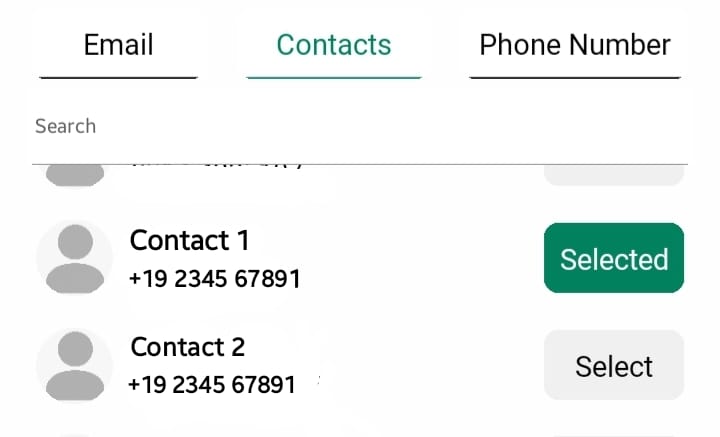
- When selecting this tab, the app will request permission to access your phone’s contact list.
- Once granted, your contacts will be displayed.
- Tap on any contact to select and add them to your invite list.
- You can select as many as you want or finalize the list
📱 Selected contacts with valid contact information will be prepared for SMS invites
Invite via Phone Number
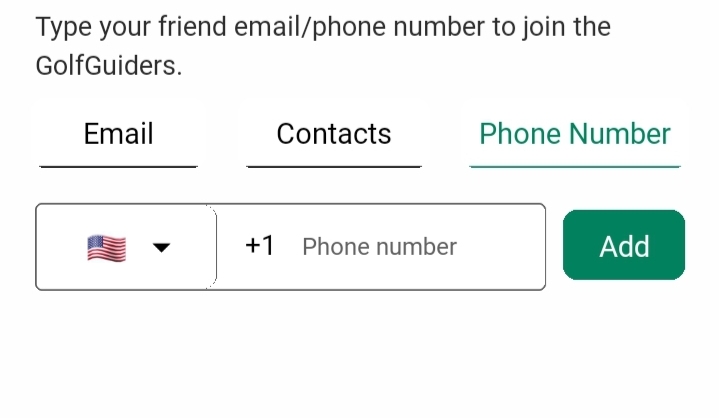
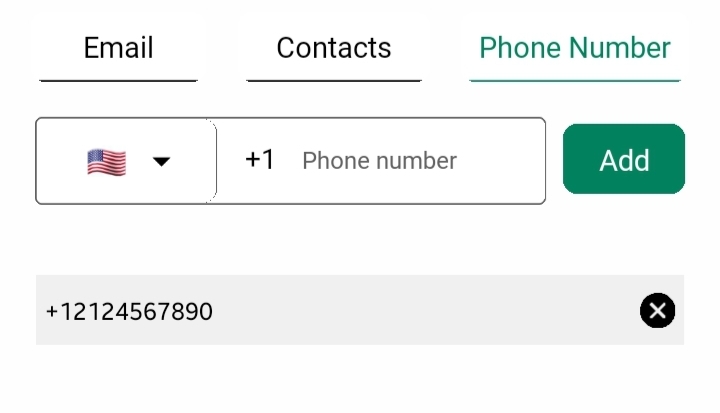
- Manually enter a phone number in the input field.
- Tap Add to include it in your invitation list.
- You can type and add as many you wish or finalize the list
📨 The entered phone number will receive an SMS invitation once the invite is sent.
Finalizing and Sending Invites
Once you have added your desired recipients using any of the above methods:
- Tap the Send Invite button located in the top-right corner of the bottom sheet.
The system will automatically detect the type of contact (email or phone number) and send the appropriate invitation format:
- Phone Number – A text message invite will be sent..
- Email – Invitation message delivered via email.
Notes
- Invitations are only sent after the Send Invite button is pressed.
- The same individual cannot be invited through multiple methods simultaneously (e.g., both email and phone).
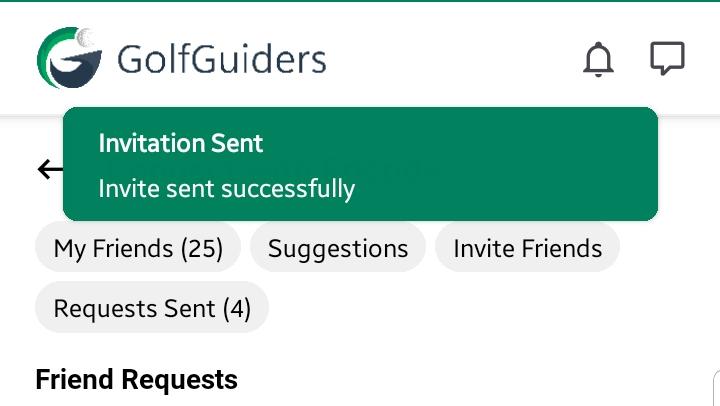
- The invitation list will reset after the invites are successfully sent.