
Install GolfGuiders and prepare your account for setup.
To begin using GolfGuiders, you need to install the mobile app on your device. The app is lightweight, secure, and designed to deliver a seamless experience for golfers, coaches, and store owners.
Where to Download?
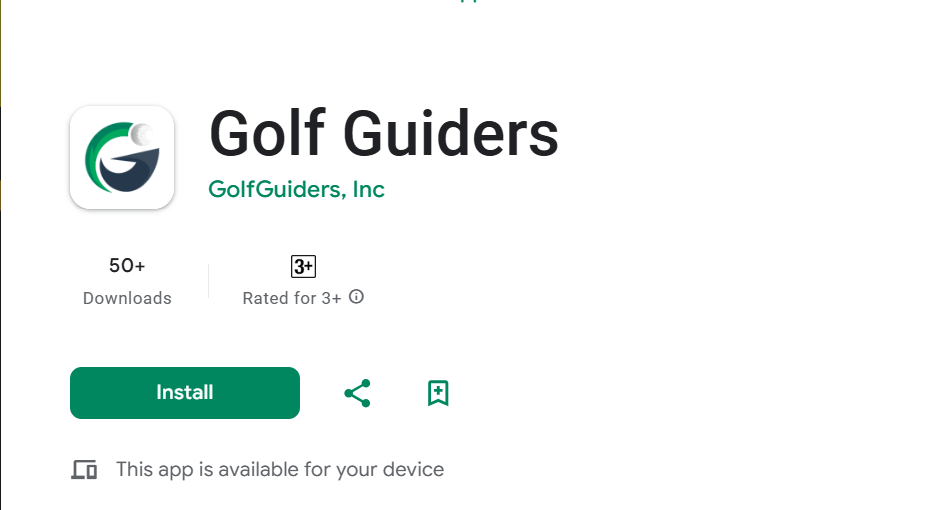
Google Play Store (Android)
Download for Android
Apple App Store (iOS)
Download for iOS
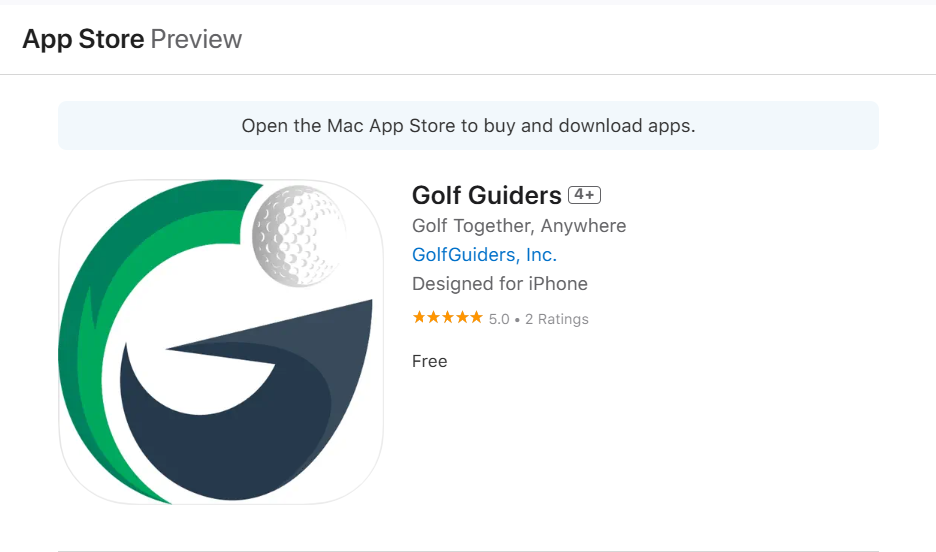
✅ Always download the official version published by GolfGuiders Inc. to ensure safe and uninterrupted usage.
System Requirements
Before downloading, make sure your device meets the minimum requirements:
| Platform | Requirement |
|---|---|
| Android | Android 8.0 (Oreo) or later |
| iOS | iOS 13 or later |
Installation Steps
Follow these steps to install the app:
- Open the link for your platform (Android or iOS).
- Tap Install (Android) or Get (iOS).
- Wait for the installation to complete.
- Once installed, open the app from your home screen.
- Allow required permissions (e.g. notifications, location) when prompted.
📌 Granting permissions ensures full access to features like GPS, social feed, store management, and notifications.