
The Forgot Password feature is designed specifically for users who registered using email and password. This process allows you to reset your password securely and regain access to your account.
🔒 Note: If you signed up using Google Login, this feature is not applicable. Google users do not use a GolfGuiders-specific password and must continue logging in through their Google account only.
How to Reset Your Password
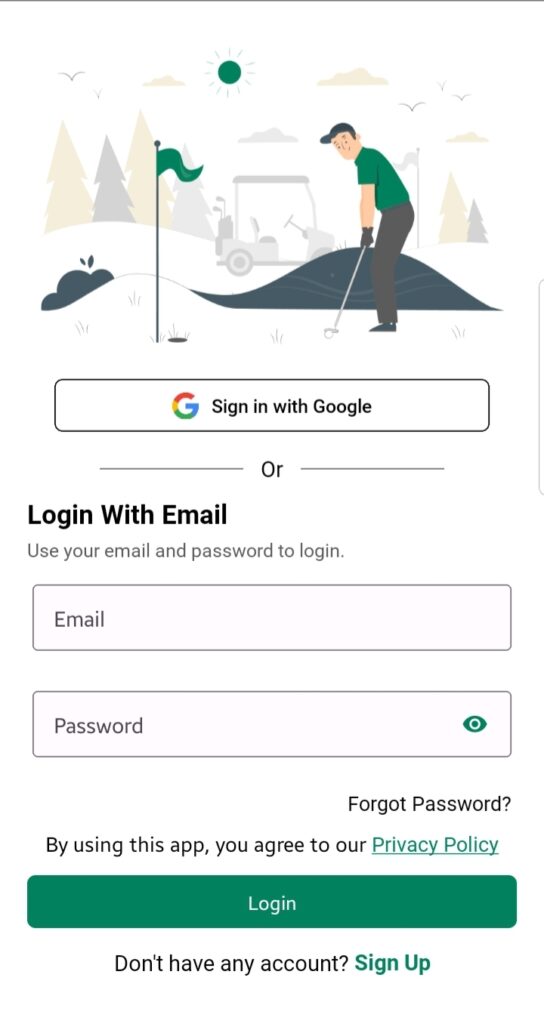
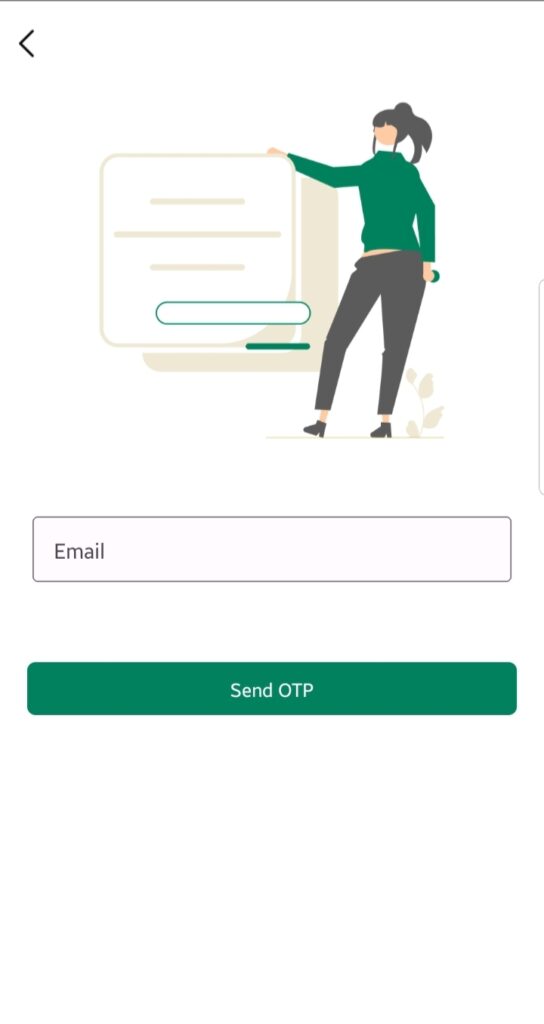
If you signed up via email and can’t remember your password, follow these steps:
- Open the GolfGuiders app
- On the login screen, tap “Forgot Password?”
- Enter the email address associated with your account
- Tap “Send OTP”
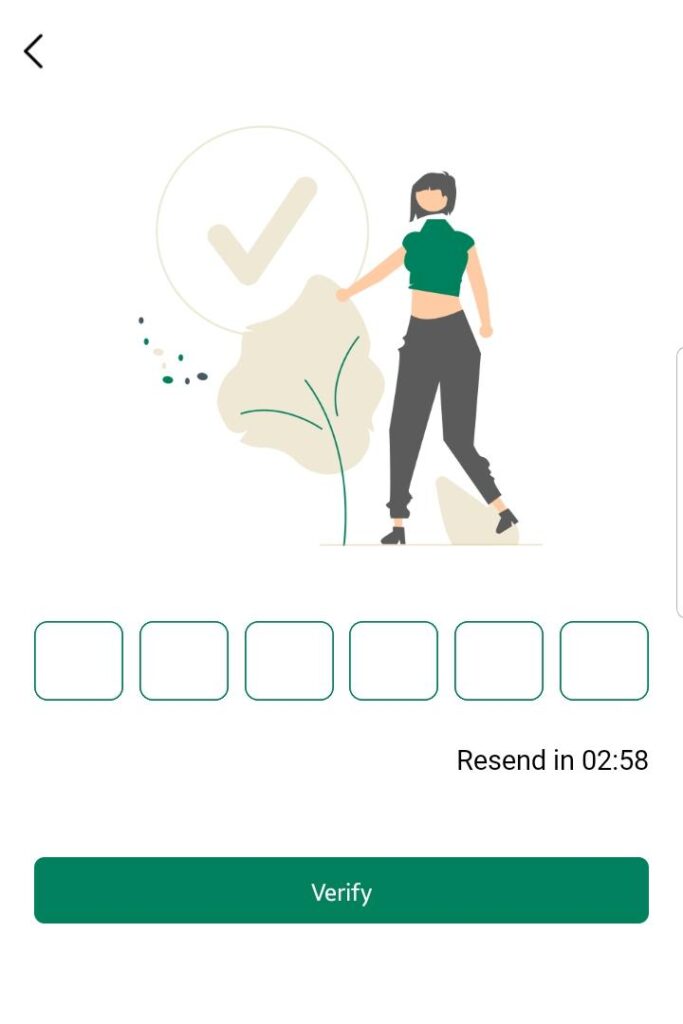
If the email is valid and linked to an existing account, you will receive a 6-digit OTP in your inbox.
OTP Verification
- Enter the 6-digit OTP received via email
- Upon successful verification, you will be redirected to the Reset Password screen
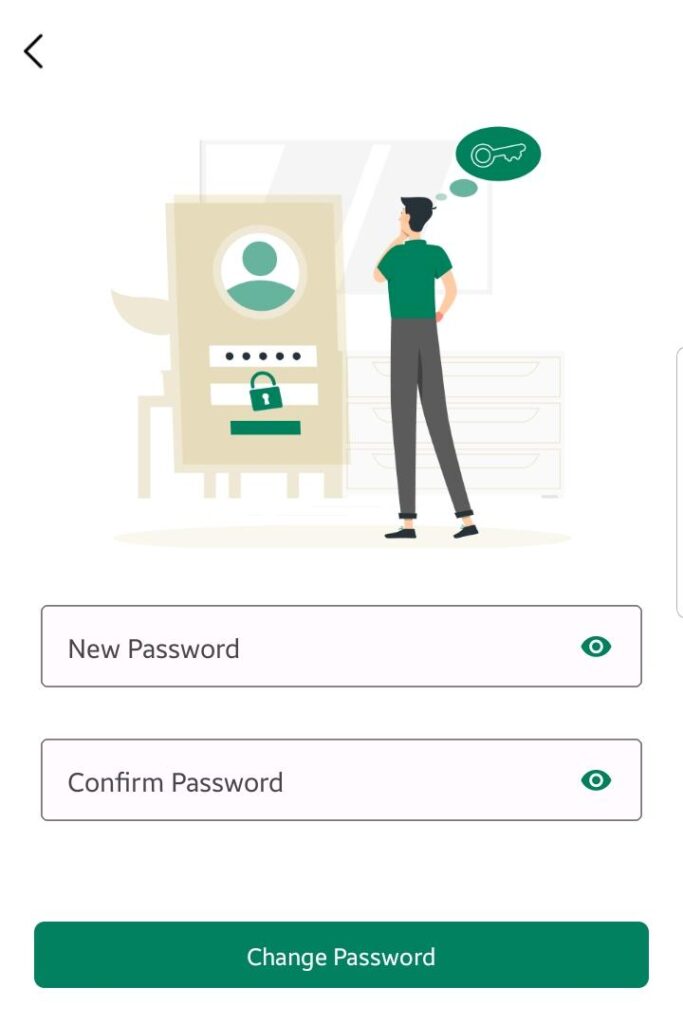
Resetting Your Password
- Enter a New Password
- Confirm the password by entering it again in Confirm Password
- Tap “Update Password”
Once updated, you will be redirected to the login screen.
Logging In with New Password
- Enter your email address and the newly created password
- Tap “Sign In”
- You will be redirected to your home dashboard
📌 Make sure to choose a strong password and store it securely. Your password must meet any app-defined security requirements (e.g., minimum length or complexity).