
The Articles tab in the Golf News section provides users with a carefully curated feed of written news, insights, and event highlights from the global golf community. Whether it’s breaking news, tournament results, or expert commentary, this tab is designed to keep golfers informed and engaged.
What You’ll Find
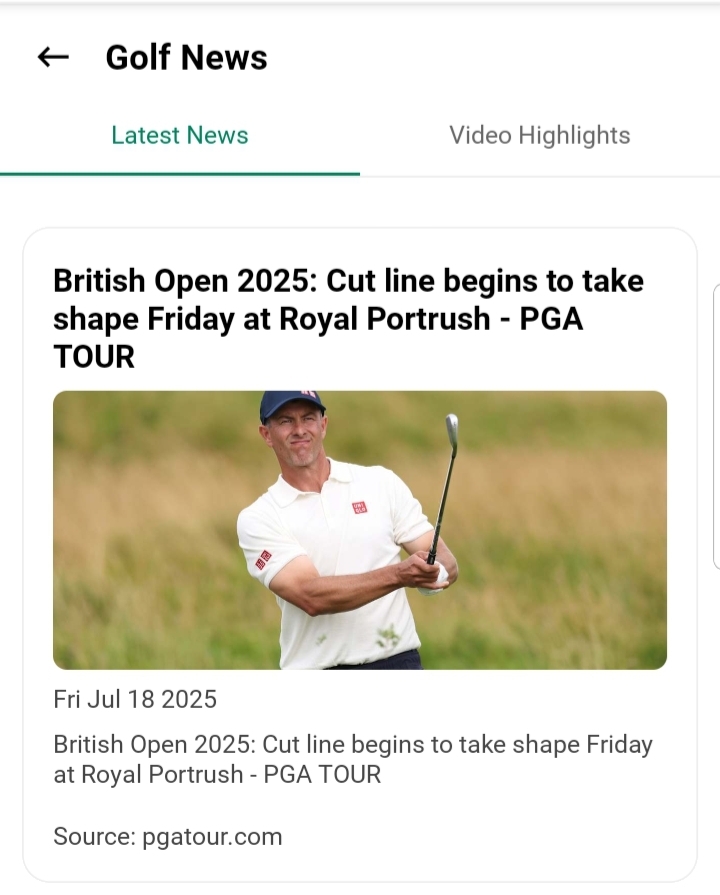
Each article card displays:
- Thumbnail Image: A visual preview representing the article’s topic.
- Source Name: The official media outlet that published the content.
- Headline: A concise, engaging title summarizing the article.
- Excerpt: A short snippet giving a glimpse into the article’s details.
- Publication Date: The date when the article was published.
Reading Experience
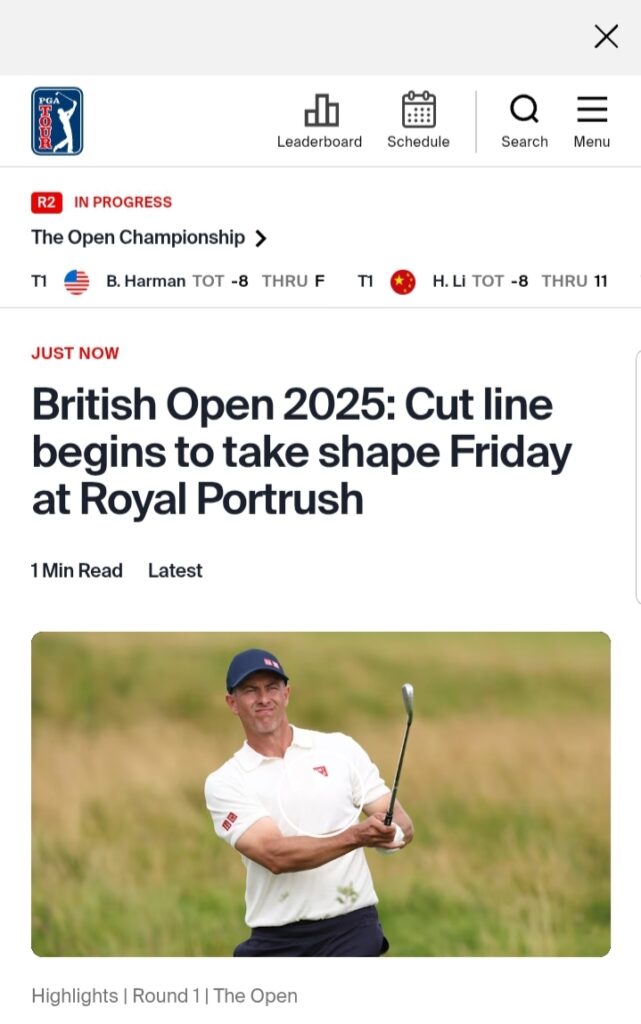
- Tap any article to open it in the app’s built-in reader.
- The reading experience is clean, distraction-free, and optimized for mobile devices.
- There is no need to leave the app or open external browsers, ensuring a seamless journey.
Content Credibility
All articles featured are sourced from globally recognized and trusted media partners.
GolfGuiders ensures that every piece of content is vetted for authenticity and relevance, so you can confidently stay informed.
User Tips
- Check Daily: Golf news updates frequently—check daily to stay ahead on tournaments, player news, and trends.
- Explore Beyond Headlines: Tap into full articles for deeper insights rather than relying on headlines alone.
- Combine with Videos: Pair your reading with visual content in the Videos Tab for a well-rounded understanding.
- Share Insights: If you find an article valuable, share your thoughts or the article itself within the app’s social features to spark discussions.
If any article fails to load or display properly:
Ensure you have a stable internet connection.
Try refreshing the Golf News section.
If issues persist, visit the Help & Report section to report a problem