
The Guiders AI in GolfGuiders is designed for quick and easy access whenever you need golfing advice, tips, or answers to your questions
How to Access the Chatbot
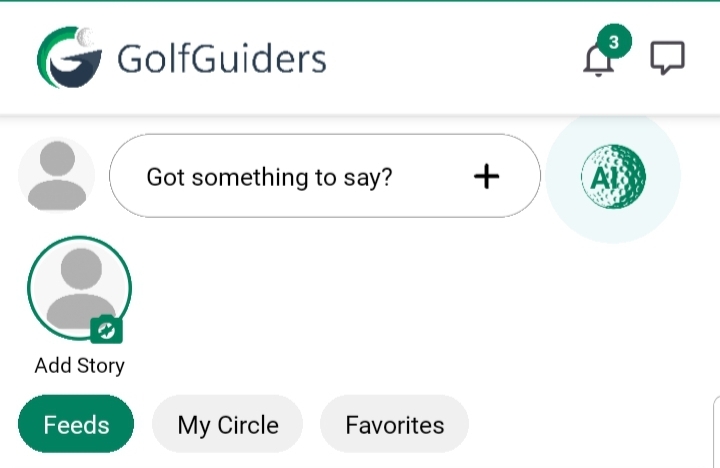
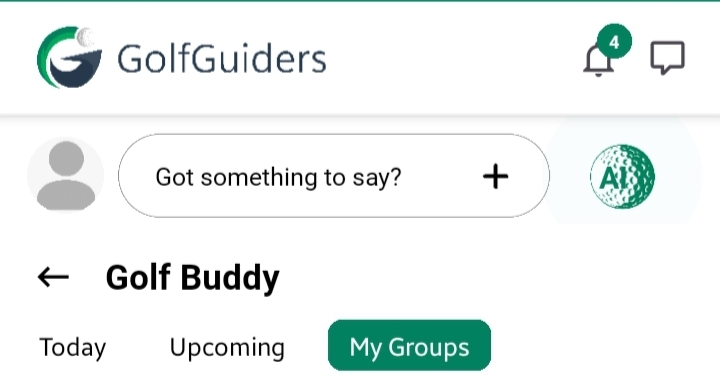
- Open the GolfGuiders App.
- Navigate to the Post Create Ribbon visible on the home screen or golf buddy screen.
- Tap the AI icon labeled specifically for the chatbot.
- The Guiders AI Chatbot interface will open instantly, ready to chat.
Tip
- There is no restriction on how many times you can access the chatbot.
- Simply tap the icon whenever you have a query or need help.