
The Cart screen provides a clear and interactive view of all the products you’ve selected for purchase, allowing easy adjustments before checking out.
Products Listing
Each product appears as a card showing:
- Product Image
- Product Title
- Selected Variants (Color, Size)
- Price per unit
- Quantity selector (increase or decrease)
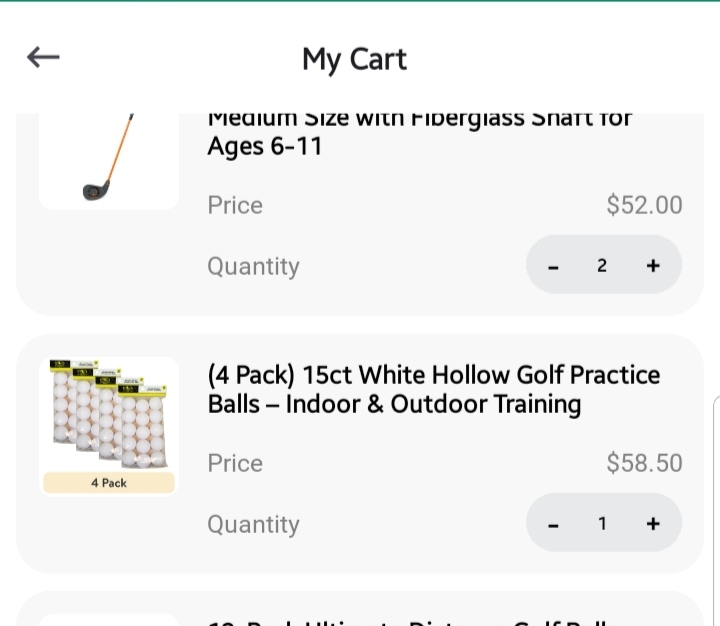
Quantity zero will remove the product from the cart
Real-Time Price Update:
Updating quantity or removing products instantly recalculates the Total Price, ensuring transparency in cost.
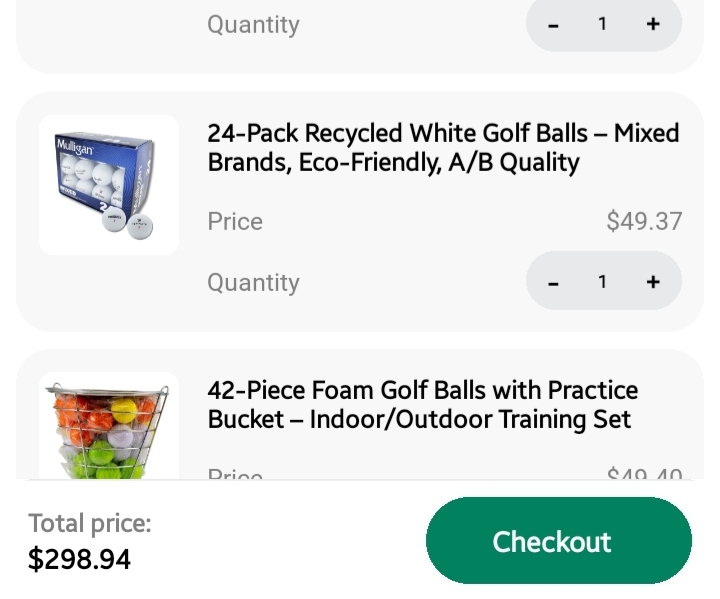
Checkout Prompt
At the bottom of the screen is a persistent Checkout Bar displaying:
- Total Price
- Checkout Button to proceed
Tapping Checkout takes you to the Checkout Screen, where shipping, billing, and payment details are completed.