
The Refunds section under My Orders allows you to track the status of any refund or return requests you’ve initiated. This helps you stay informed about the progress and outcome of your requests directly within the GolfGuiders app.
You can access it via:
Side Menu > My Orders > My Refunds
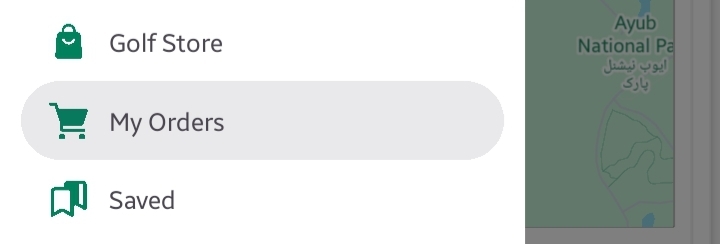
Features & Filters
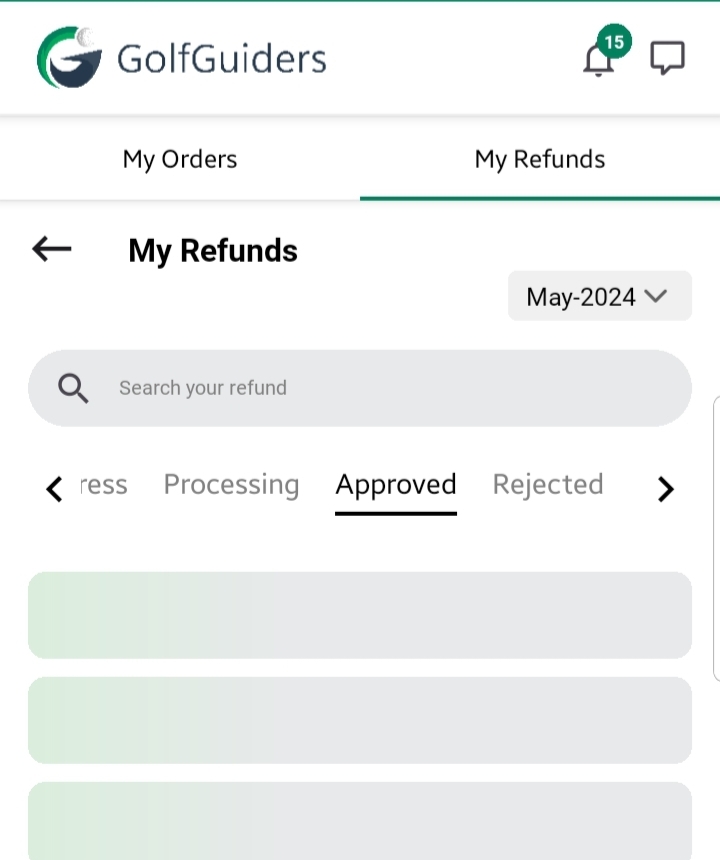
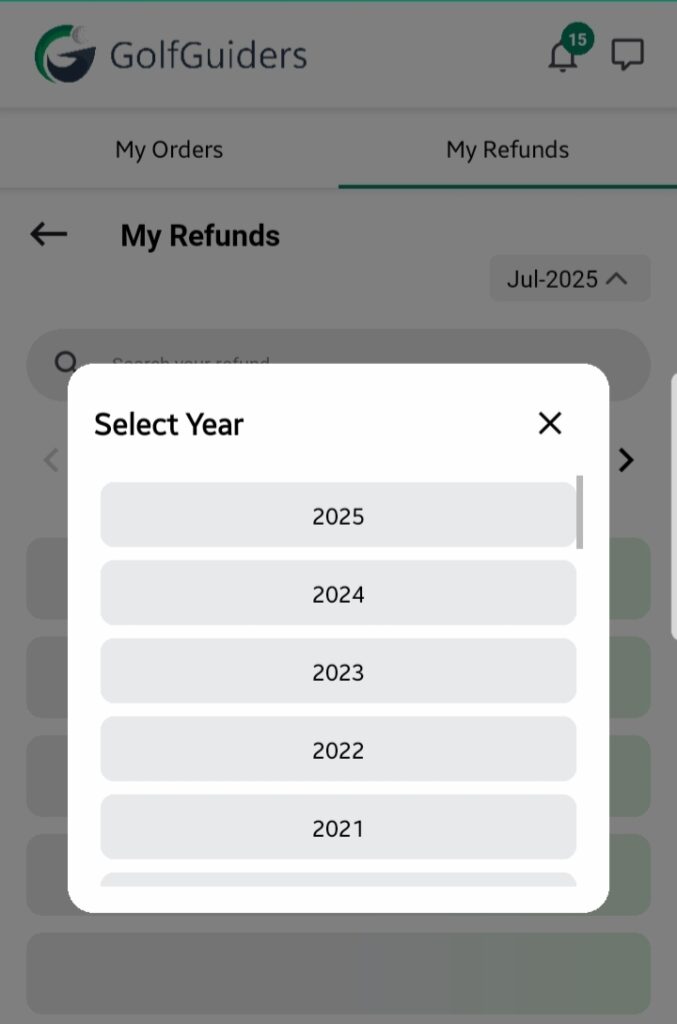
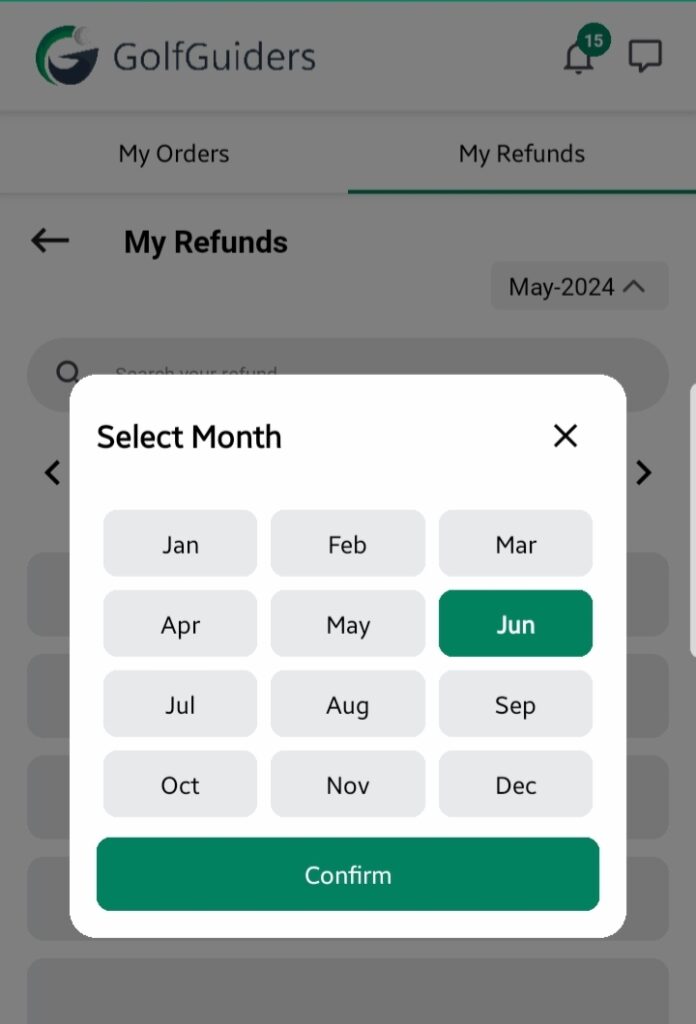
- Search Bar:
Quickly search for a specific product or refund request by name. - Date Filter:
A Month/Year dropdown lets you filter refunds by the month they were requested. - Status Tabs:
Easily navigate refund requests using these tabs:- In Progress: Request submitted, awaiting processing.
- Processing: The request is under review by the store.
- Approved: Your refund has been approved; payment reversal will be processed.
- Rejected: The refund request was declined, with reasons typically provided.
Refund Cards
Each refund request is displayed as a card showing:
- Product Image
- Product Title
- Refund Status (In Progress, Processing, Approved, Rejected)
- Price
- Quantity
- Request Date
Tapping a card opens detailed information about the refund, including:
- Reason for the refund (if provided during the request)
- Status updates from the store
- Expected timelines if approved
- Any additional notes
Benefits
- Transparency in the refund process
- Clear visibility on refund status and next steps
- Easy access to all refund records for your purchases
📌 Note: The availability of refunds may depend on the store’s policy. Always check the product-specific refund policy before purchasing.