
The Payments and Billing section helps you track your earnings, monitor payout statuses, and review payment records over time. While the interface may look simple, each element plays an important role in helping you understand the financial activity of your store.
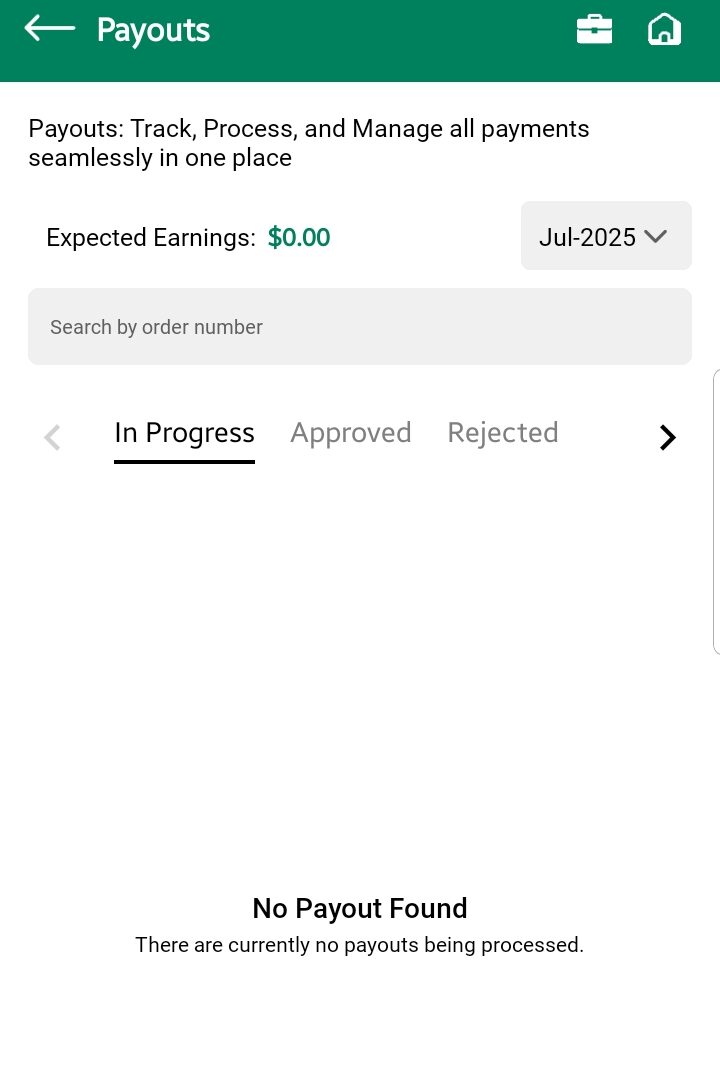
Expected Earnings
At the top of the screen, you’ll see a section labeled “Expected Earnings”.
- This shows the total estimated amount you are projected to earn from all your store’s successful orders (for the selected month).
- These are not finalized payouts — just the income that is currently being processed or under review.
💡 Use this as a quick snapshot of how much you may earn in the selected time frame.
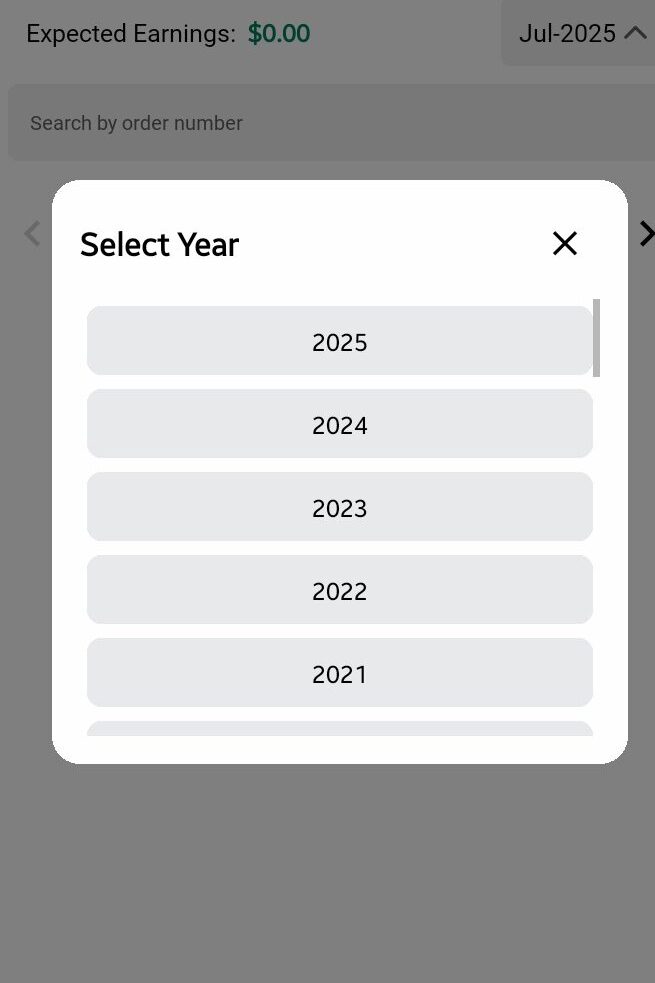
Month & Year Filter (Dropdown)
Located directly above the search bar, this dropdown filter allows you to:
- Select a specific month and year (e.g., July 2025)
- Instantly refresh the payment data below based on your selected timeframe
This helps in reviewing payouts month by month or generating monthly reports for bookkeeping.
Search Bar
The search bar helps you find a specific payment entry using keywords like order number, reference, or any other listed detail.
🔎 Important:
The search only applies to the currently selected tab.
To search across all payment records, you must switch tabs accordingly.
Payment Status Tabs
Below the search bar, you’ll find three tabs representing the status of each payment:
In Progress
- These are earnings currently under process
- Typically includes orders that have been delivered but are still being verified or waiting to be cleared through Stripe or another payment processor
- Amounts in this tab are not yet eligible for payout
Approved
- These are confirmed earnings that are ready to be paid out or have already been transferred to your connected payout account
- This status means the system has verified everything and the payment is valid
Rejected
- These are payments that could not be completed
- Common reasons include:
- The related order was cancelled or refunded
- Incorrect payout account details
- Platform or payment verification failed
📌 You may be able to view the rejection reason directly within the record or contact support if clarification is needed.