
The Store Management panel is your main dashboard in the GolfGuiders app — a central place to control everything related to your store’s operations, design, orders, payments, and performance.
This page gives a quick overview of the key tools available. Each section can be explored in more detail in its dedicated guide.
Overview
Here’s what each option in the dashboard lets you manage:
Visit Store
Opens a public preview of your store as it appears to customers. This allows you to review the layout, product visibility, and branding elements to ensure your storefront is visually accurate and up-to-date.
Activate Payments
This toggle enables payment acceptance for your store. Once activated, you will be directed to the Stripe integration module to complete the setup. (Stripe configuration is covered in the next documentation section.)
For a detailed guide on this section, click here.
Store Profile & Decoration
Customize the look and feel of your store, manage warehouse details, and create basic informational pages.
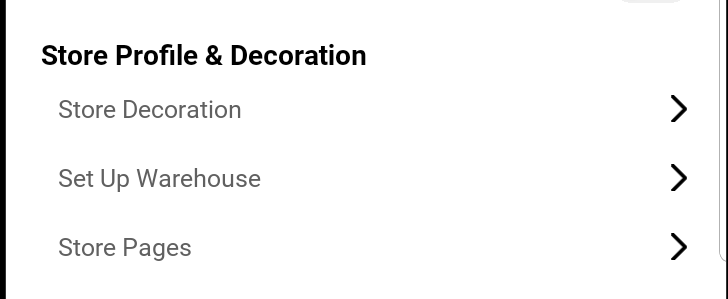
Allows you to manage your store’s branding, visual elements, and foundational pages. You can customize themes, add warehouse details for dispatch, and create additional pages to support your business presence.
For full documentation on this section, click here.
Products & Inventory
Add and manage products, update stock, and keep your inventory organized.
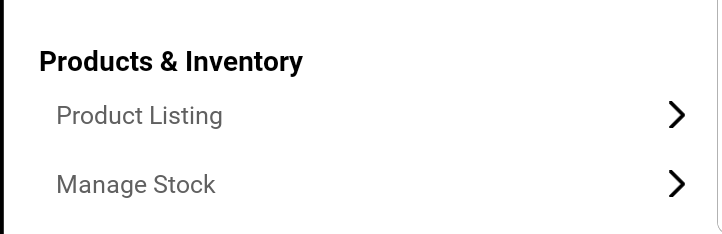
Provides tools for adding new products, editing existing listings, and managing stock levels. This section ensures that your product catalog is well-organized and consistently updated.
For a comprehensive guide, visit this section.
Orders & Fulfillment
Track incoming orders, update statuses, and handle returns and refunds.
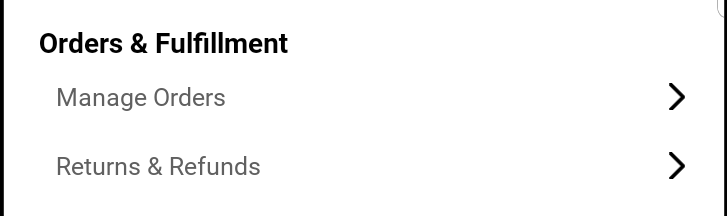
Gives you access to manage incoming orders, update their statuses, and process returns or refunds efficiently. It helps ensure smooth order handling and timely customer service.
To learn more about order and fulfillment management, read the full guide.
Payments & Billing
Displays your store’s financial activity, including earnings, payouts, and billing summaries. It provides clear insight into your revenue and transaction history.
For complete instructions on this section, view the documentation.
Customer Engagement
Manage customer reviews and run promotional offers to boost sales.
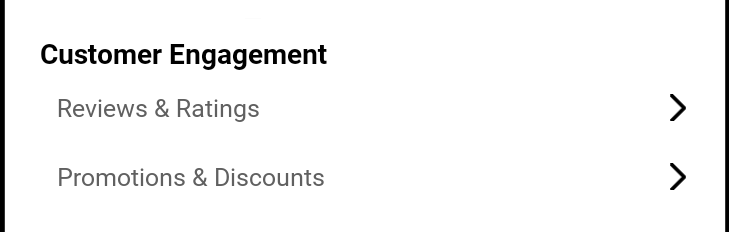
Enables you to monitor and respond to customer reviews and ratings, as well as manage store promotions and discount campaigns to enhance engagement and retention.
For a detailed overview, see the full guide here.
Analytics and Insights
View reports about your store’s performance, including sales trends and product stats.
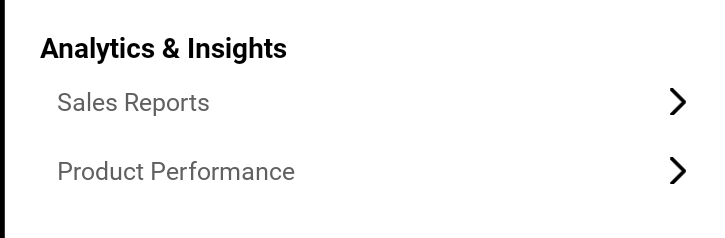
Presents real-time performance data for your store, such as sales trends and product performance metrics. This section is essential for strategic planning and growth tracking.
For full analytics documentation, click here.