
The Tournament Detail Page provides an in-depth view of a tournament that the user has created or been invited to. Access is restricted to participants and authorized personnel (Organizer, Co-Organizer, and designated scorers). The page layout and available actions vary depending on the tournament’s state.
Access
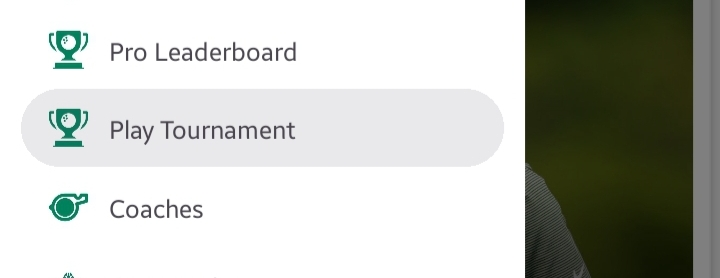
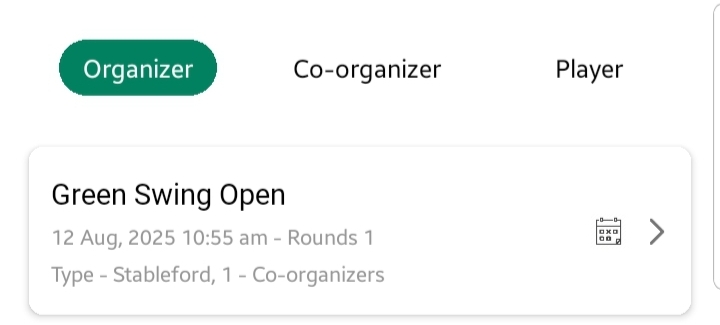
- Play Tournament → tap a tournament card from any tab
Tournament Tabs
- Leaderboard – Displays player standings and scores based on the tournament’s state.
- Overview – Shows player cards with real-time status updates.
- Add Score – Allows authorized users to input player scores (only available when the tournament is in progress).
Tournament details screen have three statuses:
- Upcoming / Not Started
- Tournament is created but inactive.
- Scoring is disabled.
- Participants and invited users can view player lists and basic tournament details.
- See details: Upcoming
- Live / Started
- Tournament is active, and scoring is enabled.
- Players and authorized users can add scores.
- Leaderboard updates dynamically as scores are posted.
- See details: Live
- Completed / Ended
- Tournament has concluded.
- Displays the final leaderboard and scoring method used.
- Results are locked and read-only.
- See details: Ended