
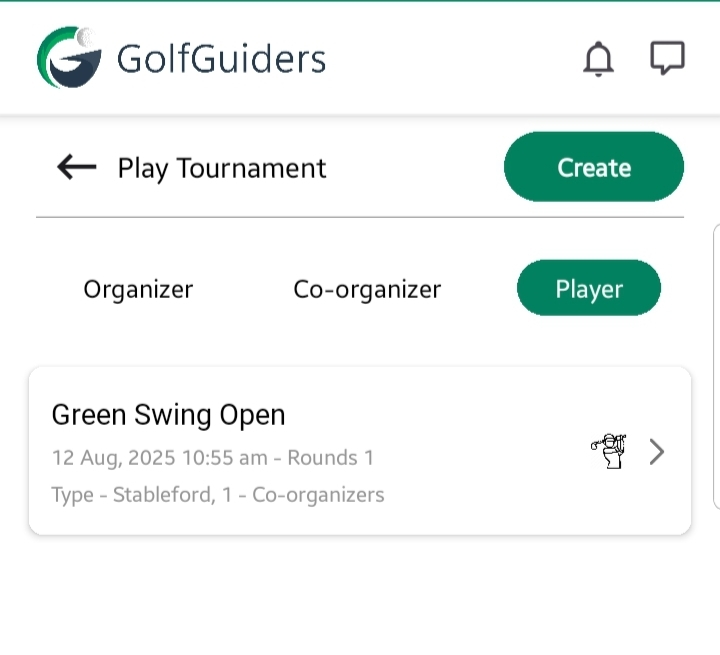
A tournament card can be in the Upcoming state before its scheduled start date and time. Once the tournament begins, the card automatically shifts from Upcoming to Live state.
- Organizer Capabilities:
- Can edit tournament details (only while the tournament is not started).
- Can delete the tournament at any time.
- Can grant players special permissions (e.g., to add scores)
- Player Capabilities:
- Can view tournament details and access the Leaderboard tab, but no results or scores are visible yet (since the tournament hasn’t started).
- Cannot edit or delete the tournament.
The Upcoming state is essentially the preparation phase—organizers finalize settings, and players get visibility of the event before it goes live.
Leaderboard
- Displays “No scores found” since no player has begun scoring.
- All positions remain empty until play begins.
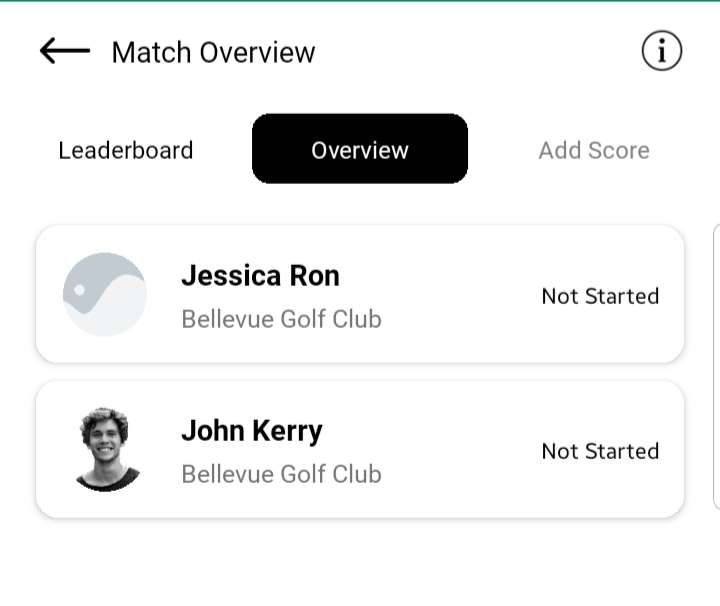
Overview Tab
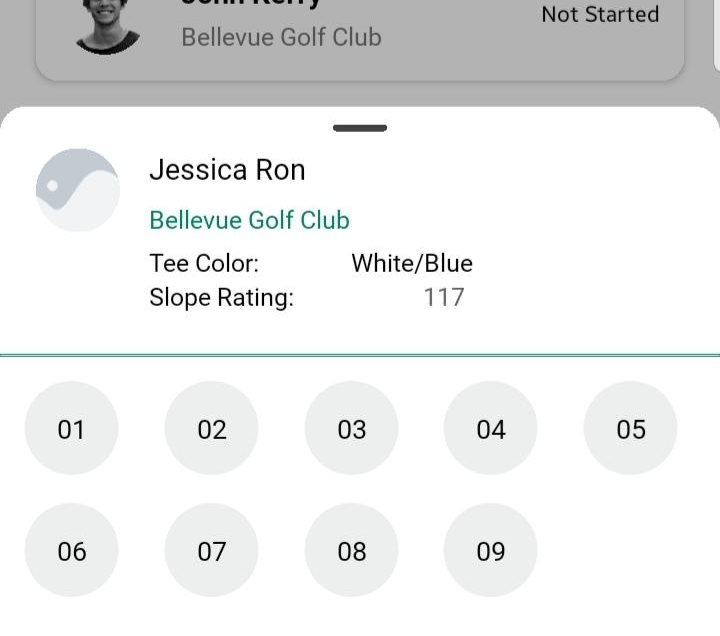
Shows a list of all invited players cards
Each player includes: Player name, Golf course name, Status: Not Started (for all players).
Add Score Tab
- Visible but disabled.
- Prevents any scoring until the official start time.
This state acts as the preparation phase, allowing participants to confirm tournament details, check the player list, and ensure scoring permissions are set before the event begins.