
The Brand Page allows you to explore travel brands inside the app. Each brand presents its services, packages, and contact details in one place. This guide explains how you can interact with a Brand Page as a user.
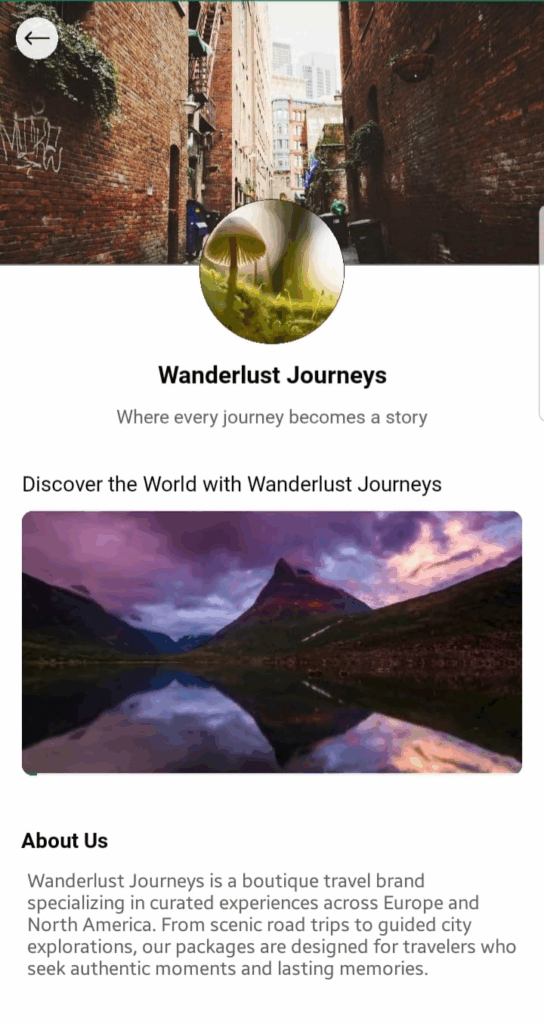
When you open a Brand Page, you will find:
- Cover Photo – A banner image that represents the brand.
- Brand Logo – Displayed as the profile photo of the brand.
- Hero Video & Title – A short introduction video with a headline.
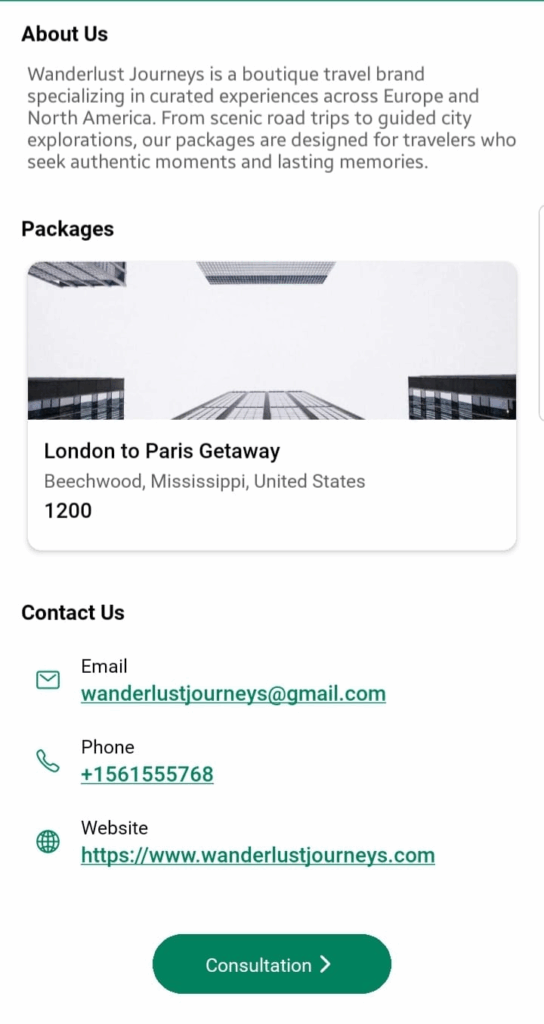
- About Us Section – A description of the brand, its vision, and services.
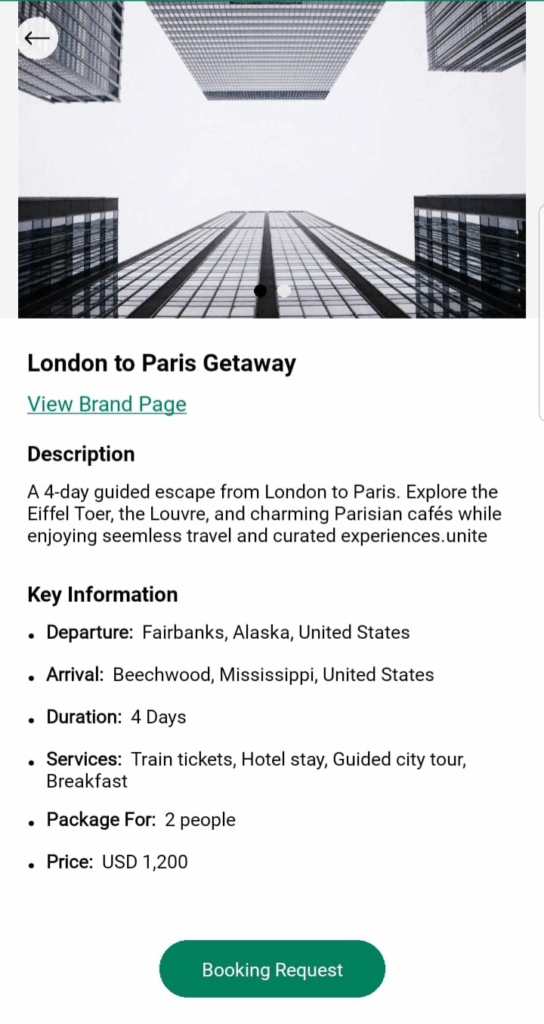
- Packages Section – Packages displayed as cards, showing available trips.
- Contact Us Section – Email, phone number, and website for direct communication.
- Consultation Button – A quick way to send inquiries to the brand.
How to Interact with a Brand Page
- View Packages
- Packages appear as interactive cards with trip details.
- Only users in the departure city or nearby areas will see the packages.
- Watch Hero Video
- Brands may showcase destinations, services, or experiences in a short video.
- Read About Us
- Learn about the brand’s background, specialties, and unique offerings.
- Send a Consultation Request
- Tap the Consultation button to open a form.
- Your name, phone number, and email are pre-filled and locked.
- Enter your query in the text box. Examples:
- “Can you customize this package for a family trip?”
- “Do you have honeymoon packages for Europe?”
- Submit, and the brand will respond to your request.
- Use Contact Options
- Call, email, or visit the brand’s website directly using the details provided.
Best Practices
- Review the About Us section to understand what the brand specializes in.
- Watch the Hero Video to get a quick overview of their services.
- Use the Consultation form for specific requests instead of general browsing.
- Provide clear and complete queries (e.g., mention travel dates, destinations, group size) for faster responses.
- Use the official contact information (email/phone/website) for direct communication.