
The Tournament Details screen offers an in-depth view of any selected tournament, including full leaderboards and player information. This helps users monitor player performance and explore participant details for both current and past events.
How to Access:
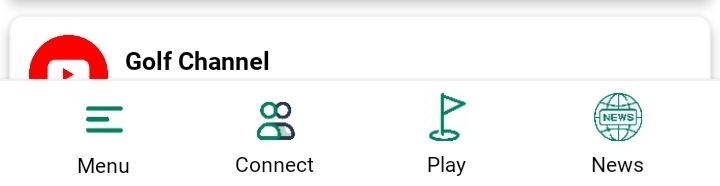
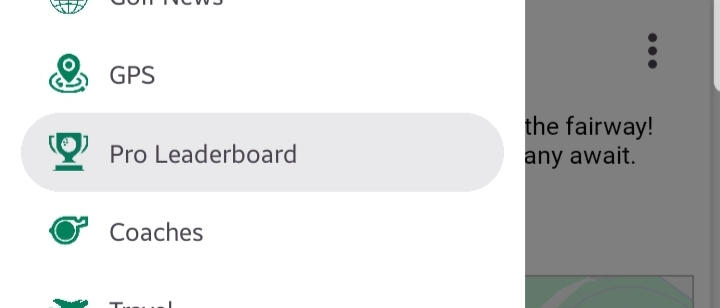
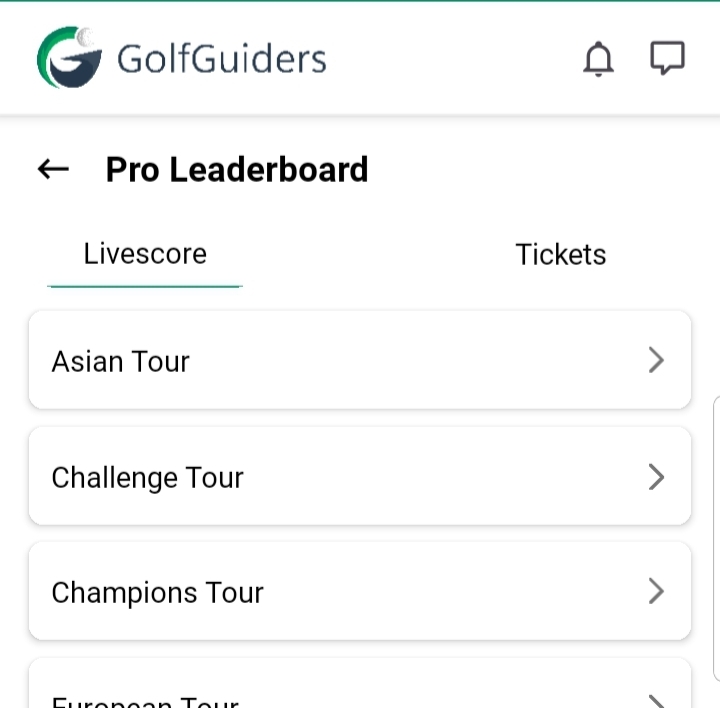
Go toSide Menu > Pro Leaderboard > Live Scores, select a tour, choose a tournament, and tap to open the Tournament Details screen.
The screen is divided into two main tabs:
Leaderboard Tab
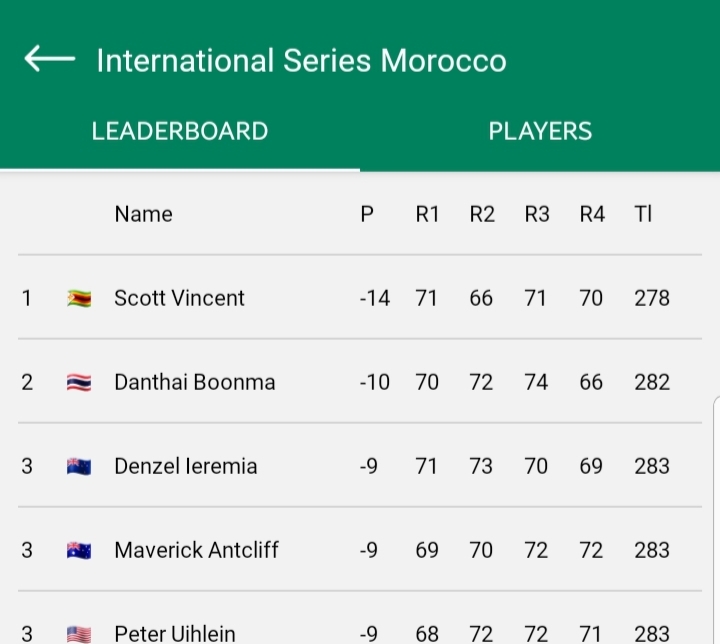
Displays a comprehensive scoreboard of all participating players.
- Metrics Displayed:
P: Player position
R1 – R4: Scores from each round
TI: Total score
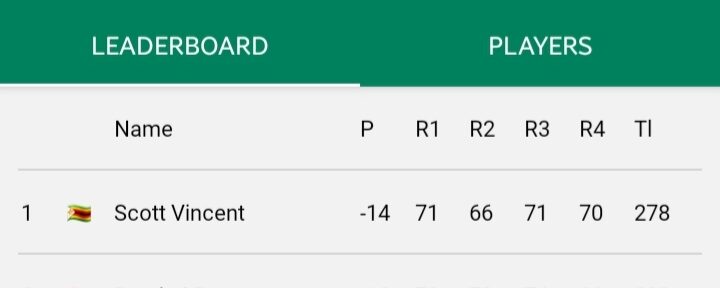
- Interactive Player Cards:
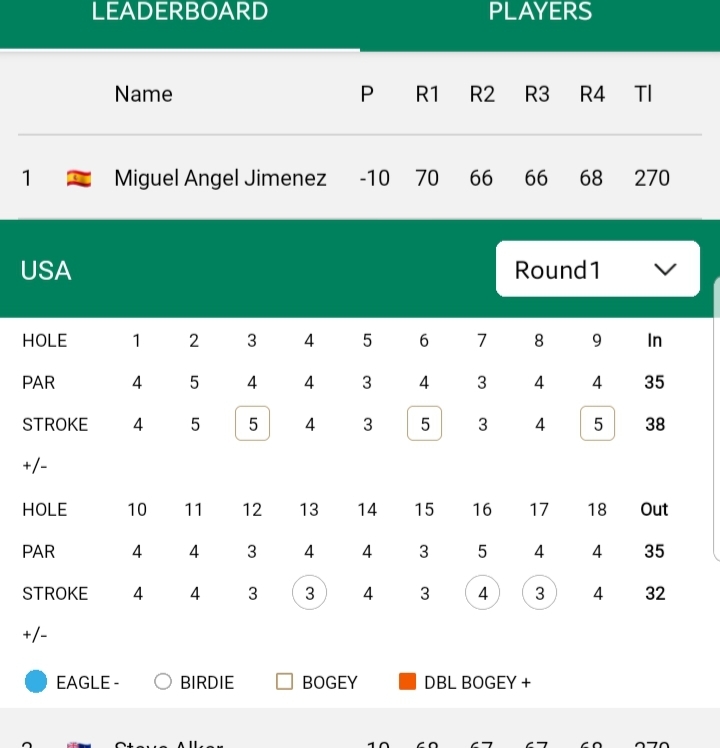
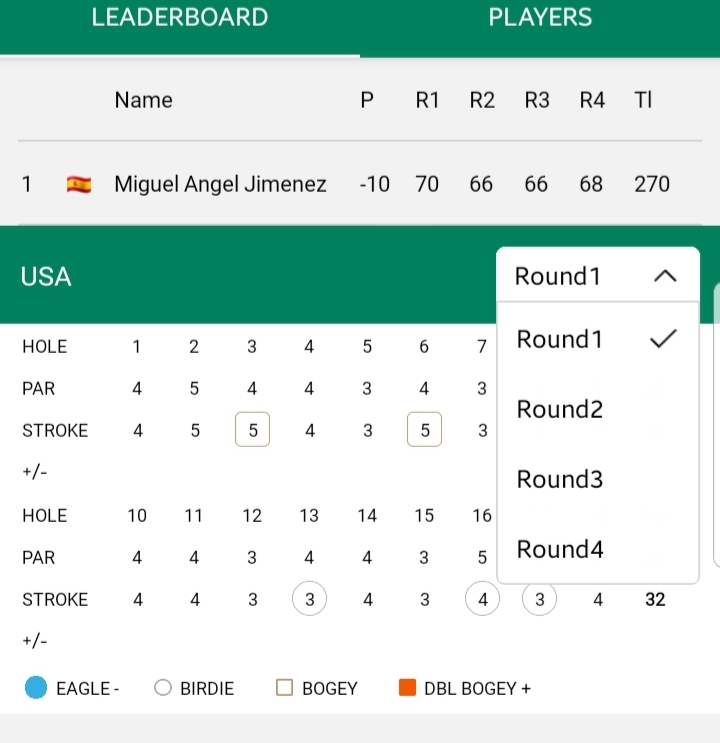
Tapping on a player expands their Round-by-Round Scorecard, allowing you to view individual round performance via a dropdown (Round 1 to Round 4). Tap again to collapse the view.
Players Tab
Presents a list of all players in the tournament.
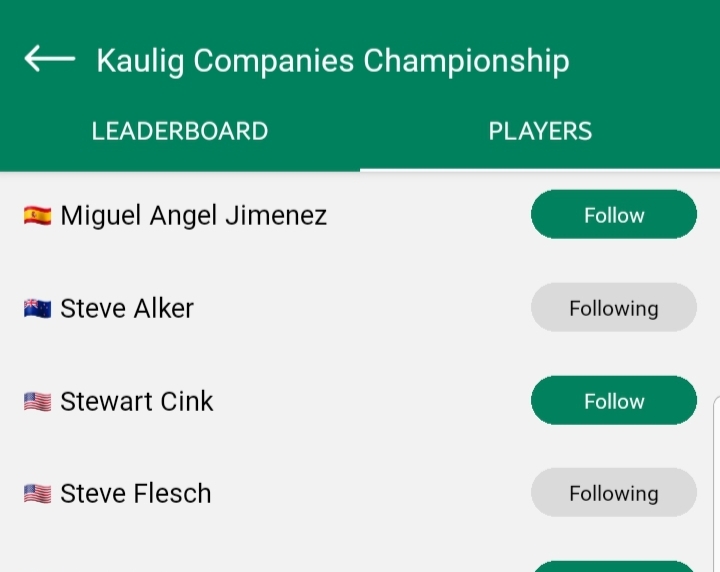
- Details per Player:
- Country Flag
- Full Name
- Follow Button: Instantly follow players to stay updated on their activities across GolfGuiders.
Notes
- The leaderboard updates in real time for ongoing tournaments.
- Following players lets you receive updates or view them easily across the app.
- Historical tournament data is always available for learning and comparison.
Tip: Use the dropdown in player scorecards to analyze specific rounds and strategize if you’re tracking player techniques or performance trends.