
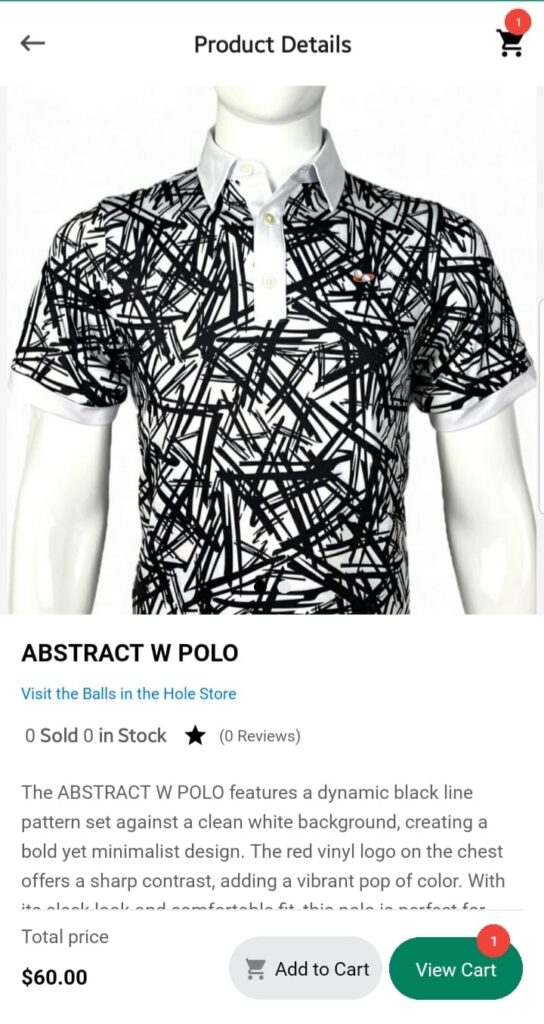
When you tap on any product from the Shop, you’ll be taken to the Product Detail Screen, where you can explore everything about the item before making a purchase decision.
Product Overview
At the top, a carousel slider displays all available product images, auto-playing to give you a visual sense of the item from different angles.
Below the images, key product information is presented:
- Product Title
- Store Name — the vendor selling the product
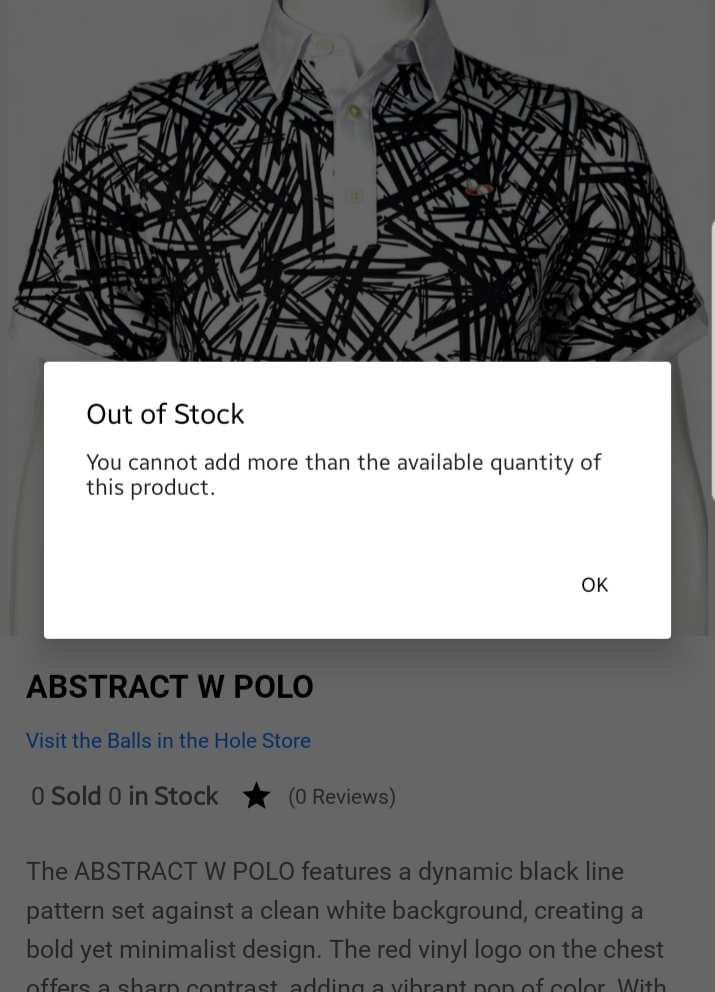
- Stock Status — showing how many units are sold vs remaining (e.g., 20 of 50 in Stock)
- Total Reviews Count
- Long Description — a comprehensive product description detailing features, usage, or specifications.
Customization Options
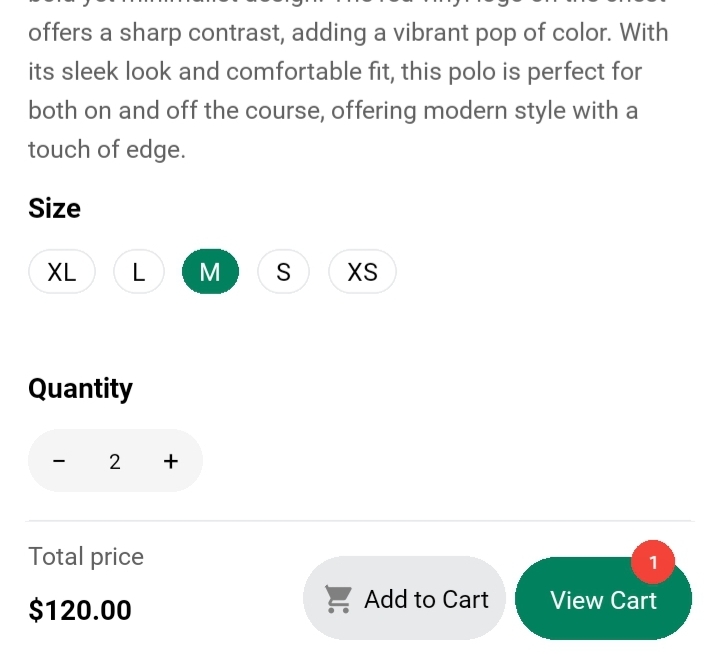
If the product has variants like Size or Color, you’ll see:
- Size Options: Small, Medium, Large, etc.
- Color Choices: Visual swatches or names like Red, Blue, etc.
You can also set:
- Quantity: Specify how many units you want to purchase.
All selections dynamically update the Total Price displayed at the bottom, ensuring you know exactly how much your chosen configuration will cost.
Add to Cart
Once you’ve customized your preferences (size, color, quantity), simply tap the Add to Cart button. This will:
- Add the selected product variant to your Cart.
- Redirect you if your cart was empty to the Cart Screen to review or continue to checkout.
- Or you can just simple tap “View Cart” button.