
If you’ve forgotten your password, you can easily reset it through the GolfGuiders web portal. Follow the steps below to securely regain access to your account.
Step 1: Go to the Login Page
Visit auth.golfguiders.com
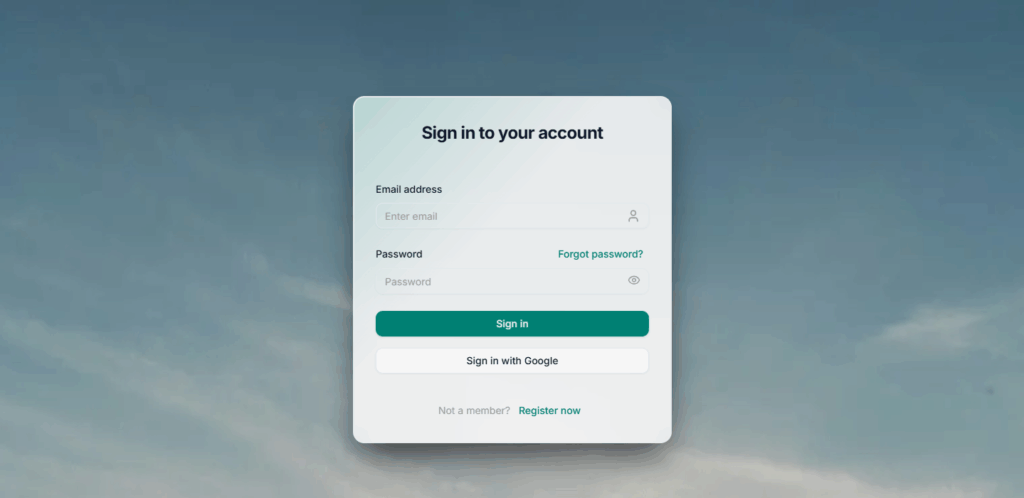
You’ll see the login screen where you can sign in using your email and password.
Click the “Forgot password?” link just below the password field.
Step 2: Request a Reset Code
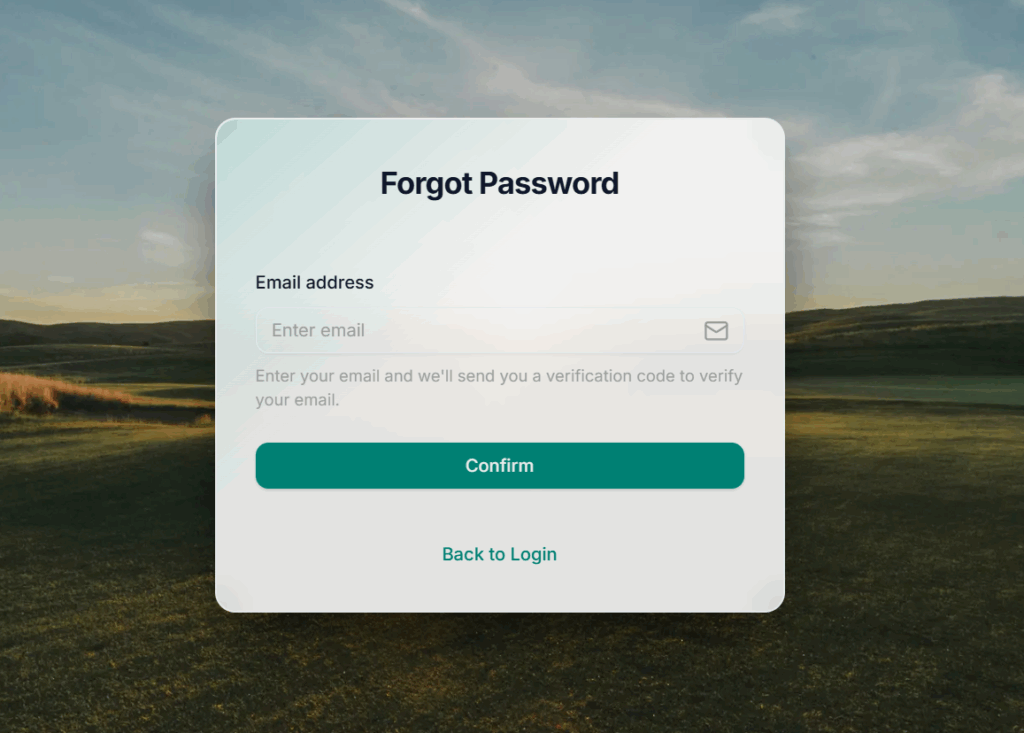
You’ll be redirected to the Forgot Password page.
Enter your registered email address in the input field.
Click Confirm.
GolfGuiders will send you a verification code (OTP) via:
Email, and
SMS (if your phone number is linked to your account)
Step 3: Verify Your Identity
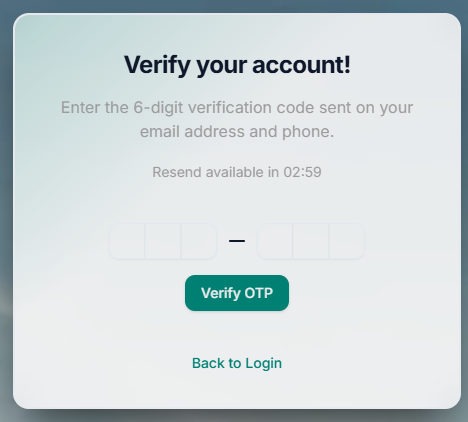
Check yo6ur email (and SMS if applicable) for the OTP code.
Enter the code in the verification field on the OTP screen.
Click Verify to continue.
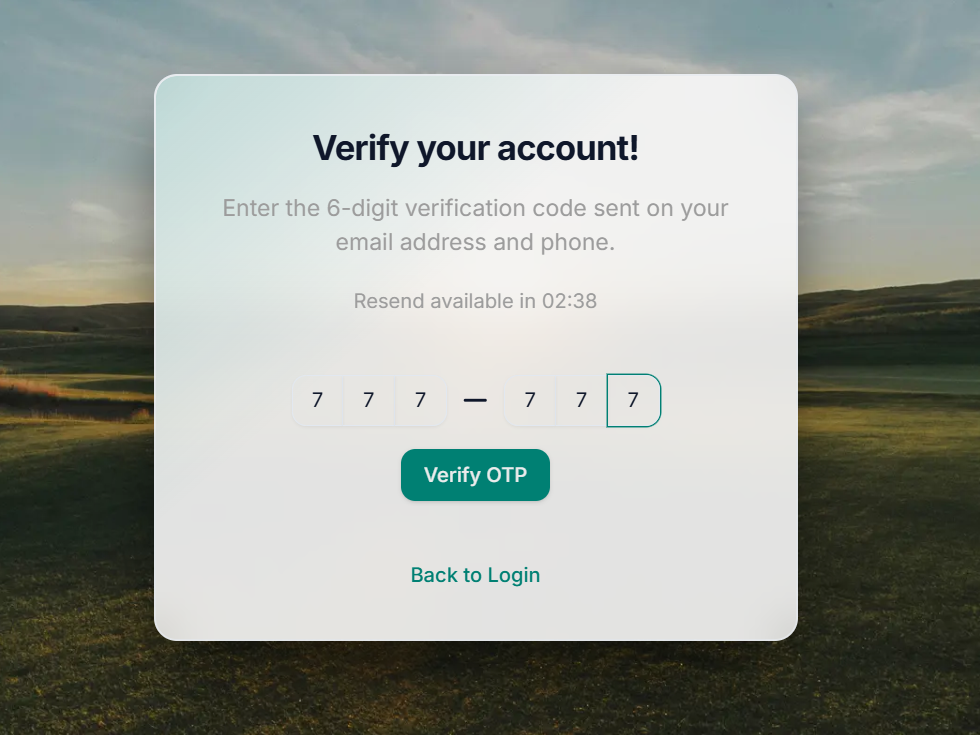
This step ensures that only you can access and reset your account password.
Step 4: Set a New Password
Once verified, you’ll be taken to the Reset Password screen.
Enter a new secure password.
Confirm the password in the second field.
Click Update to complete the process.
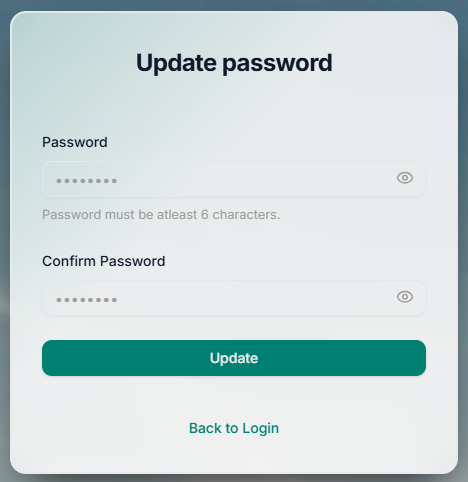
After this, you can return to the login page and access your account with your new credentials.
Tips for a Strong Password
- Use at least 8 characters
- Include upper and lower case letters
- Add numbers and symbols for better security