
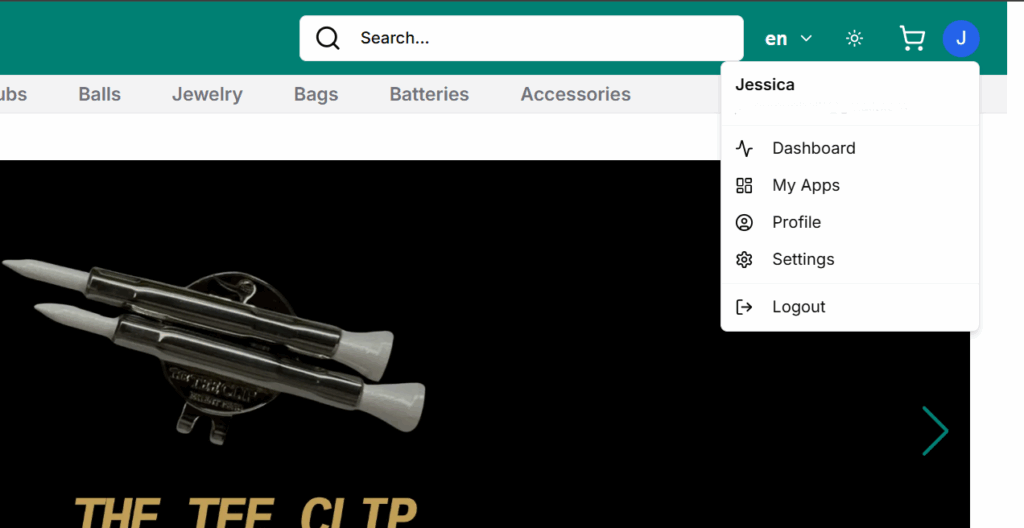
Once a user logs in and is not recognized as a store owner, they are redirected to their Customer Panel when they tap on their avatar and select Dashboard.
This panel is designed for buyers to easily access and manage their personal activity on the platform.
Access
Tap on your avatar and from dropdown > Dashboard to access your account and settings
The Dashboard (titled Your Account) includes:
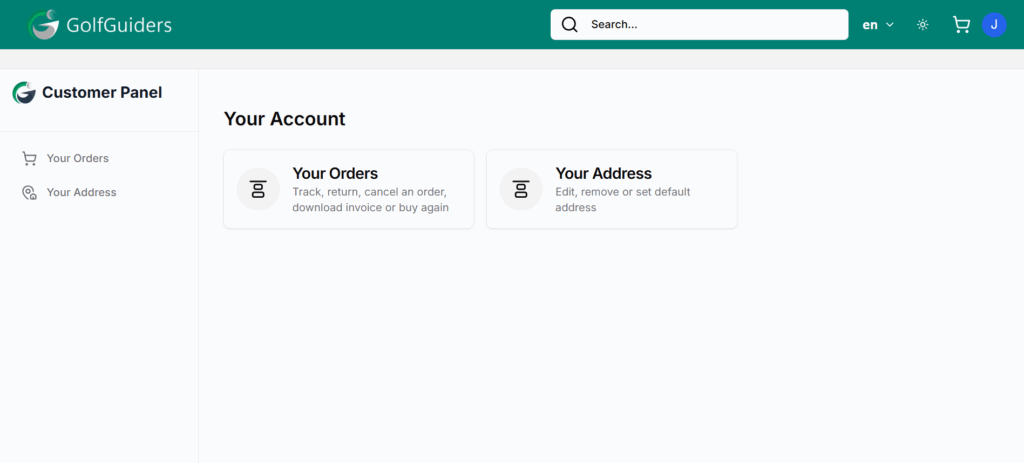
- Two clickable cards:
- My Orders: Takes the user to their order history and tracking page.
- My Addresses: Opens the user’s saved address management screen.
This section serves as a quick access point for customers to manage their purchases and shipping preferences.
Want to Open a Store?
If the user is interested in becoming a seller, they should follow the Onboarding documentation to start their store setup.