
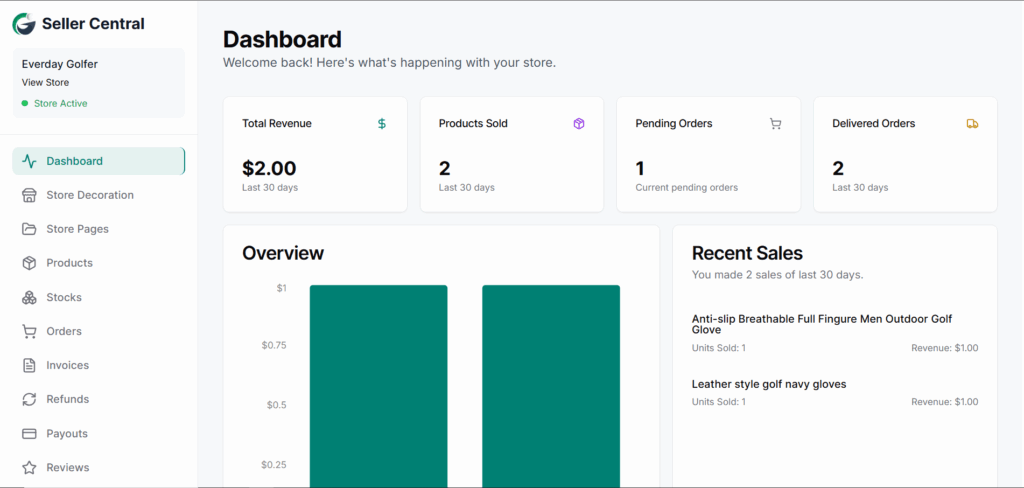
Seller Central is the dedicated backend interface for store owners to manage their store in GolfGuiders. From product listings to customer insights, all operational tools are accessible here.
Left panel: Navigation (Seller actions)
Right panel: Main content area (Active tab panel)
Access:
To access Seller Central:
- Visit 👉 store.golfguiders.com.
- Sign in using your store credentials from the public store’s navigation.
- Once signed in, if your store is fully set up, the Seller Central side menu will be visible.
- If not, you’ll be redirected to store with Customer Panel.
📄 New Store?
If you haven’t set up your store yet, start with the Onboarding Documentation to complete your initial configuration.
Available Modules:
- Dashboard
- Products
- Orders
- …and more (detailed in upcoming modules)