
The Payouts page enables sellers to monitor and manage all payments received from orders. It is organized into summary cards, time-based filters, tabbed views (Pending & Completed), a search bar, and a detailed data table with drawer-based detail view.
Summary Cards
- Pending Payouts
- Shows the total amount that is yet to be paid to the seller.
- Updates automatically as orders are processed and shift from pending to completed.
- Completed
- Displays the total amount that has already been transferred to the seller.
💡 These cards offer a quick financial snapshot to help the seller track earnings at a glance.
Date Filters
Both dropdowns work together to refine the list and are useful for monthly earnings reports or tax tracking.
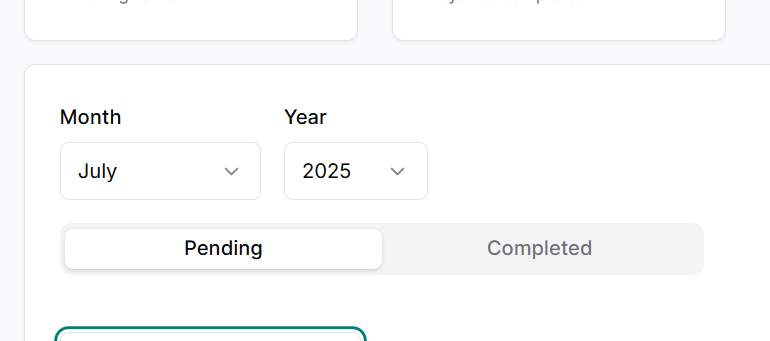
- Month Dropdown
- Allows the seller to filter payouts based on the selected month.
- Year Dropdown
- Allows filtering of payout records by a specific year.
Tabs (Below Filter)
- Pending Tab
- Lists all payouts that are in process and not yet credited.
- Completed Tab
- Shows payouts that have been successfully credited to the seller.
📌 Switching tabs dynamically updates the payout list accordingly.
Search Bar
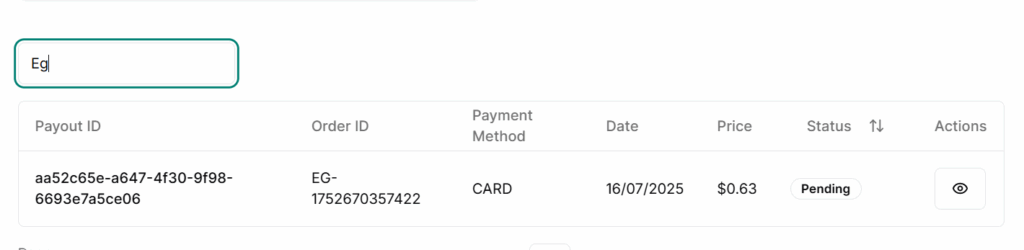
- Positioned above the table for quick access.
- Enables searching by:
- Product ID
- Order ID
🔍 Helps the seller find specific payout transactions quickly without scrolling.
Payouts
Each row in the table displays:
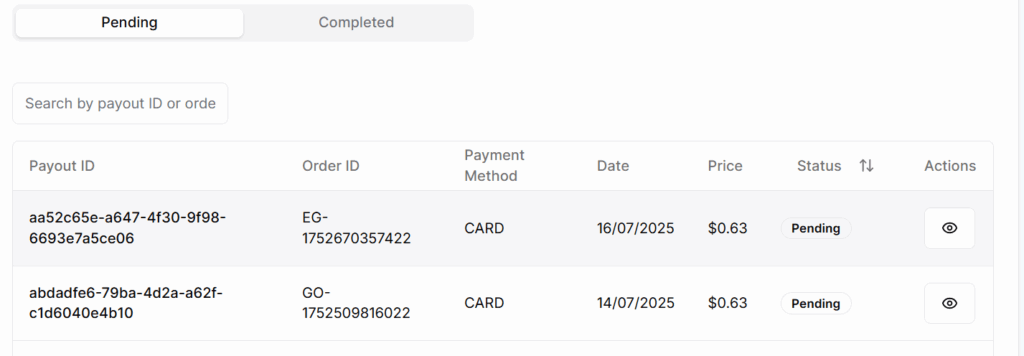
- Payout ID → Unique identifier for each payout transaction.
- Order ID → The specific order related to the payout.
- Payment Method → Shows how the payout will be sent or was sent (e.g., Bank Transfer, Wallet).
- Date → The transaction date or scheduled payout date.
- Price → The payout amount.
- Status → Indicates if the payout is Pending or Completed.
- Action → An eye icon that opens a right-side drawer with full payout details.
Payout Drawer Details
On clicking the eye icon a drawer slides in from the right and it contains full payout details including:
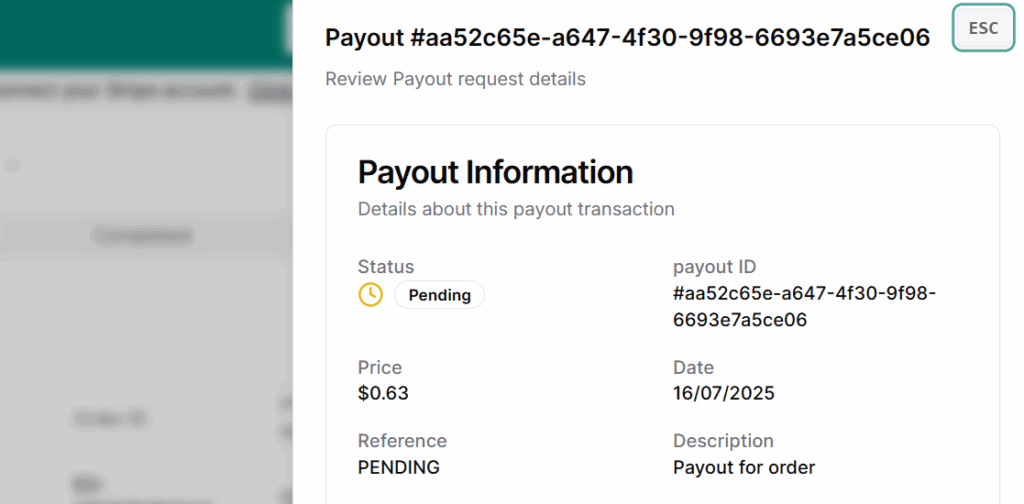
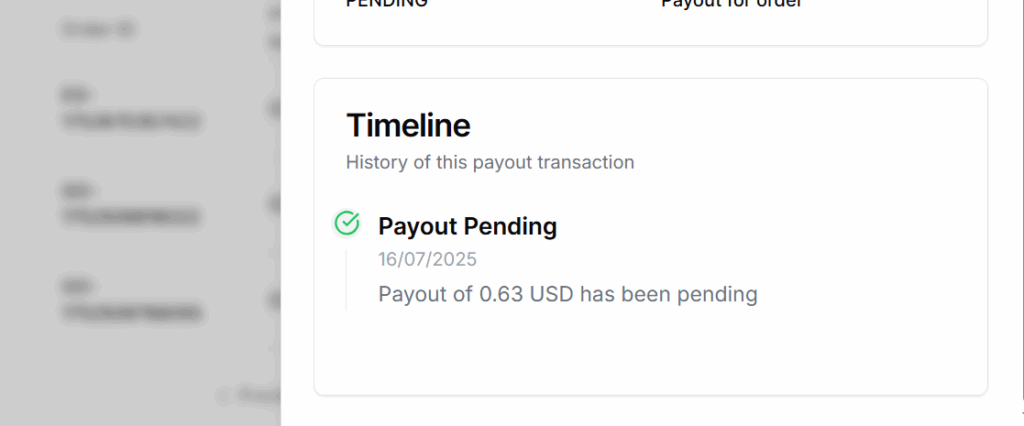
- Payout ID
- Order ID
- Product Name (optional)
- Buyer Info (optional)
- Platform Fee (if any)
- Net Amount
- Payment Method
- Payment Status
- Transaction Reference
📝 This drawer provides clarity for every payout without navigating away from the main page.
Best Practices
- Track Regularly: Monitor pending and completed payouts weekly to catch any missing payments.
- Verify Payment Method: Ensure your bank/wallet details are updated to avoid payout failures.
- Check Status Before Raising Issues: Confirm payout is actually delayed (not in processing) before contacting support.
- Reconcile with Orders: Match payout entries with related order IDs for full transparency.
- Export Data Monthly: Download or export payout data for bookkeeping and tax filing.