
The Stocks module provides a complete overview of your store’s inventory in a structured tabular format. This includes both simple and variation-based products, enabling efficient stock management and updates.
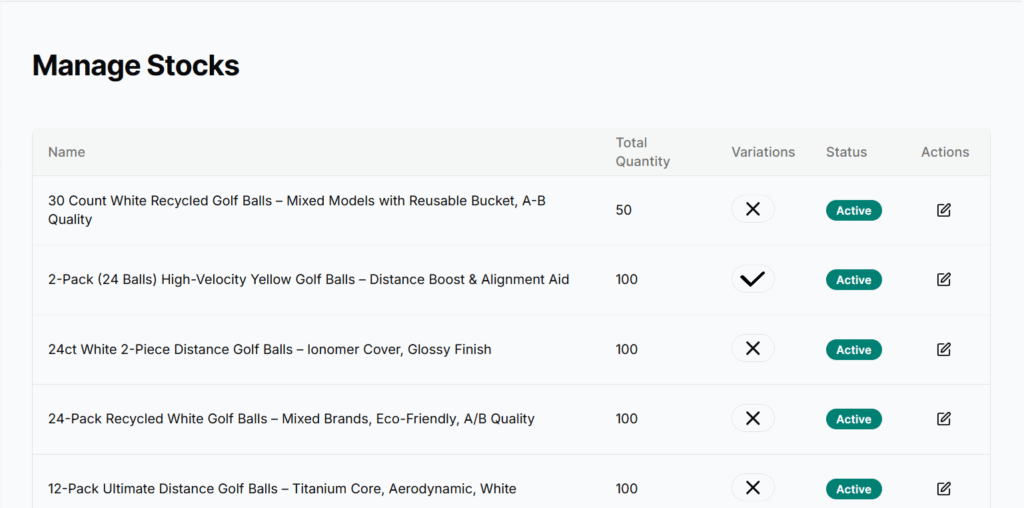
Each row in the table includes the following columns:
- Name – The name of the product.
- Quantity – Displays the total available quantity of the product or its variations.
- Has Variations – Indicates whether the product includes variations (✔ for yes, ✘ for no).
- Status – Shows the current status of the product (Active / Inactive).
- Actions – A pencil icon is available for each product to update stock-related information.
Update Stock (Edit Drawer)
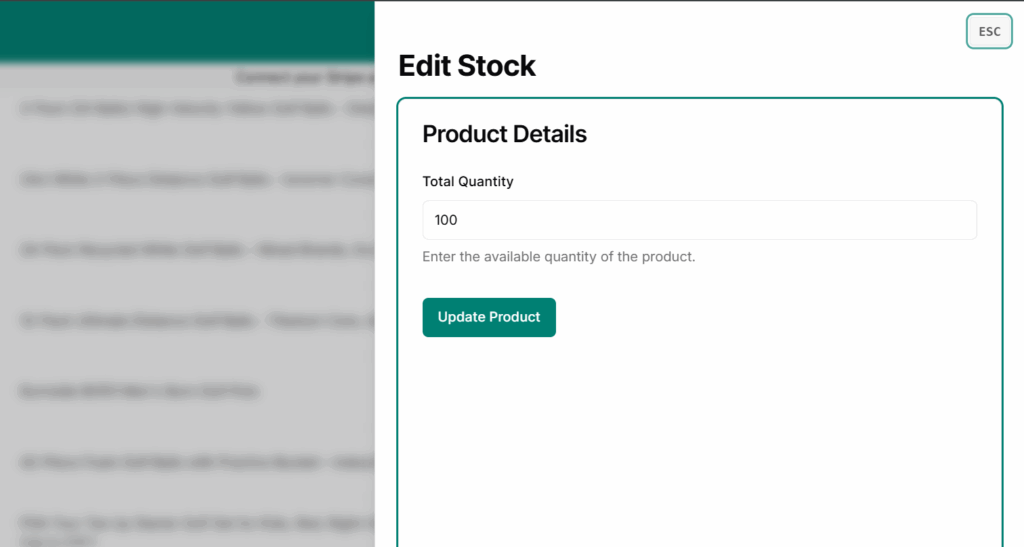
Tapping the pencil icon opens the Edit Stock drawer, where you can view and manage product quantity and status:
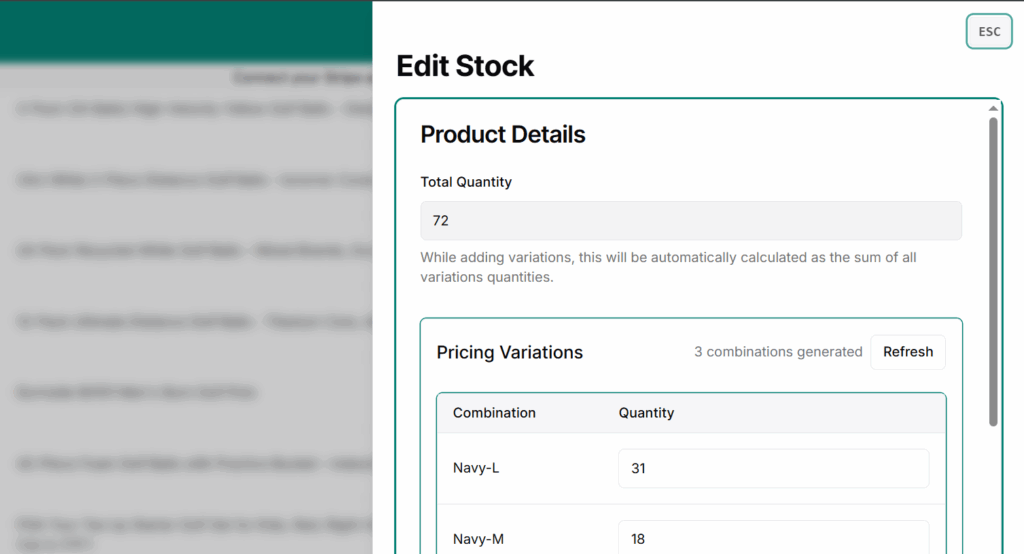
- If the product has variations, each variation is listed with:
- Its name or title
- An individual quantity input field
After making changes, tapping Update Product saves the changes.
If the product has no variations, a single quantity field appears for you to update and save it
If the product has variations, each variation is listed with:
– Its name or title
– An individual quantity input field
Notes
- Products with zero quantity remain listed but are considered out of stock unless manually marked inactive.
- For variation-based products, the total quantity is not shown in the table — manage quantity per variation via the edit drawer.
- If all variations are inactive, the main product will also not be shown in the store.
Best Practices
- Regularly update stock after sales, returns, or manual changes to avoid customer issues.
- Use “Inactive” status for temporarily unavailable products instead of deleting them. Learn to update status.
- Keep variation statuses aligned — don’t leave only 1 active variation unless intended.